Artec Leo
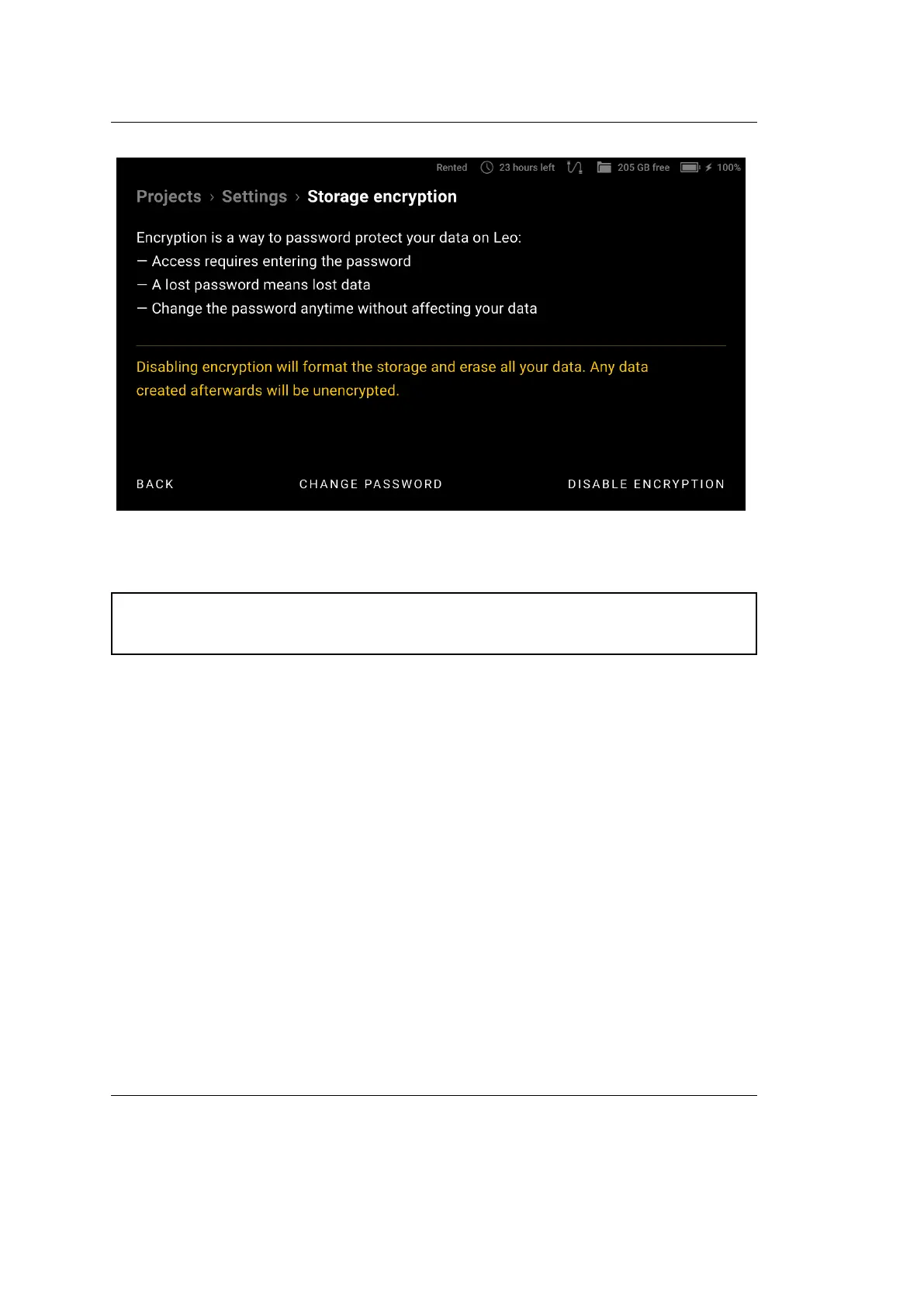
Figure 33: Disabling encryption.
Attention: This password will be required every time you turn on your Leo,
so be sure to remember or write it down.
4.2.3.2 PIN Code
You can enhance the security of your device and data by setting a 4-digit unlock
PIN Code. Every time Leo screen gets locked, you need to enter this PIN Code
to unlock it. To enable unlock with a PIN Code, follow these steps:
1. Select Settings → Scanner → Advanced → PIN Code.
2. Turn on the Unlock LEO with PIN Code toggle.
3. On the next screen, set up your 4-digit numerical PIN Code and conrm.
If you need help to remember your PIN Code, you can also set up a :
Code hint
.
To change your current PIN Code, tap on Change code, enter a new PIN
Code and conrm it.
To remove your current PIN Code, tap on Remove code and conrm it.
4.2. Scanner 59



 To Next Page