Artec Leo
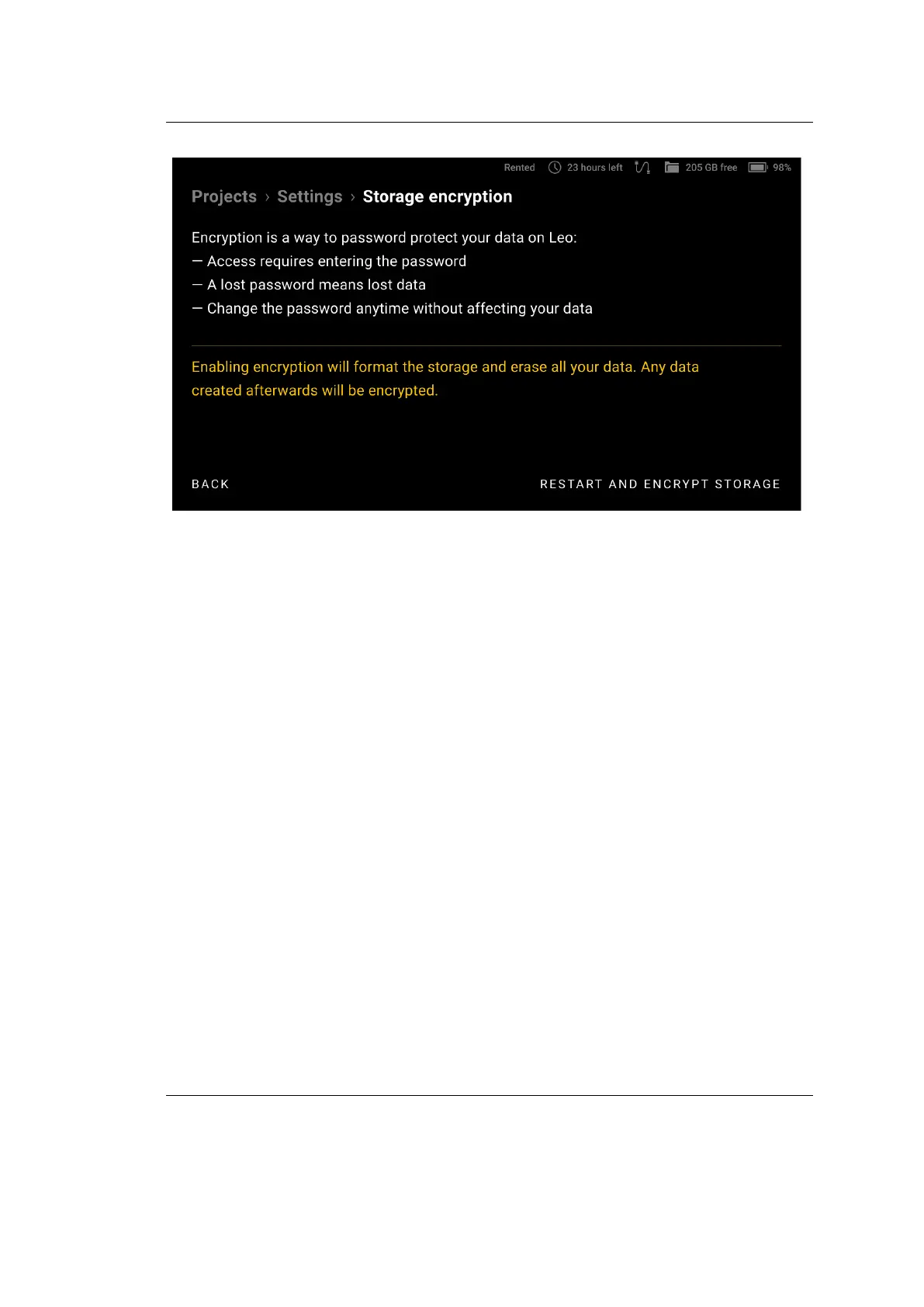
Figure 32: Enabling encryption.
After this, the process of storage encrypting will start. During encrypting the
progress bar will be displayed as well as the estimate of the remaining time.
To disable the storage encryption, follow these steps:
1. Select Settings → Scanner → Advanced → Storage Encryption.
2. Tap Disable Encryption in the lower-right corner.
After this, the process of disabling the storage encryption will start.
To change the password for the storage, follow these steps:
1. Select Settings → Scanner → Advanced → Storage Encryption.
2. Tap Change password at the bottom of the screen.
3. Enter the current encryption password.
4. On the next screens, enter a new encryption password and then conrm it.
The storage encryption password will be changed without aecting your stored
data.
58 Chapter 4. Settings



 To Next Page