Artec Leo
2.2.1.1 Resume Scanning
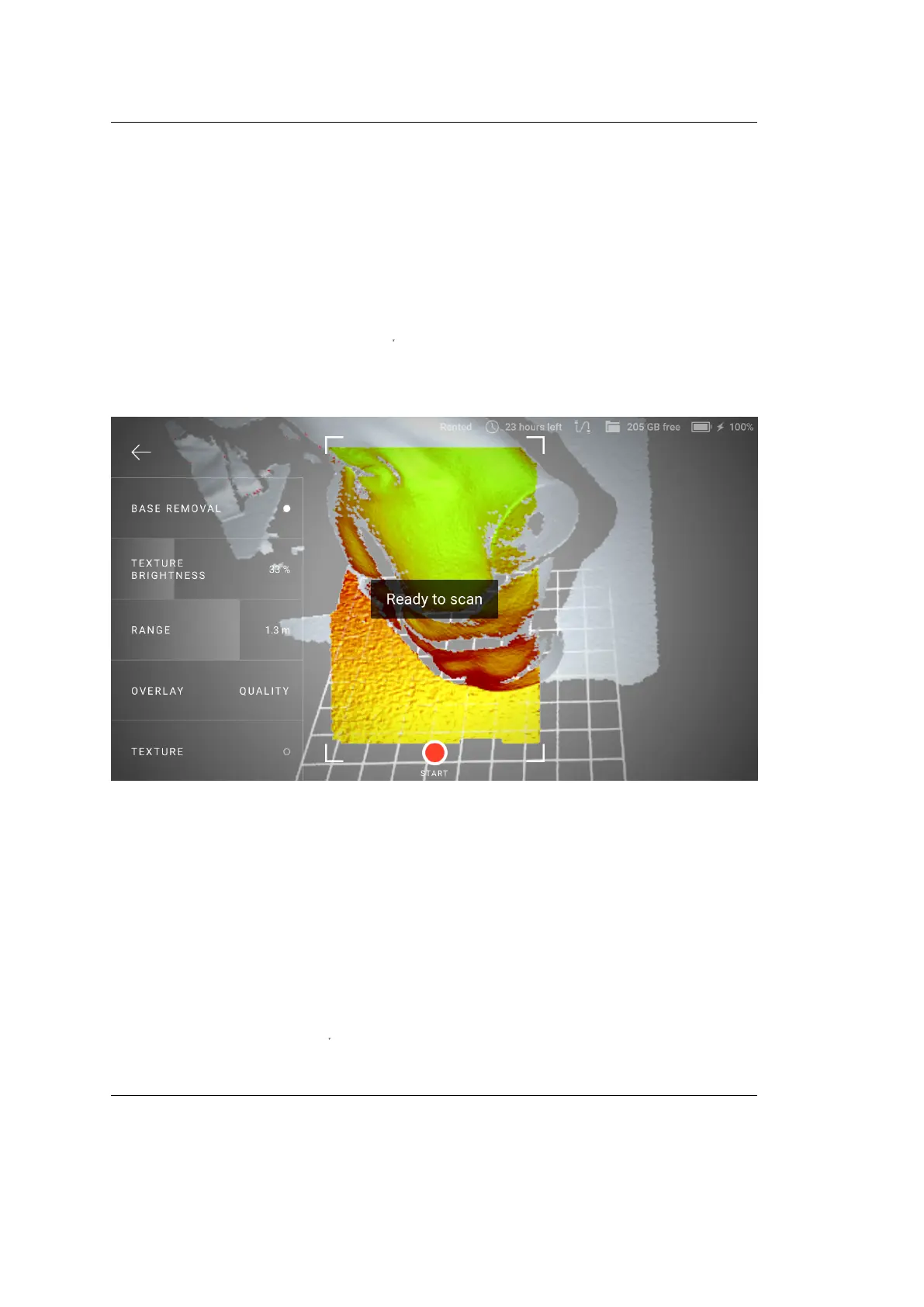
To resume scanning,
1. Direct the scanner at a region you’ve already captured, maintaining the
original scanner orientation toward this region.
2. If Leo recognizes the region, it will display the Ready to scan message and
correctly orient the scene on the screen.
3. Press the start/stop button
file:///C:/Users/admin/ld/_build/latex/red_but.svg
to continue recording. Leo will continue
recording data in a new addition.
Figure 4: Leo has recognized the region and is ready to continue scanning.
Alternatively, you can enable Leo to automatically continue scanning after tracking
is lost and restored. To enable this:
1. Go to Settings → Scanner → Scanning
2. Turn on the Continue scanning once tracking is restored toggle.
This setting allows the scanner to automatically continue recording data, after you
bring the scanner back to a recognizable region (i.e., after tracking is restored).
You don’t have to to press
file:///C:/Users/admin/ld/_build/latex/red_but.svg
for conrmation.
2.2. Scan 17



 To Next Page