Artec Leo
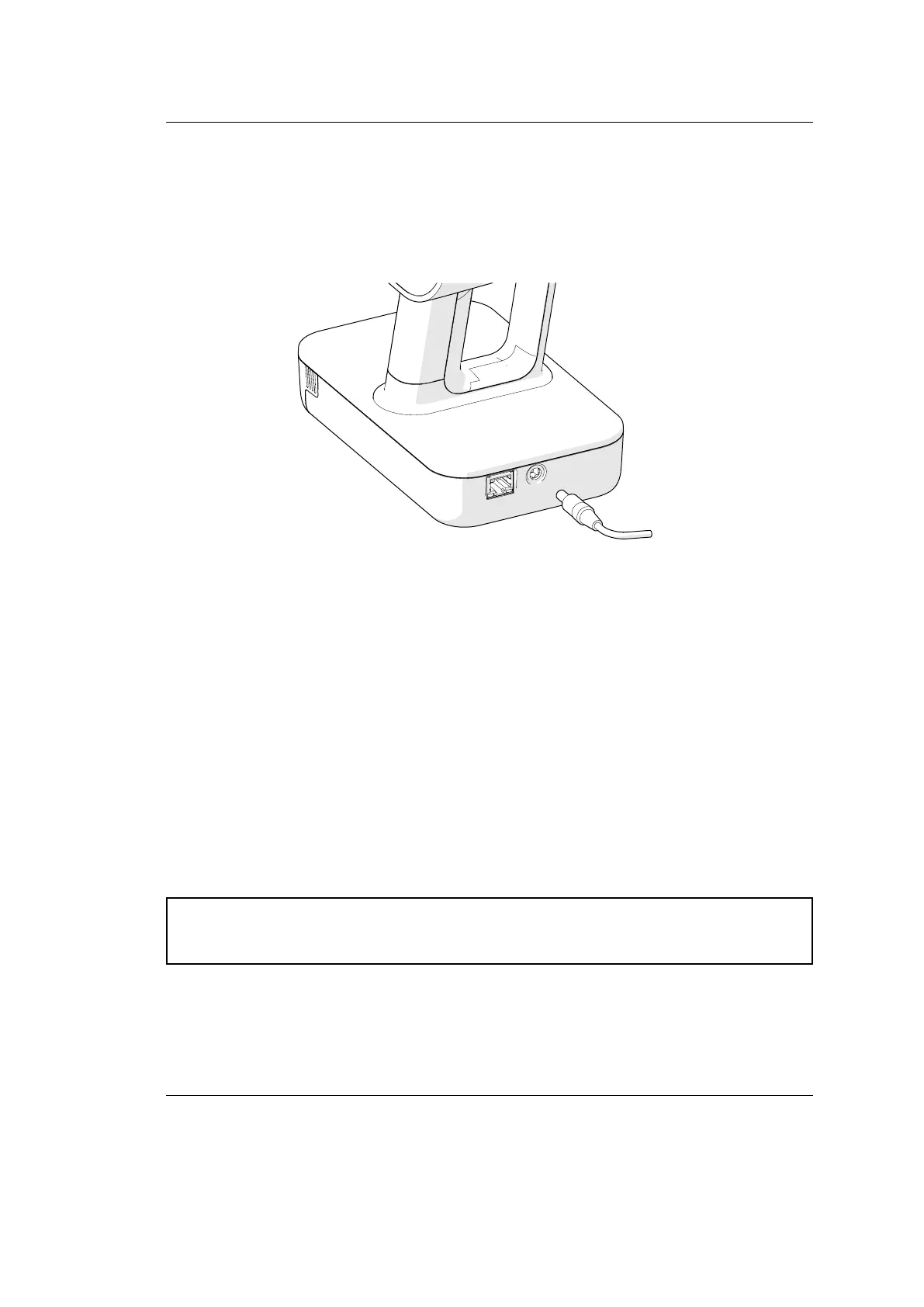
1.1.1 Plug In Power Adapter
1. Get familiar with the safety recommendations.
2. Plug the Leo DC-cable into the round port on scanner base.
file:///C:/Users/admin/ld/_build/latex/le_setup_charge.svg
Caution: Never use DC cables and adapters designed for other Artec scanners
(Eva, Spider, etc.)
3. Connect the power cord to the power adapter.
4. Plug the power cord into the power outlet.
6 Chapter 1. First Steps with Leo



 To Next Page