Artec Leo
4.2.3 Advanced Settings
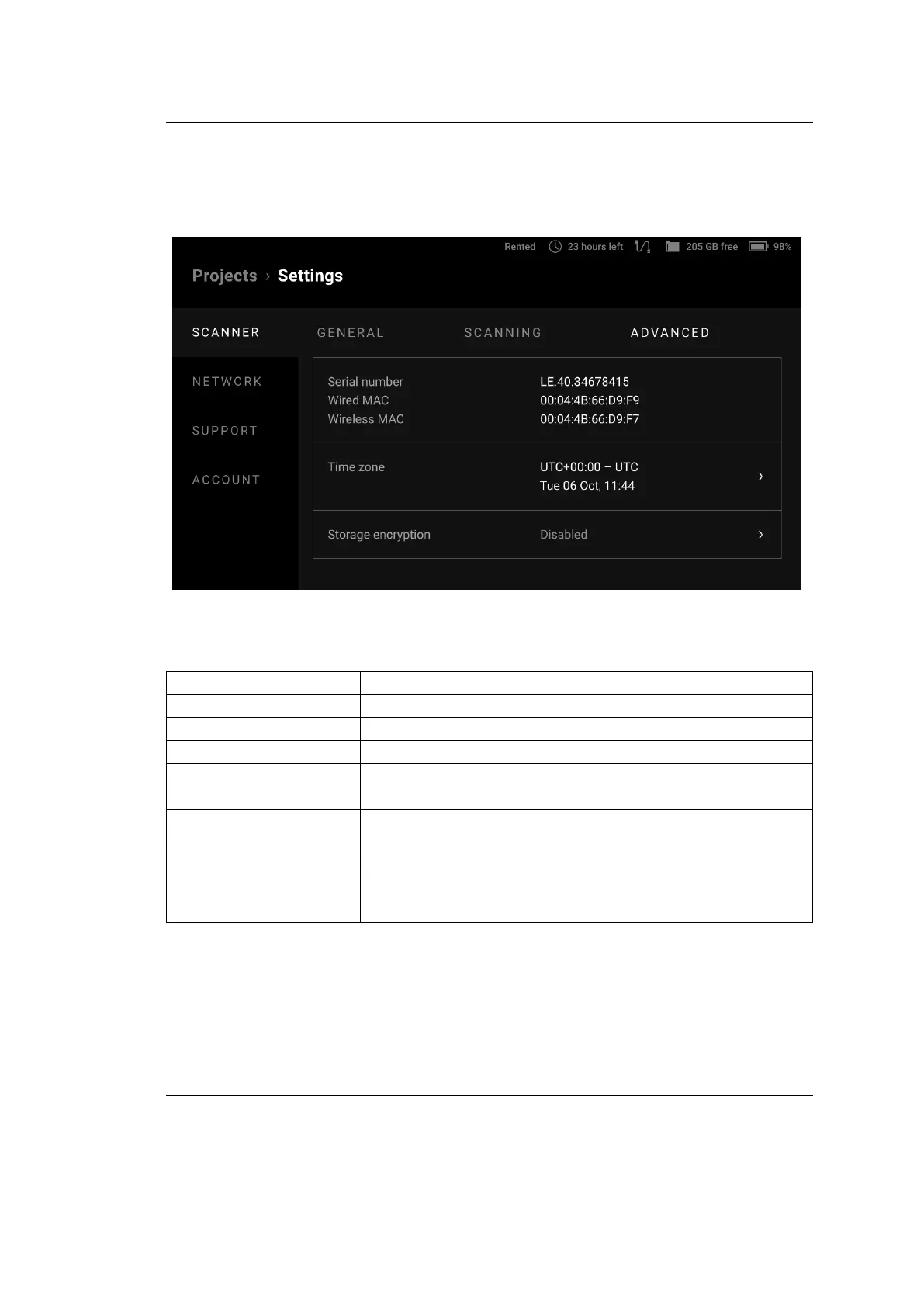
The Advanced tab shows miscellaneous parameters:
Figure 31: Advanced ← Scanner ← Settings.
Parameter Description
Serial number Shows the serial number of the scanner
Wired MAC Displays the MAC address of the Ethernet adapter
Wireless MAC Shows the MAC address of the Wi-Fi adapter
Time zone Displays the current date and time and allows you to
select the required time zone.
Storage encryption Shows the status of storage encryption (see Storage En-
cryption)
PIN code Allows you to set a 4-digit PIN code to unlock Leo.
This enhances the Auto-Lock feature by providing bet-
ter security. More information here PIN Code .
56 Chapter 4. Settings



 To Next Page