Artec Leo
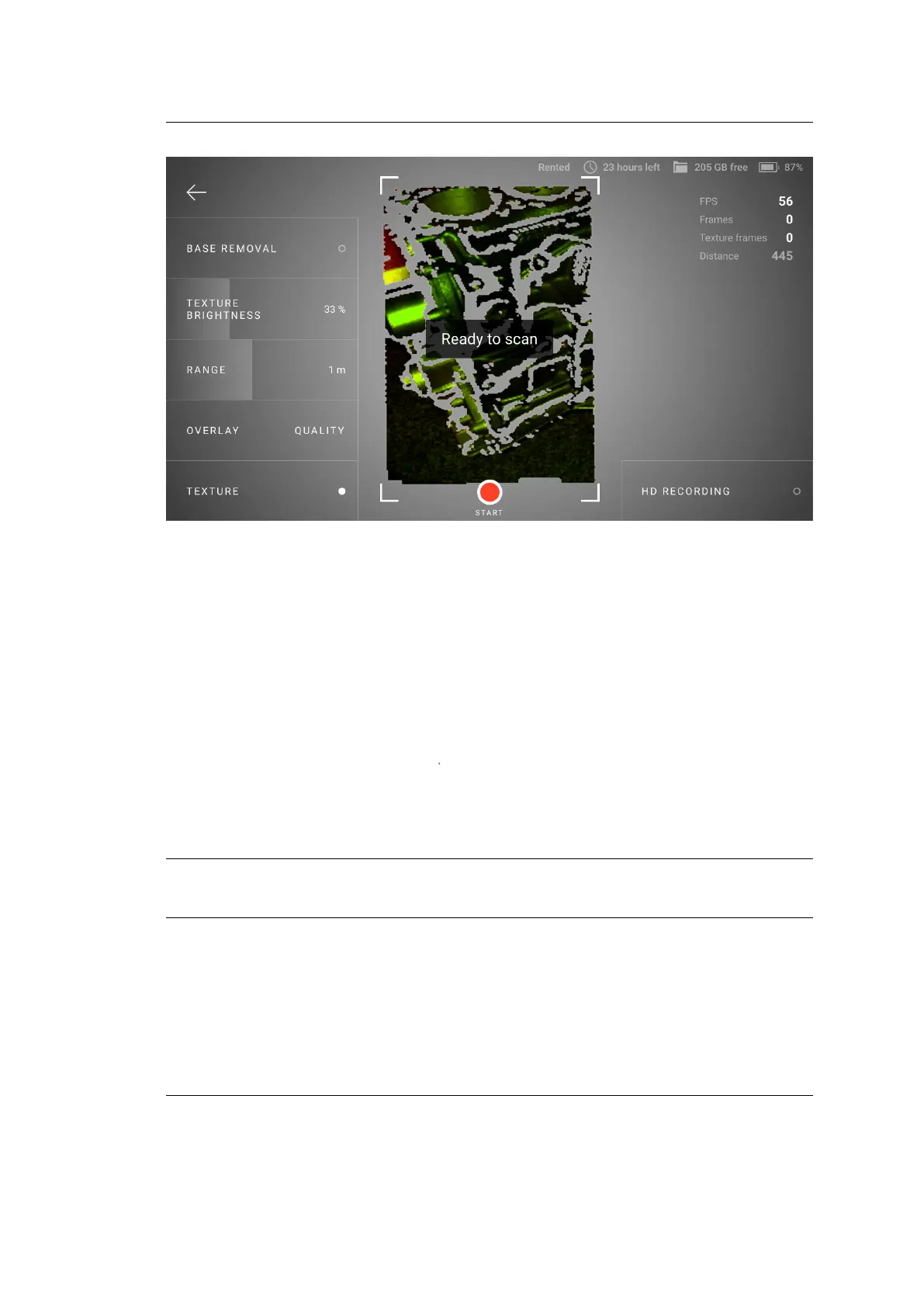
Figure 5: The HD recording button on the Scan screen.
Then you perform the scanning as usual. After you nish, you will see the HD
label in the upper-right corner of your project preview image.
2.3.2 Texture
If you want to see texture while scanning,
1. Press the start/stop button
file:///C:/Users/admin/ld/_build/latex/red_but.svg
to start Preview.
2. Ensure that Texture mode is activated.
Note: During scan, Leo displays texture blended with quality overlay. To observe
pure texture, stop scanning.
20 Chapter 2. Scan



 To Next Page