Artec Leo
project name will be divided into subgroups of scans (see here about grouping in
Workspace panel).
3.10.2 Use microSD card
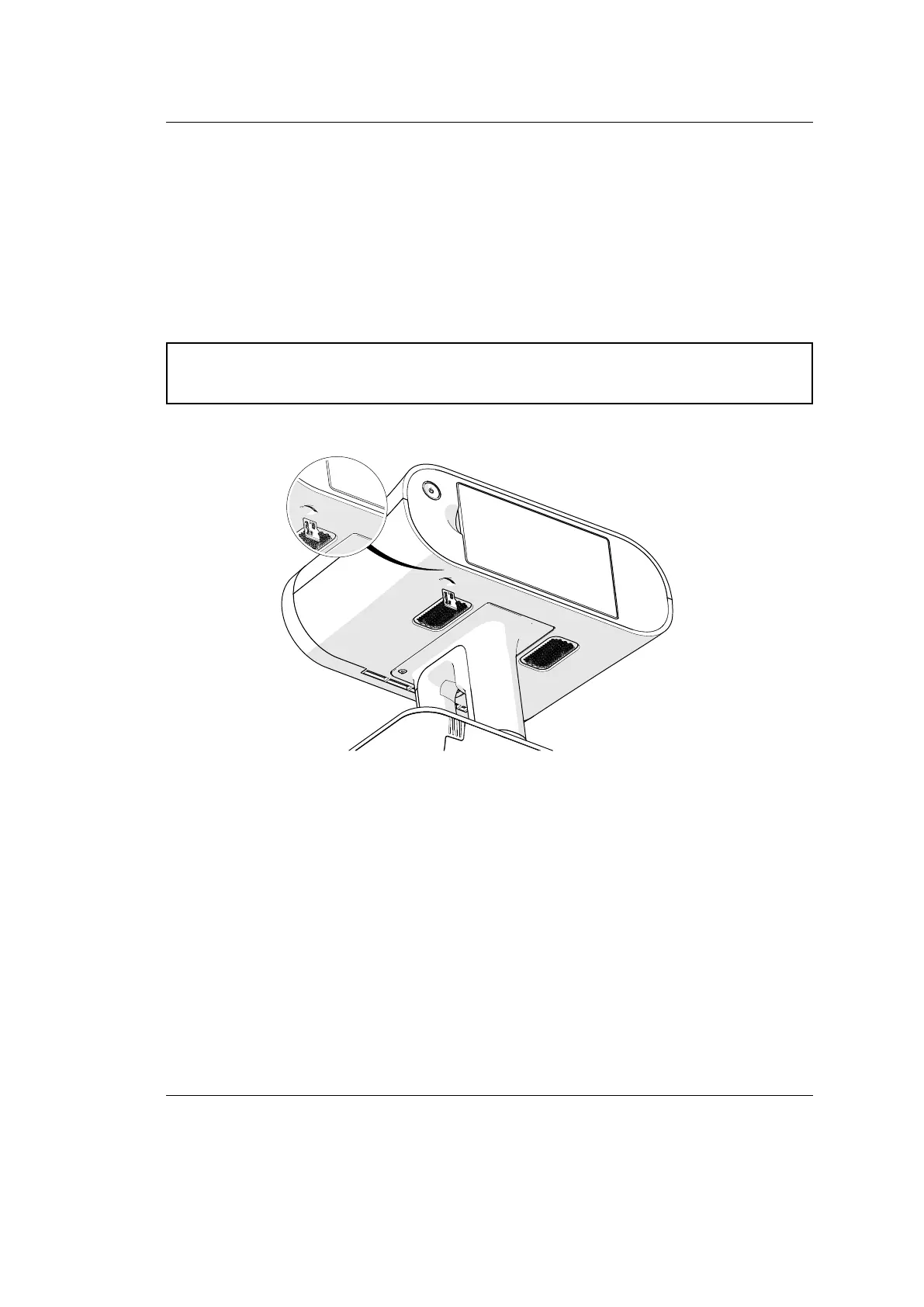
In order to process 3D data from Artec Leo, rst insert a microSD card into Leo.
Then perform the following actions:
Caution: Strictly follow the instructions given in the MicroSD Memory Card
section.
file:///C:/Users/admin/ld/_build/latex/microsd.svg
1. Copy data from device’s internal storage to SD card.
40 Chapter 3. Projects and Scans



 To Next Page