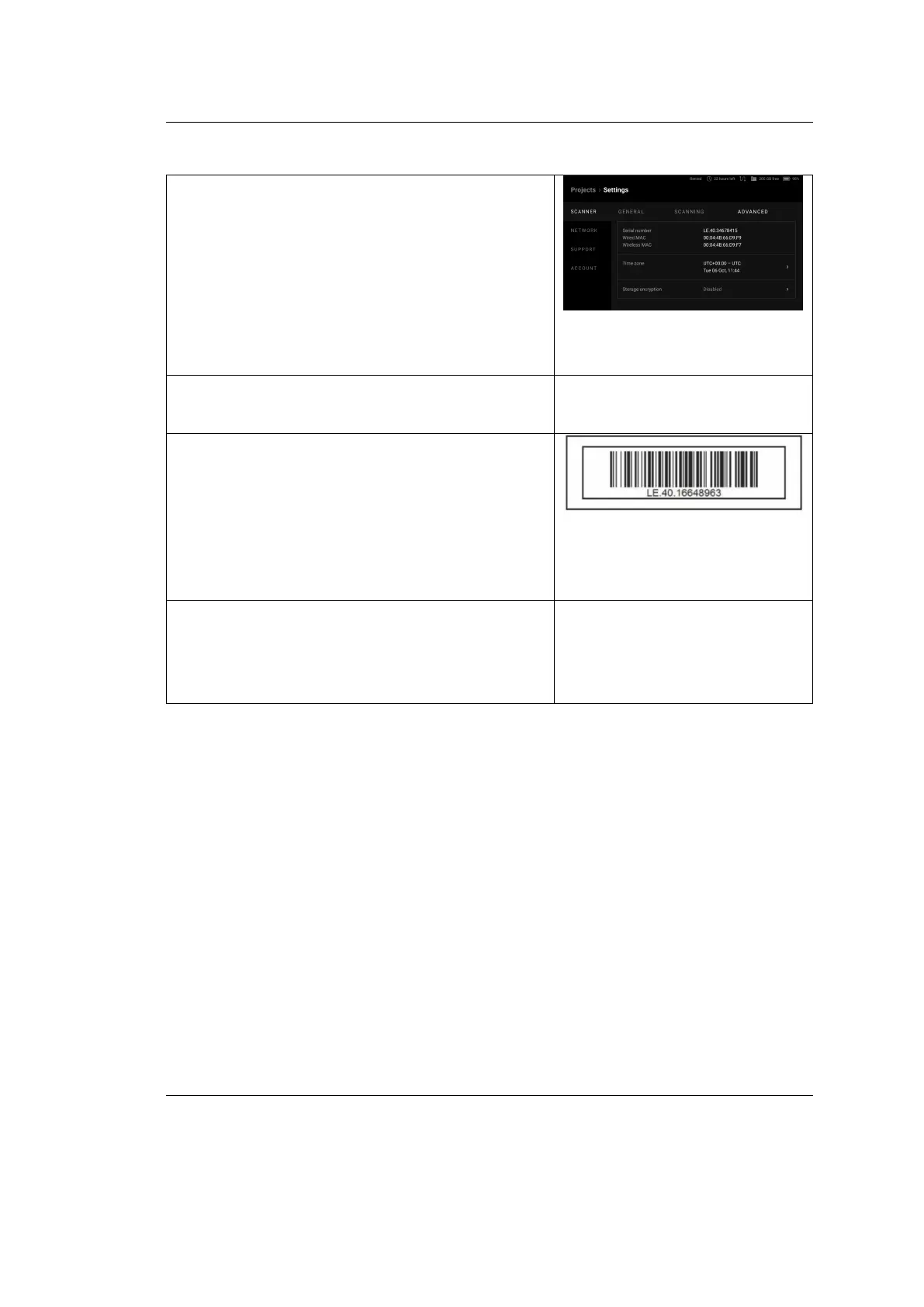
Artec Leo
• In the Project screen, tap Settings →
Scanner → Advanced
• Access my.artec3d → Scanners section
• Look at the bottom of the battery hous-
ing or retrieve the serial number sticker
from the envelope
• Detach the scanner handle using the hex
key (2 mm) and locate the serial number
in the attaching point.
108 Chapter 8. Get Support



 To Previous Page