Artec Leo
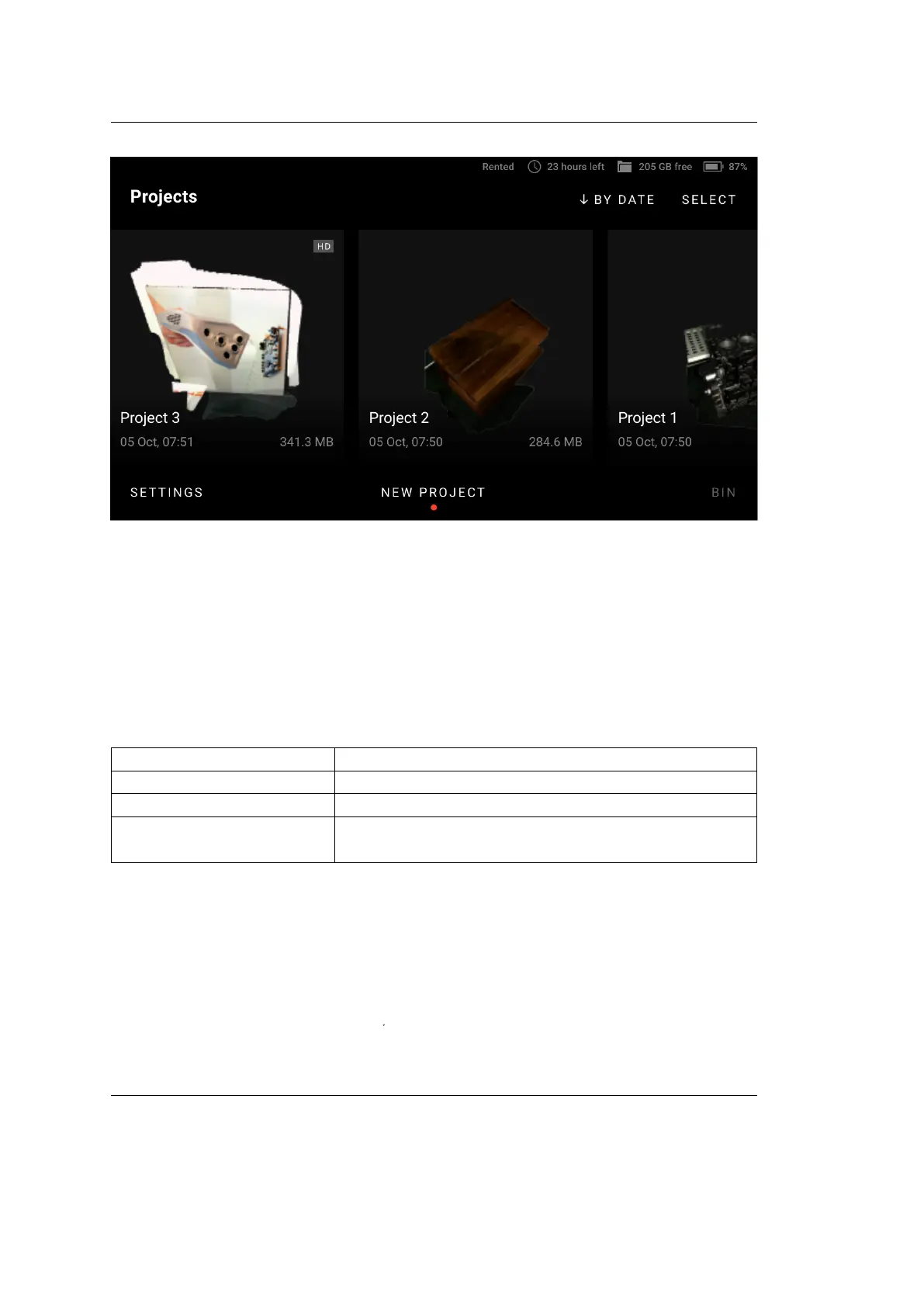
Figure 6: Project containing HD data on the left.
2.3.3 Base Removal
Once imported in Artec Studio, scans from Leo can be cleared from base, i.e. at
surface that supports object being scanned. The following recommendations might
help you decide whether you need this option.
Objects to scan Options
Distinct vertical object Base removal is on
Entire scene, oor, table Base removal is o
Object sticking out of a
wall
Base removal is on and Horizontal base removal
only o
To enable base removal,
1. Press the start/stop button|redbut| to start Preview mode.
2. Ensure that Base removal is turned on.
3. Direct the scanner at the at surface which you intend to leave out.
4. Press the start/stop button
file:///C:/Users/admin/ld/_build/latex/red_but.svg
to start scanning.
2.3. Congure Scanning 21



 To Next Page