Artec Leo
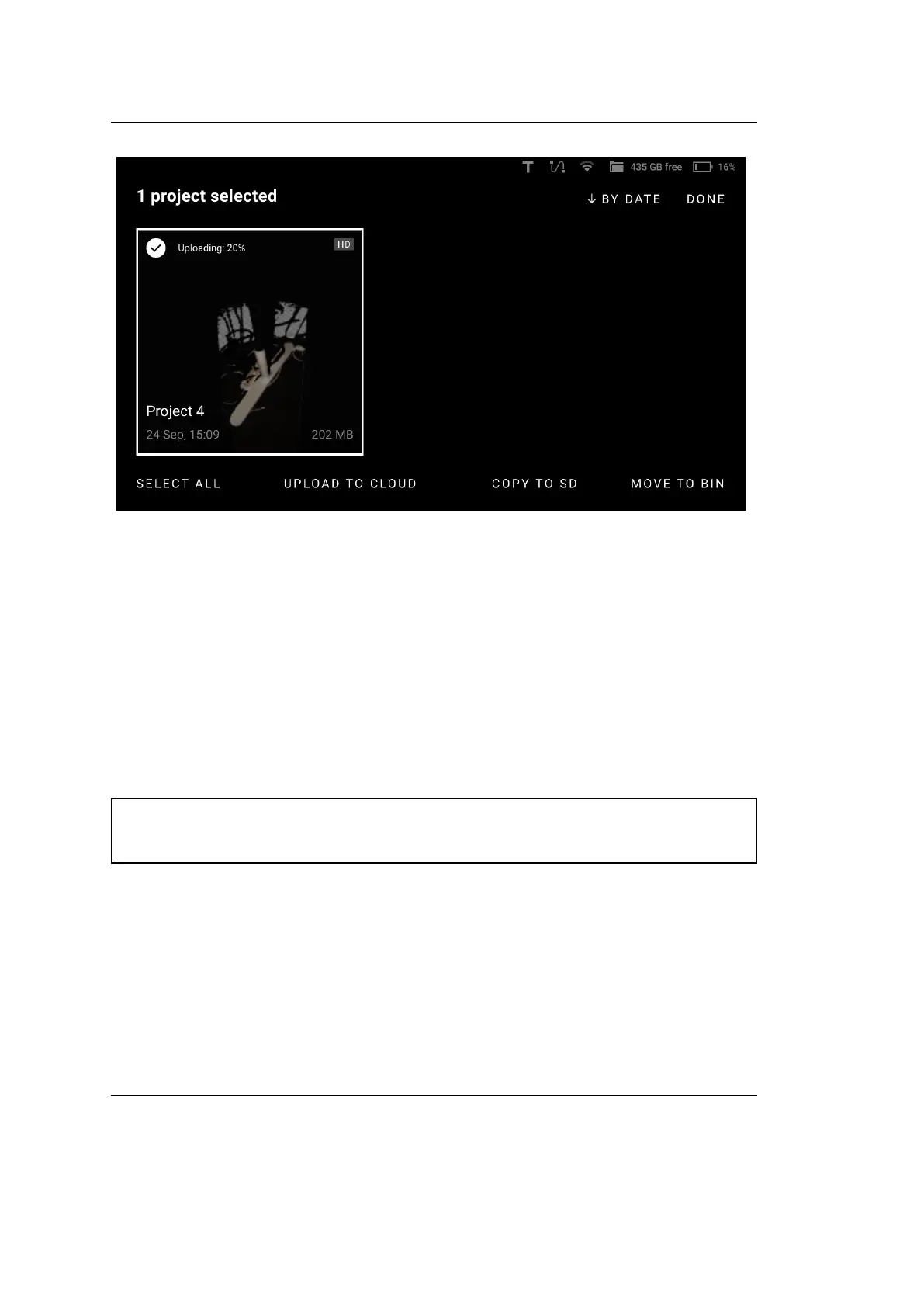
Figure 17: Uploading to Cloud.
3.4 Rename Project
To rename a project, open the project and open any scan inside the project. On
the scan-viewing window, simply tap on the Project name, or click on the Edit
icon at the end of the name eld, and change the name.
3.5 Copy Project or Scan to microSD Card
Attention: To ensure that a trusted account user will be able to open a
project from Leo, rst renew the scanner conguration.
To copy one or several projects to SD card,
1. Insert a microSD card into Leo.
2. Access the Projects screen.
3. Tap the Select button.
4. Select the items that you want to copy.
3.4. Rename Project 35



 To Next Page