CHAPTER
TWO
SCAN
2.1 Prepare
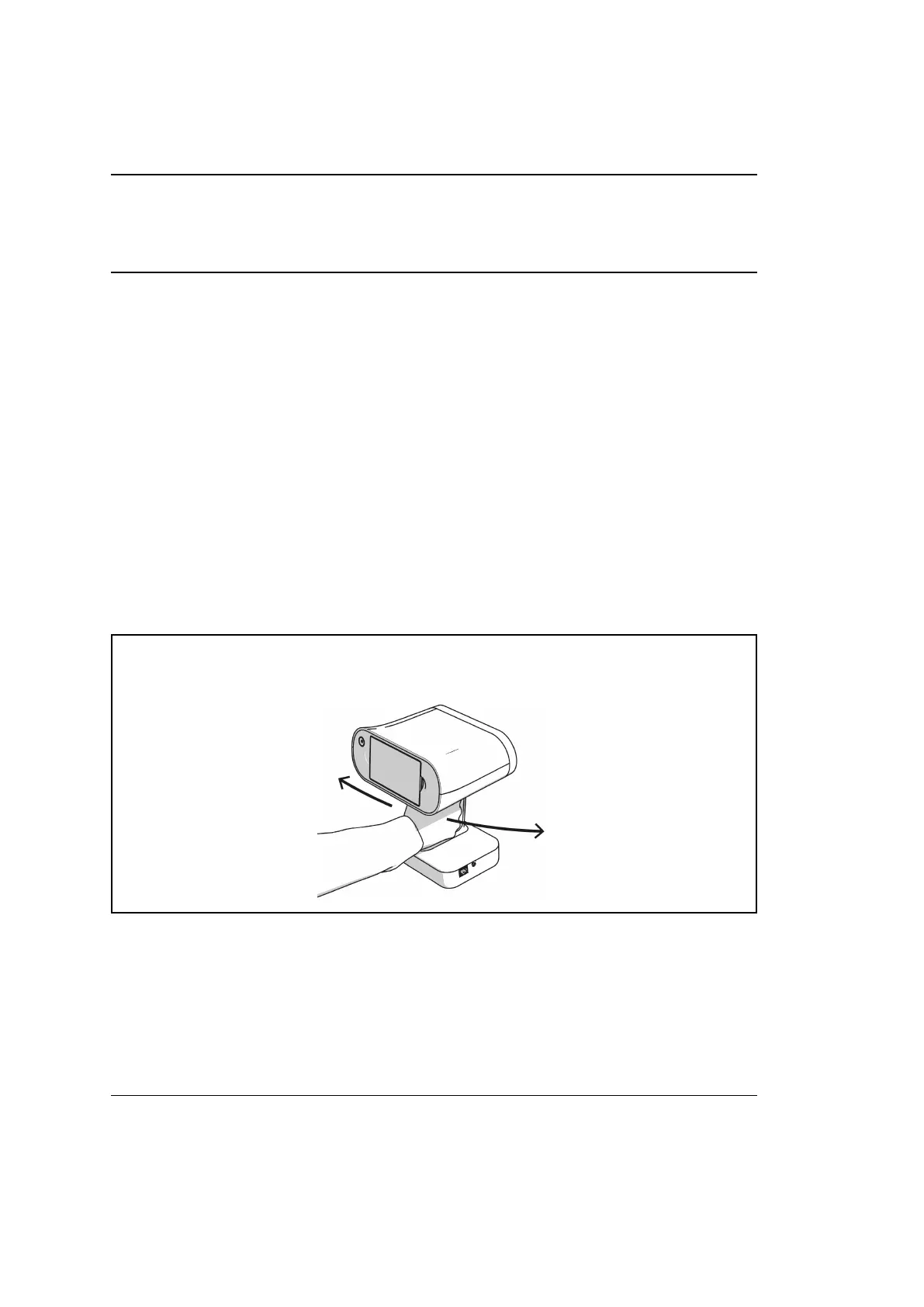
Since Artec Leo is a self-inclusive device featuring computing and graphics pro-
cessing units, you don’t need to connect it to a PC running Artec Studio while
scanning. A built-in tiltable display allows you to focus on scanning and eliminates
the need to have a laptop in your hands.
You may want to use Artec Studio later to process the scanned data.
Caution: Always grip the scanner by its handle; use your other hand for
extra support when necessary.
11



 To Next Page