Artec Leo
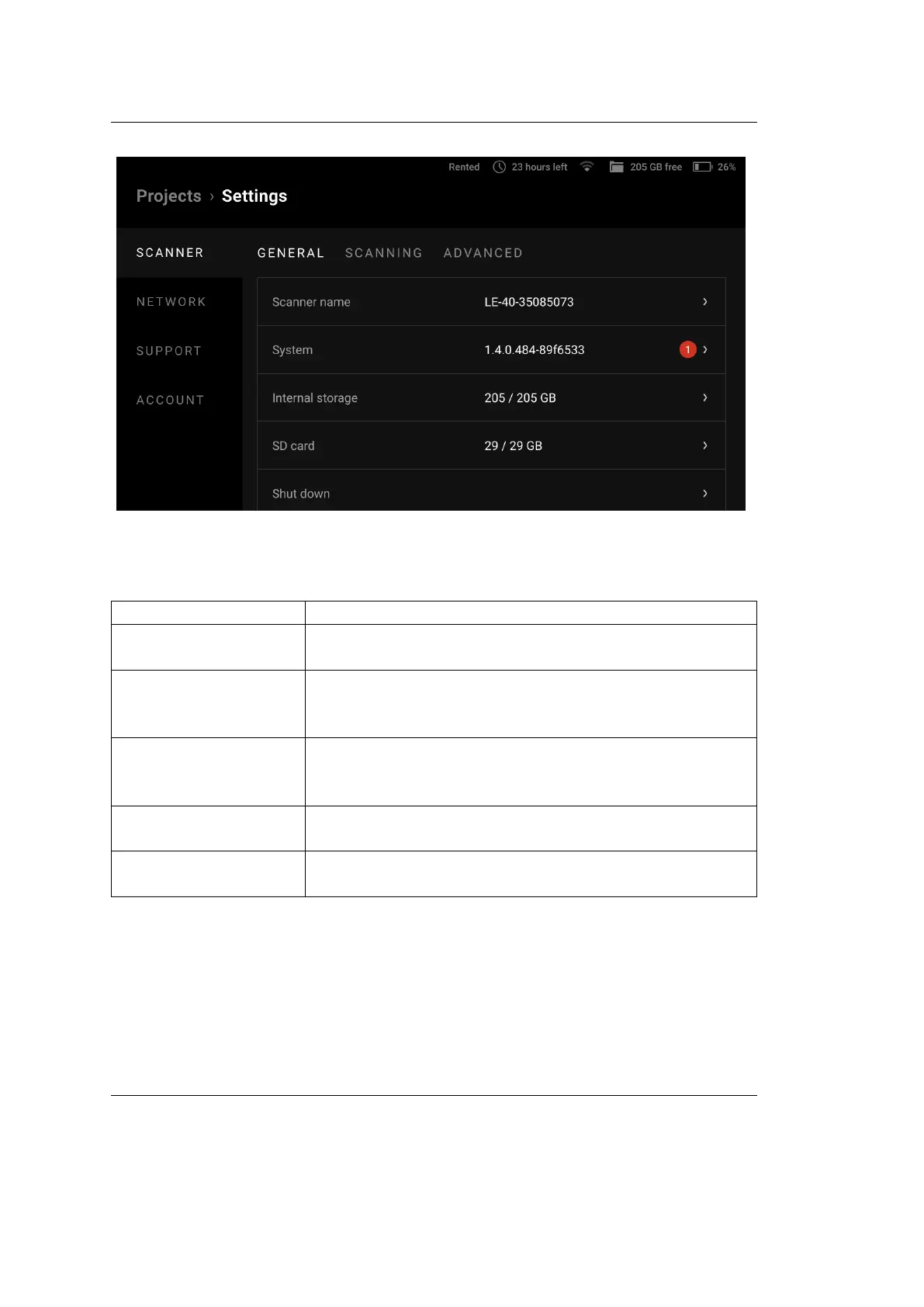
Figure 20: General ← Scanner ← Settings.
Parameter Description
Scanner name Also a network hostname. Tap the eld to change it.
What characters to avoid?
System Tap the eld to see the versions of the scanner software
and rmware and check for updates (details in the sec-
tion below).
Temperature Control Enable it for Leo to turn on the temperature indicator
that indicates when Leo’s temperature is optimal for
best scan results (details in the section below).
Internal storage Shows how much internal storage space is available (in
GB) on Leo. To clear the storage, tap Format.
SD card Shows how much storage space is available (in GB) on
microSD card. To clear the card, tap Format.
Tap the Shut down button at the bottom right to safely turn o the scanner.
When proceeding to clearing the internal storage (via the Format button), you
can also congure its encryption (see gure below). The general procedure is the
same as described in Storage Encryption.
4.2. Scanner 45



 To Next Page