Artec Leo
to start scanning or open a project.
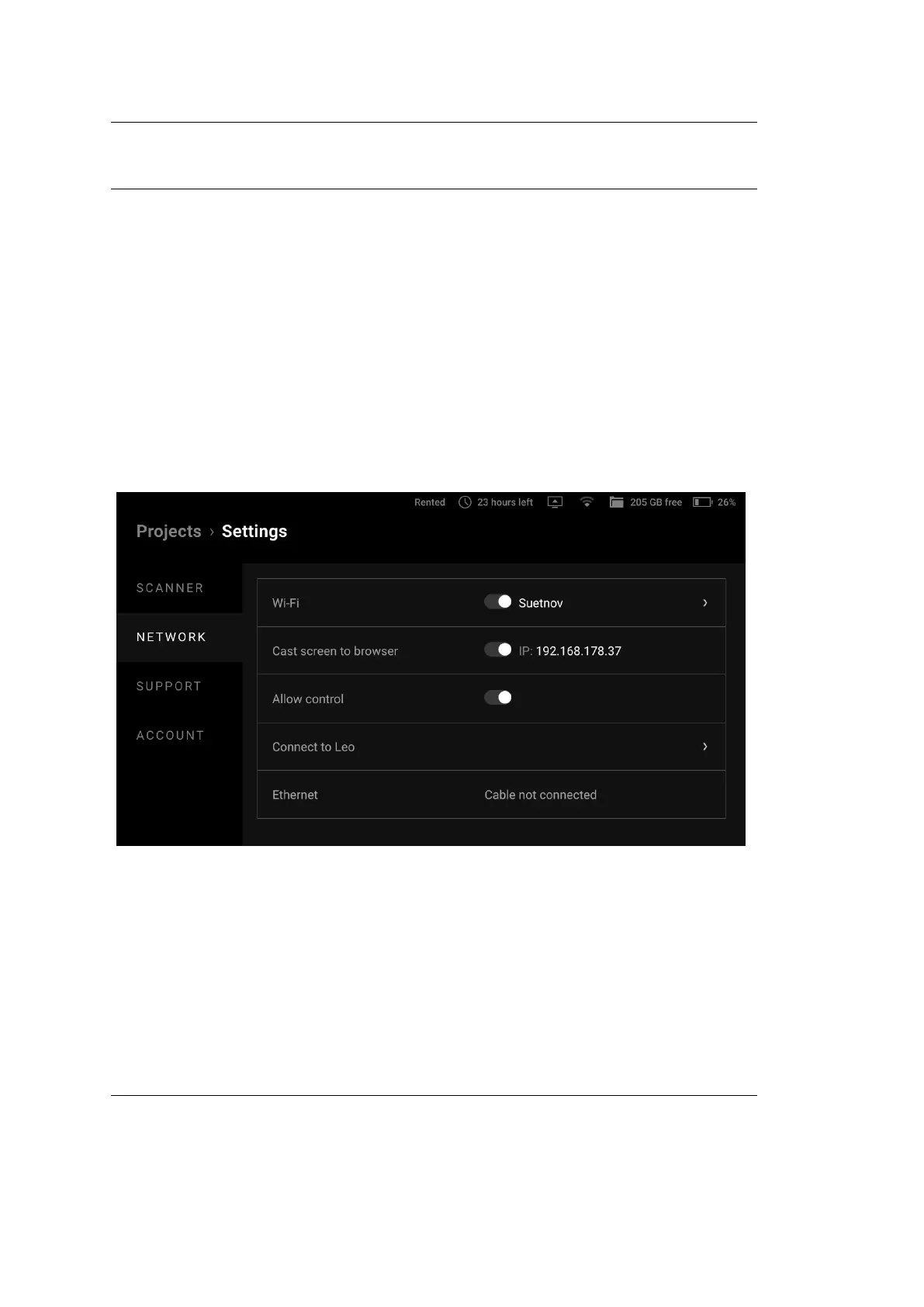
To cast your Leo screen, follow the steps:
1. In the Projects screen, tap Settings.
2. Select the Network section.
3. Turn on the Cast screen to browser toggle.
4. Locate the scanner’s IP address that appears near the toggle.
5. Open a web browser on another device.
6. Type in the Leo’s IP address and conrm your entry.
7. On Leo, start scanning or open a project.
Figure 48: Screen casting settings.
6.2. External Display 81



 To Next Page