Artec Leo
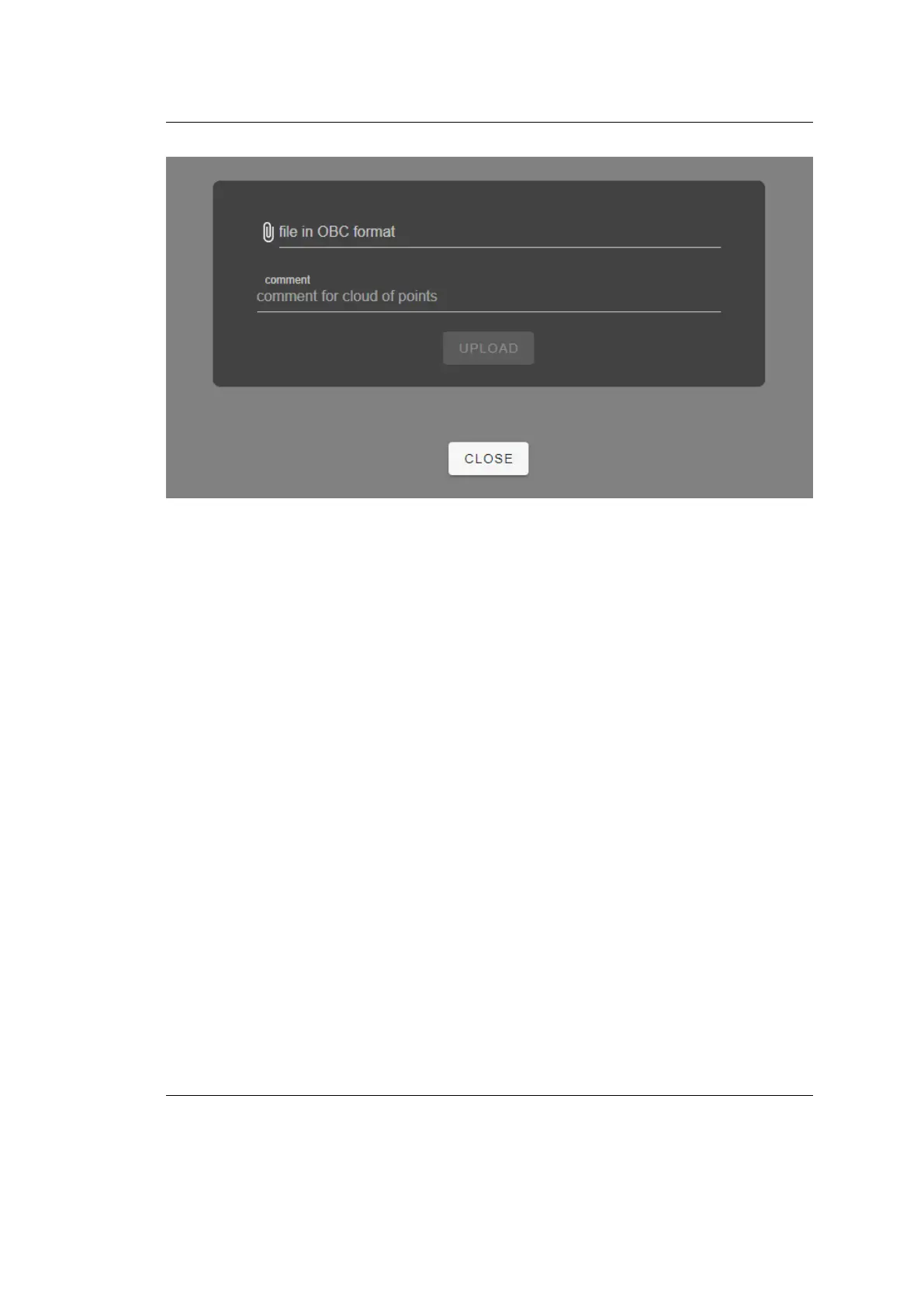
Figure 28: Leo’s response in your browser.
b. In the line with the paperclip icon, specify the path to the
target le in the OBC format along with its name. In the
comment eld, you can provide a short custom name that
will be used for the uploaded target le on all Leo’s screens.
c. Tap Upload and wait until the processing is nished.
• If you select the Load from SD card option, the following
screen appears.
Select the required target le (les), tap Load and wait until the
processing is nished.
5. Once the uploading is complete, choose the default target le for the next
scanning session and tap Select. The resulting screen will look like in gure
below.
54 Chapter 4. Settings



 To Next Page