Artec Leo
3. Power button
4. Tiltable display
5. MicroSD card
6. Battery housing
7. Battery compartment lid
8. Power port
9. Ethernet port
10. Start/Stop button
file:///C:/Users/admin/ld/_build/latex/red_but.svg
on the handle
Specications are available at Artec website.
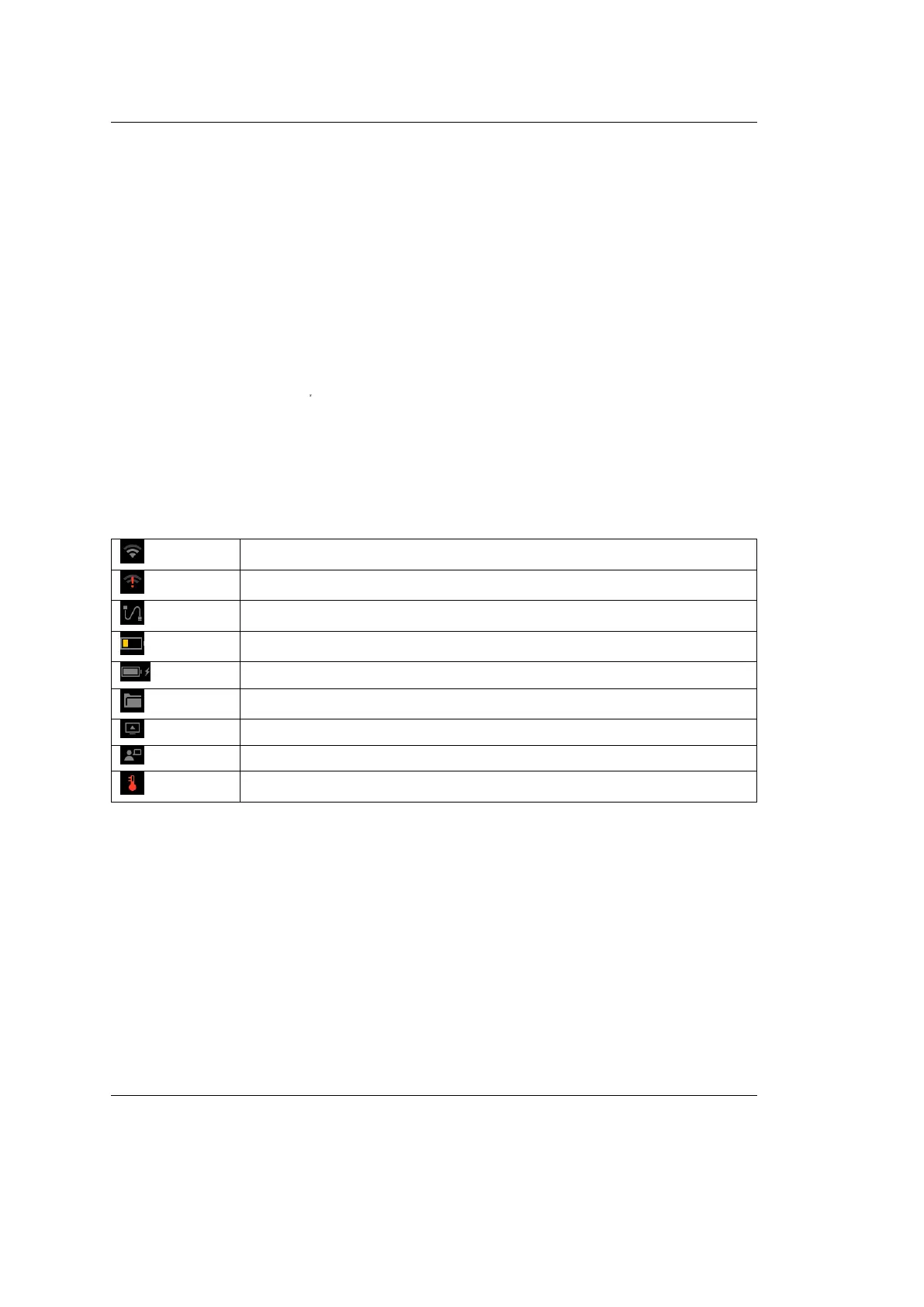
Status Icons
Wireless network signal level
No Internet
Wired connection is being used
Battery charge level
Battery is charging
Internal storage capacity
Screen casting is enabled
Support access is enabled
Scanner temperature is high
Glossary
Below are the terms used throughout this manual.
See also:
genindex
Addition An iteration of continuous scanning resulted in recording 3D data to
the existing scan (see Project Structure).
Base Surface which supports an object that is being scanned. The most common
supporting surfaces are the oor and table.
CONTENTS 3



 To Next Page