iHP Manual 102 | P a g e
All changes in the configuration in the WebTool will take into effect after
AC recycles for 10 seconds.
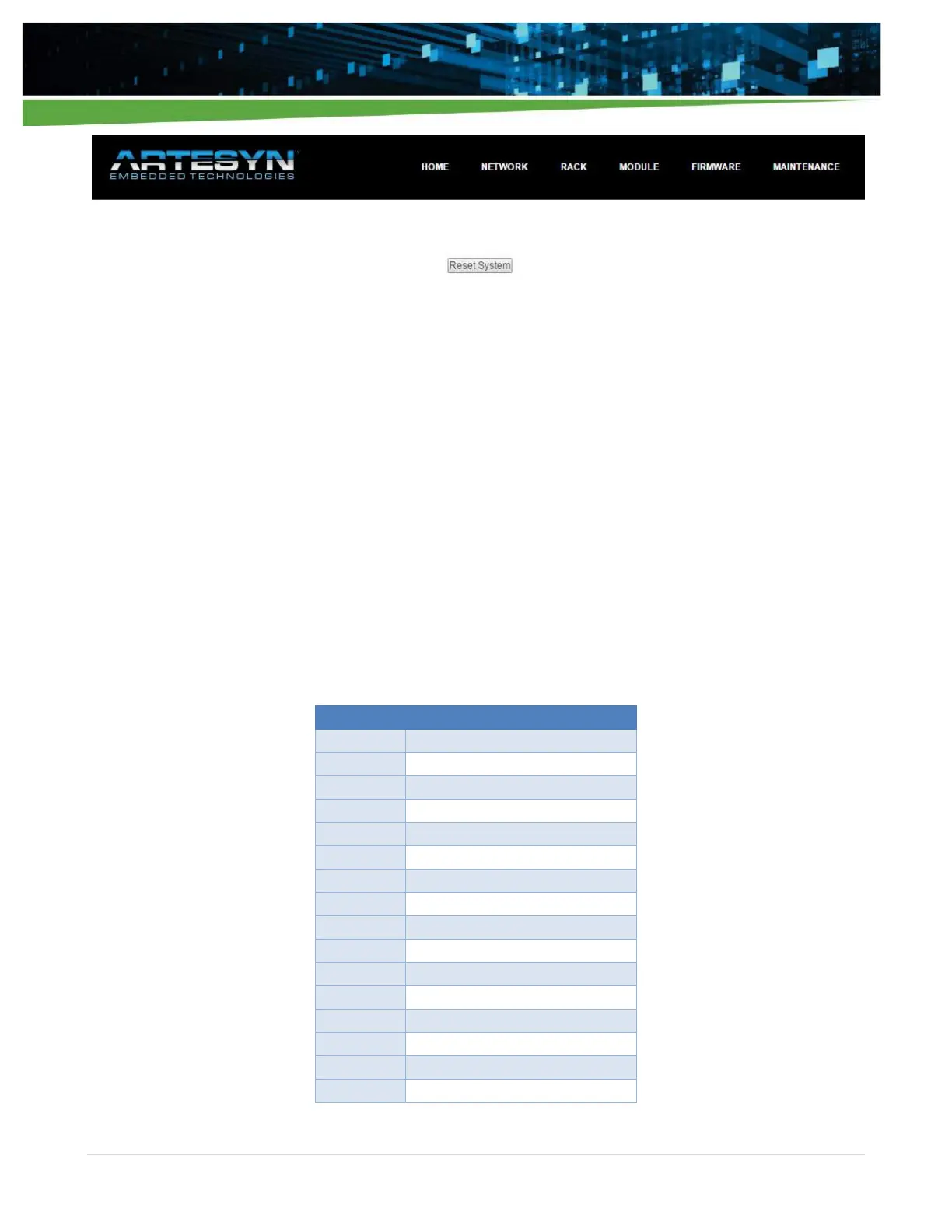
Reset via pressing the “Reset System” button in the WebTool Maintenance Section
Once user presses the “Reset System” button:
All modules will shut down.
ISOCOMM will re-boot. ISOCOMM boot time is about 20 seconds.
System LED and Output LED will be off.
Power LED will be blinking green.
After 20 seconds, ISOCOMM is now configured to the new setting and operational.
Note: When “Reset System” is initiated, this will only reset the ISOCOMM.
5.2 iHP Module User Configurable Parameters
Definition of Module Command is located on Appendix B.2 Module Command.
OV_FAULT_LIMIT_MULTIPLIER
UV_FAULT_LIMIT_MULTIPLIER
OC_FAULT_LIMIT_MULTIPLIER
SET_IO_ACTIVE_LEVEL_LOGIC


 To Next Page