iHP Manual 37 | P a g e
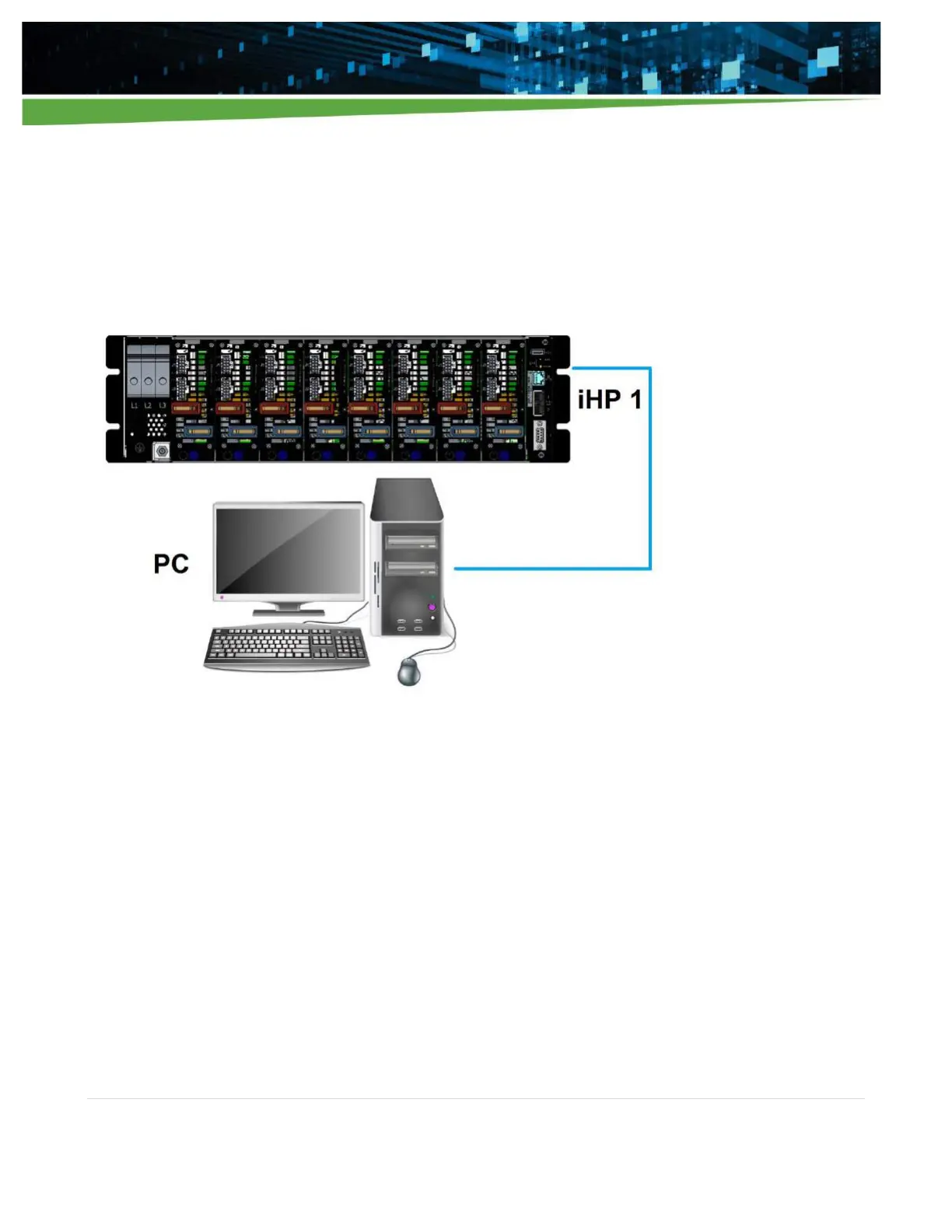
The iHP rack can be connected to a PC directly using the static IP setting. When using the iHP system with
static IP mode, the user computer may need to have a static IP as well to communicate. Details on setting the
IP configuration is discussed in Section 5.1.3. Figure 3-4 shows an example of connecting directly to the iHP
system using a static IP.
If the user has forgotten the Ethernet setting, the user can push the LAN RESET button to reset the Ethernet.
The LAN RESET button will reset the Ethernet connection to a known state, which is static IP with the IP
address of 192.168.2.100.
Figure 3-4 iHP system connected directly to the PC (static IP)


 To Next Page