iHP Manual 44 | P a g e
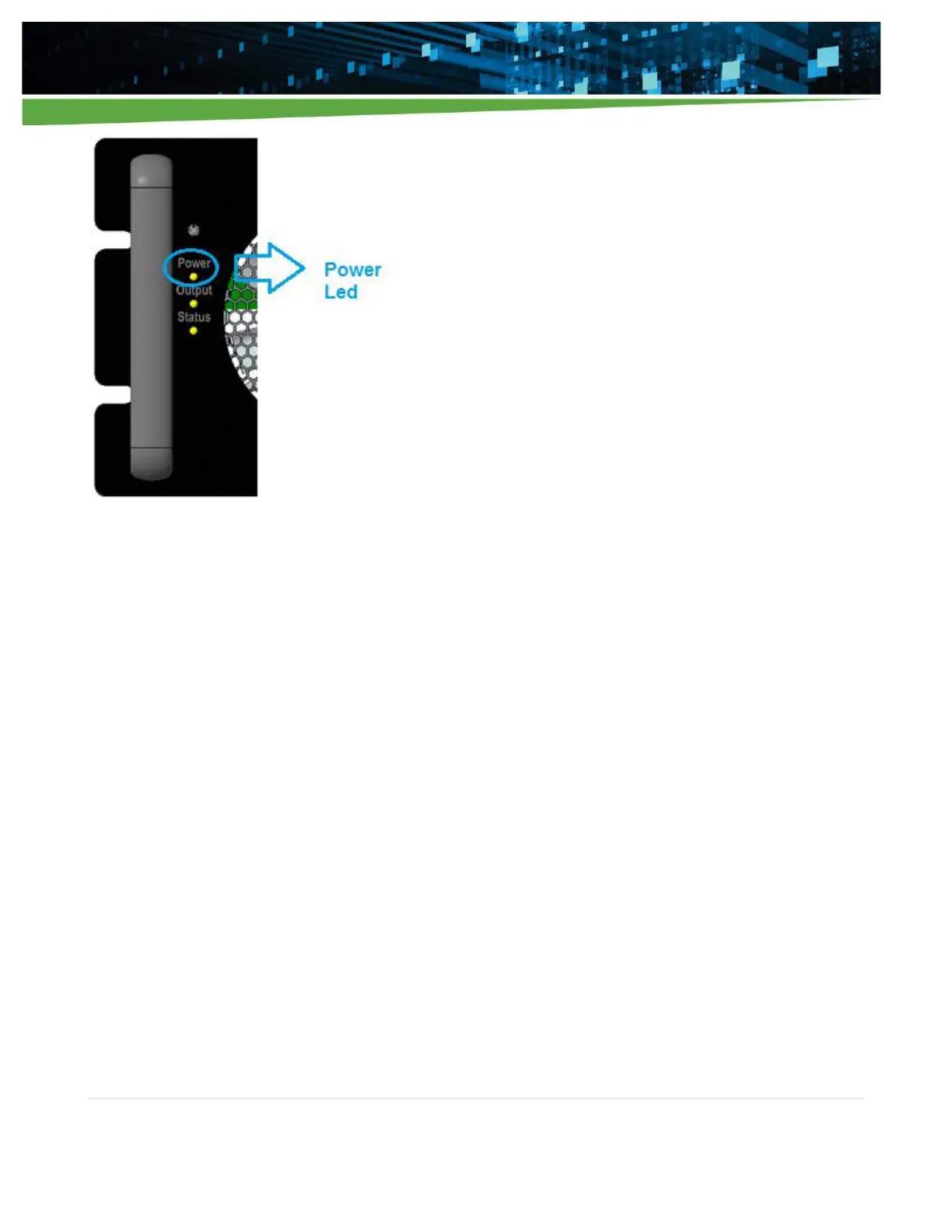
Figure 4-2 Front Panel Power LED
After about 20secs from the application of input AC, the boot-up sequence should be completed. The iHP rack
will have detected the slot with installed modules and ISOCOMM will be functional. From the factory, when
initially applying input AC, the iHP module outputs will not power-up by default and the user will need to press
the front panel switch. The modules are shipped by Artesyn with Digital Voltage Source (DVS) configuration
and the output voltage will be set to the module’s nominal voltage. The iHP rack and module software
configuration when shipped from Artesyn are listed on the next section.
4.1.2 iHP Module Default Settings
Table 4-1 contains iHP module default settings when shipped from Artesyn. The module command definitions
are in Appendix B.2 Module Command.


 To Next Page