iHP Manual 86 | P a g e
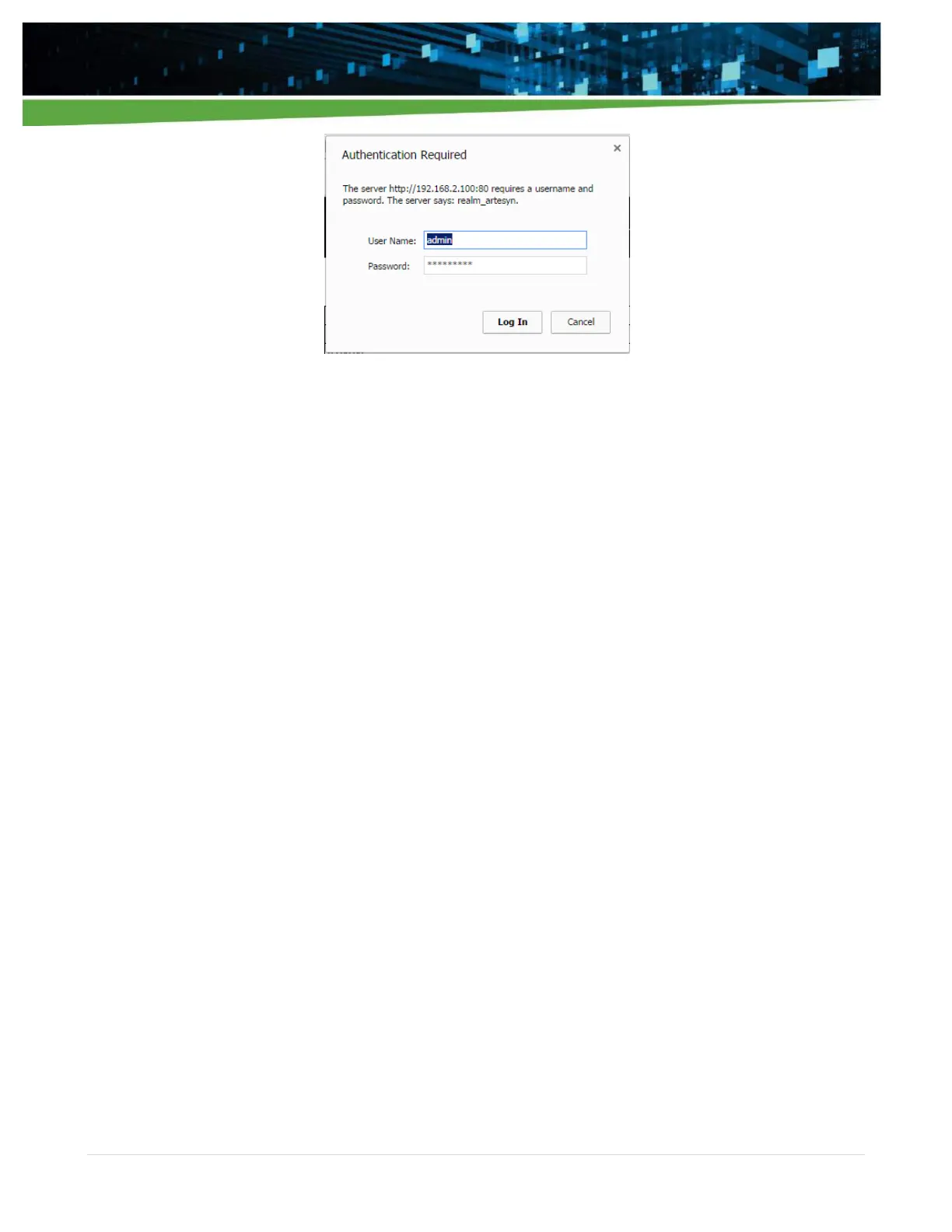
Default setting when shipped from Artesyn:
User Name: admin
Password: rtsn1234!
When the user changes a setting, press “Save” button and perform System Reset. “Save” button is applicable
only on the specific WebTool section. Meaning if user changes a parameter in a WebTool section, the “Save”
button must be pressed before going to another WebTool section.
System Reset is needed for the “Save” changes to take effect. System reset can be done by:
Recycling Input AC. Turning Off input AC for 10 seconds then turn-on.
Initiating “Reset System”. This button is in the Maintenance Section. Please refer to Section 5.1.7.
When user needs to perform changes in different WebTool section, user can change configuration then save
before going to another section. System Reset will be required to implement all changes in each WebTool
section.
The “Restore Previous Values” button will revert the change configuration value to the setting during the last
system initialization. This button is also applicable only on the specific WebTool section. Please take note that
this function restores ISOCOMM configuration only. After pressing “Restore Previous Values” button, the user
needs to press “Save” button and perform System Reset to ensure that the restore previous value will take
into effect.


 To Next Page