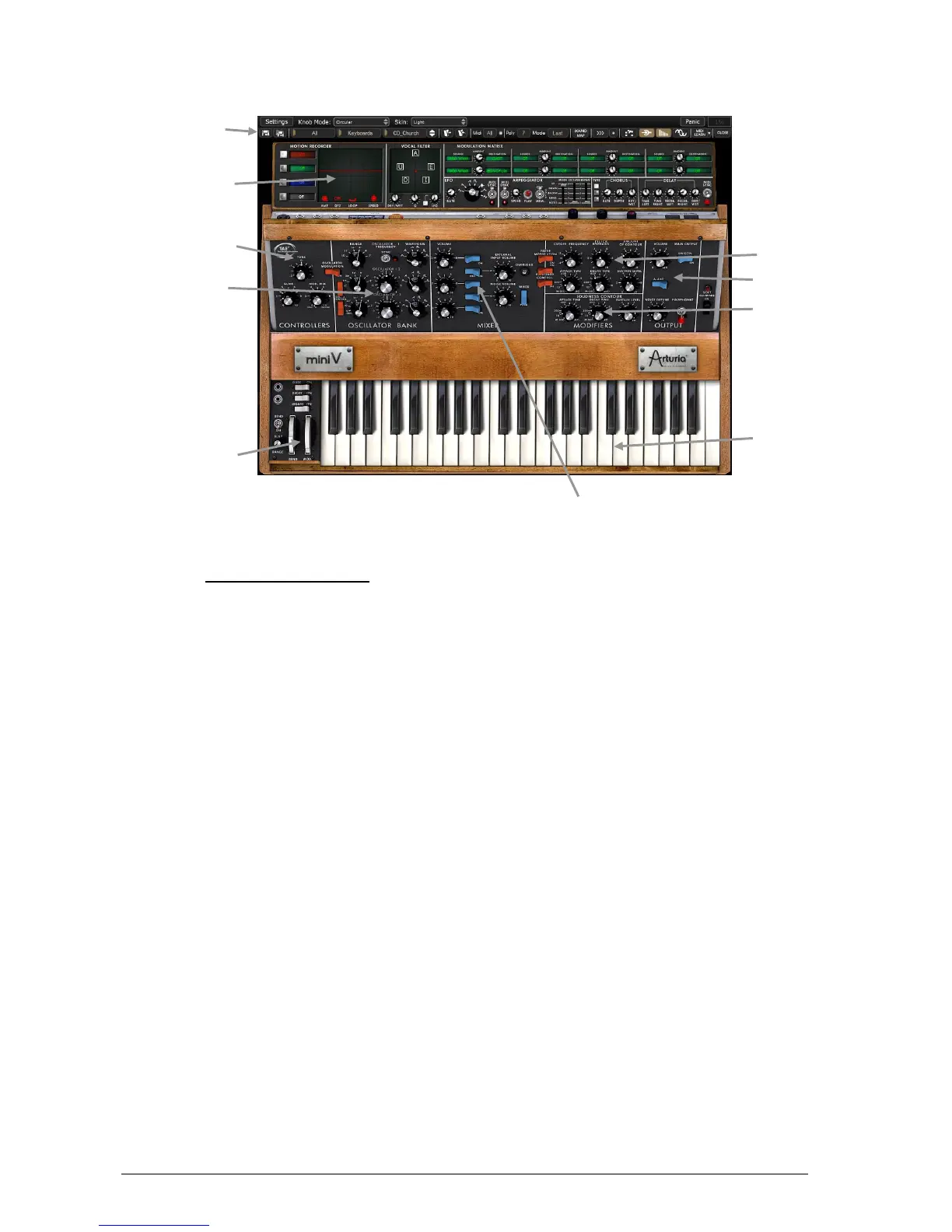
Overview of the Mini V
3.1 USING THE PRESETS
Use of presets is one of the major areas of evolution when the Mini V is compared to the
original, which couldn’t save sounds!
With the Mini V, a preset (memorized sound) contains all of the parameter settings of the
synthesizer plus the extension panel and the different real-time effect controllers necessary to
reproduce the sound.
To get to know a few of the different sounds contained in the Mini V, we will select a simple
bass preset.
To do this, click on button aside the “BANK” LCD display (this display shows the name of
the current bank in use). When you click, you will see a dropdown menu indicating the
available banks. Choose the “J.M.Blanchet” bank.
When this menu is open, it expands the sub-menus allowing you to reach the “SUB BANK” and
“PRESETS” of a sound designer with a single click.
Choose the “SUB BANK” called “Basses” and finally select “JMB_Classic1” in the
“PRESETS”.












 To Next Page