Ext. AM .................. Level of the audio external input (available in the Mixer)
Pan Mod ................. Panoramic
Vocal Filter X .......... Vocal Filter X movement
Vocal Filter Y ........... Vocal Filter Y movement
Off ......................... No modulation destination
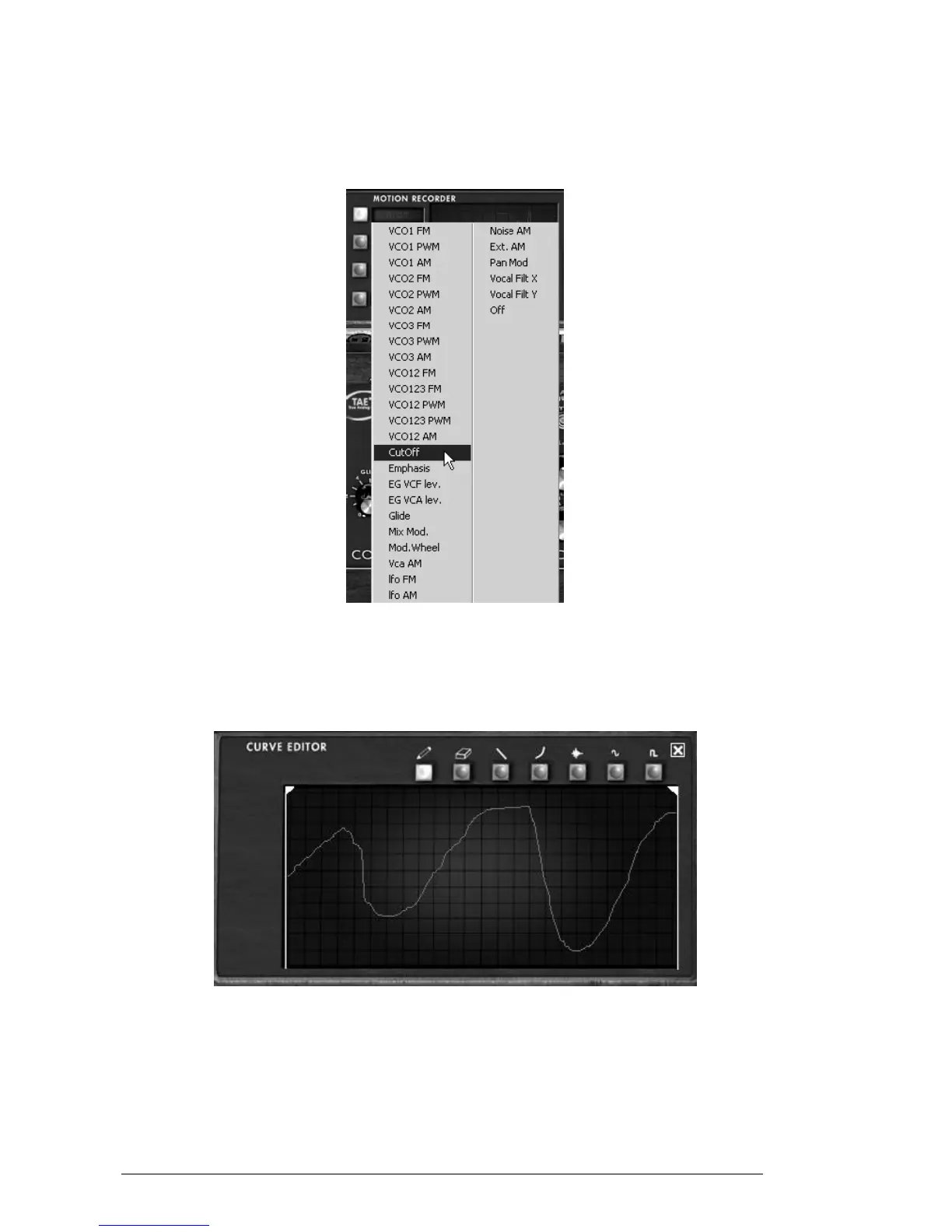
Choose a modulation destination
5.7.8 Editing a motion curve
You can edit in real-time your motion curves thanks to the dedicated “CURVE
EDITOR” interface. This editor includes an ensemble of tools which will help you to
draw or erase a part or the whole of the selected curve.
The “CURVE EDITOR” interface
Let’s take a look on the “Curve Editor” interface:
5.7.8.1 The Edit tools
Drawing tool ........... Tool for drawing a freehand curve.
Eraser tool .............. Tool for erasing an existing curve.
Line tool ................. Tool for drawing a straight line.












 To Next Page