Setting the bend wheel
5.7 THE MOTION RECORDER
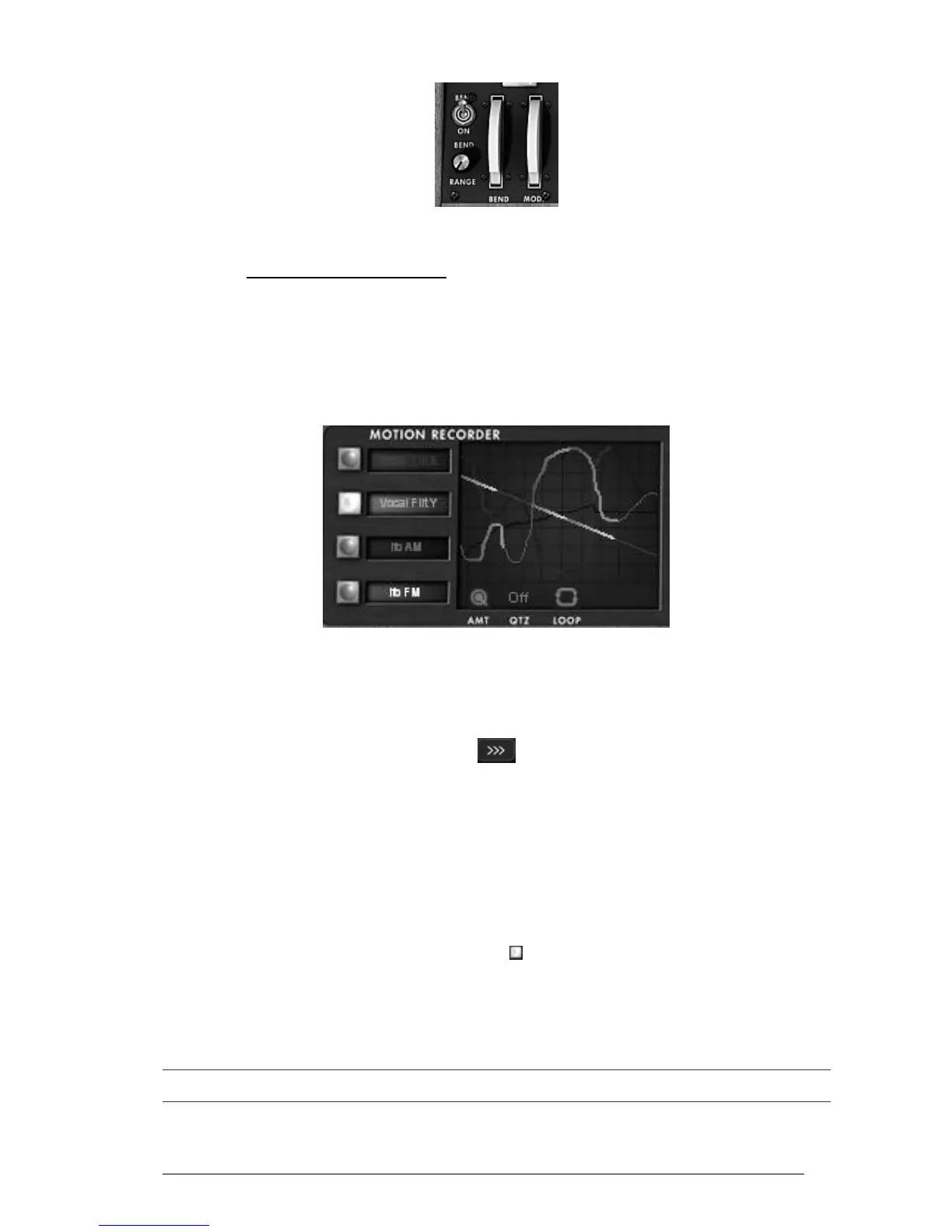
The Motion Recorder allows recording in real time some parameters motions on the fly.
Four dedicated tracks containing each one parameter motion are available.
Those recording curves can be quantized to a MIDI tempo or not.
The different motion curves can also be “manually” modified thanks to a dedicated
edition interface including drawing tools (pen, rubber, curve, lines…)
The Motion Recorder main interface
5.7.1 The Motion Recorder activation/deactivation
To activate the Motion Recorder, just click on the “MOTION” button, situated on
the tool bar. (This button is now highlighted)
The “MOTION” button
To deactivate the Motion Recorder, just click on the “MOTION” button (This button
is now extinct).
5.7.2 Playing recorded Motion curves
To hear the complete motion curve, you have to hold a note (or a chord) on your MIDI
keyboard or on your MIDI sequencer.
To play one (or several) recorded motion curves, select the desired motion track
to be read by clicking on its dedicated “ ” button.
Play one (or several) note(s) on your MIDI keyboard to read the motion curve(s).
To stop the curve playing, you can deactivate the modulation destination by
selecting the “OFF” option in the automation track.
The motion automation curves are re-trigged each time a note will be played. Finally, they can be equivalent to
“super envelopes” that are drawn by the user!












 To Next Page