4 THE INTERFACE
4.1 USE OF PRESETS
Presets let you memorize the sounds of the Mini V. A preset contains all of the
information pertaining to the reproduction of a sound. In the program, the presets are
classed in “banks” and “sub-banks”. Each bank contains a certain number of sub-banks,
which generally determine a type of sound: sub-bank “basses”, sub-bank “sound
effects”, etc. Each sub-bank contains within itself a certain number of presets.
The Mini V is shipped with several “factory” banks. But it is possible to create new “user”
banks of sounds, each containing a number of sub-banks and presets. For security, the
“factory” banks cannot be directly modified. It is nonetheless possible to create a sound
based on a factory preset by saving it as a “user” preset.
4.1.1 Choice of a bank, sub-bank, preset
The bank, sub-bank and preset in use by the Mini V are permanently displayed in the
synthesizer tool bar.
Display of current bank, sub-bank and preset
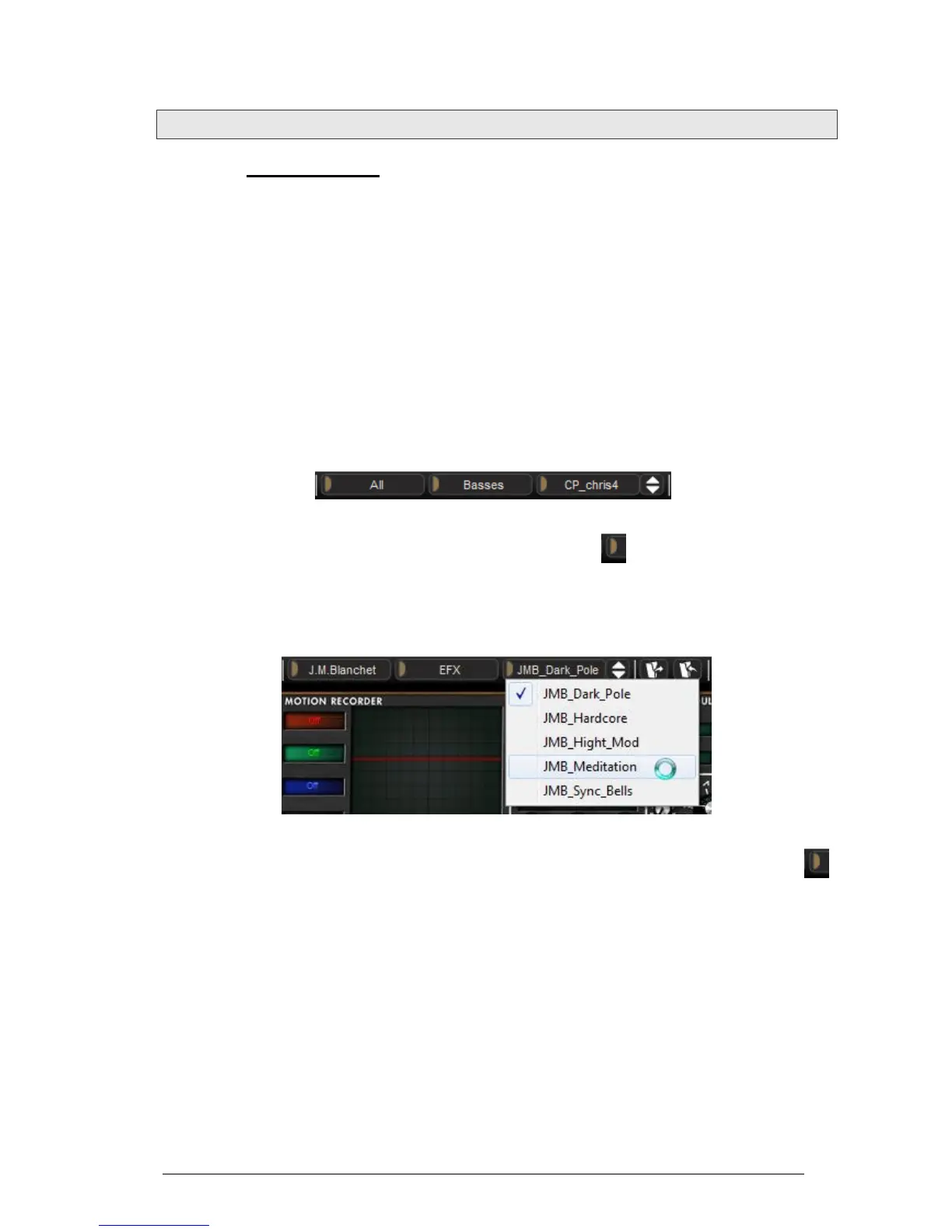
To choose a preset in the current sub-bank, click on the button at the right, and a
dropdown menu appears with a list of the presets of the same sub-bank. You can choose
another preset by selecting the corresponding line in the dropdown menu. As soon as the
preset has been chosen, you can play the new sound on your MIDI keyboard or from
your sequencer.
Choice of a preset in the same sub-bank
To choose a preset in the same main bank, but a different sub-bank, click on the
middle button, and a dropdown menu appears with a list of the sub-banks contained in
the same main bank. Each sub-bank listed in the menu allows you to open a sub-menu
containing its presets. A click on a preset allows you to directly choose a preset in the
new sub-bank.












 To Next Page