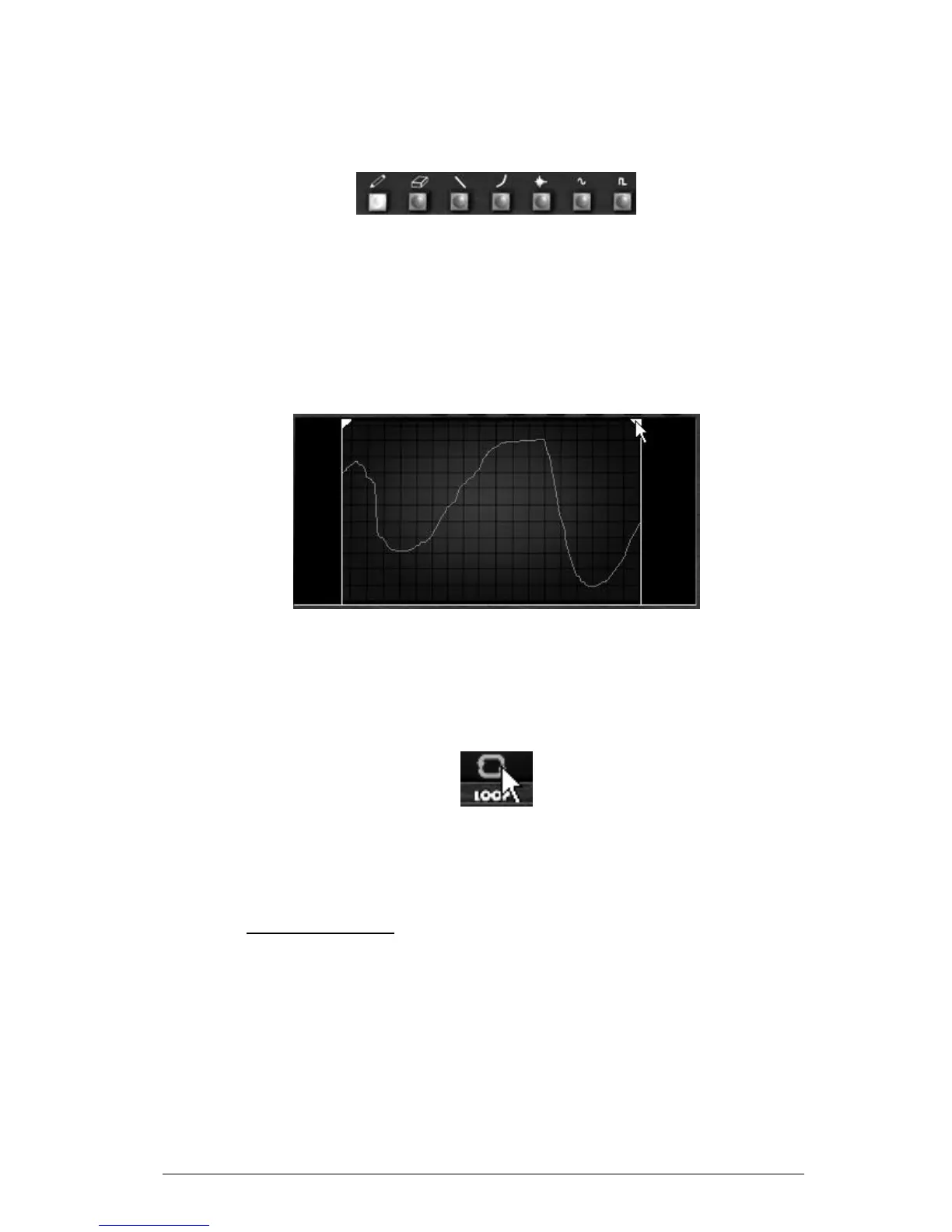
Curve tool .............. Tool for drawing an exponential curve.
Noise tool ............... Tool for adding noise to an existing curve.
Sine tool ................. Tool for drawing a sinusoid.
Square tool ............. Tool for drawing a square curve.
The Curve Editor tools
5.7.8.2 The Curve Editor screen
The Curve Editor screen allows you to edit a recorded curve or to draw a new curve from
scratch.
To open the Motion Recorder screen editor, click on the middle of. A new bigger
screen is now opened showing the current motion curve.
Two locators bars determine the input and output loop points of a recorded curve.
Place the right locator
To place a locator, click on the left top arrow (for the input point) or on the right
top arrow (output point) and drag it from left to right to choose the desired input
or output points of the loop.
Click on the “Loop” interrupter to validate the loop mode.
Click on the “Loop” interrupter
If you have chosen a quantization factor (1/8 for example), the locators will move by
steps thru this quantization factor.
5.8 THE VOCAL FILTER
The Vocal Filter is a formant filter which can be applied to the output signal of the Mini V
or to an external audio signal.
The main interface of the Vocal filter, located on the central TV style screen, shows an
ensemble of five vowels (A, E, I, O and U).












 To Next Page