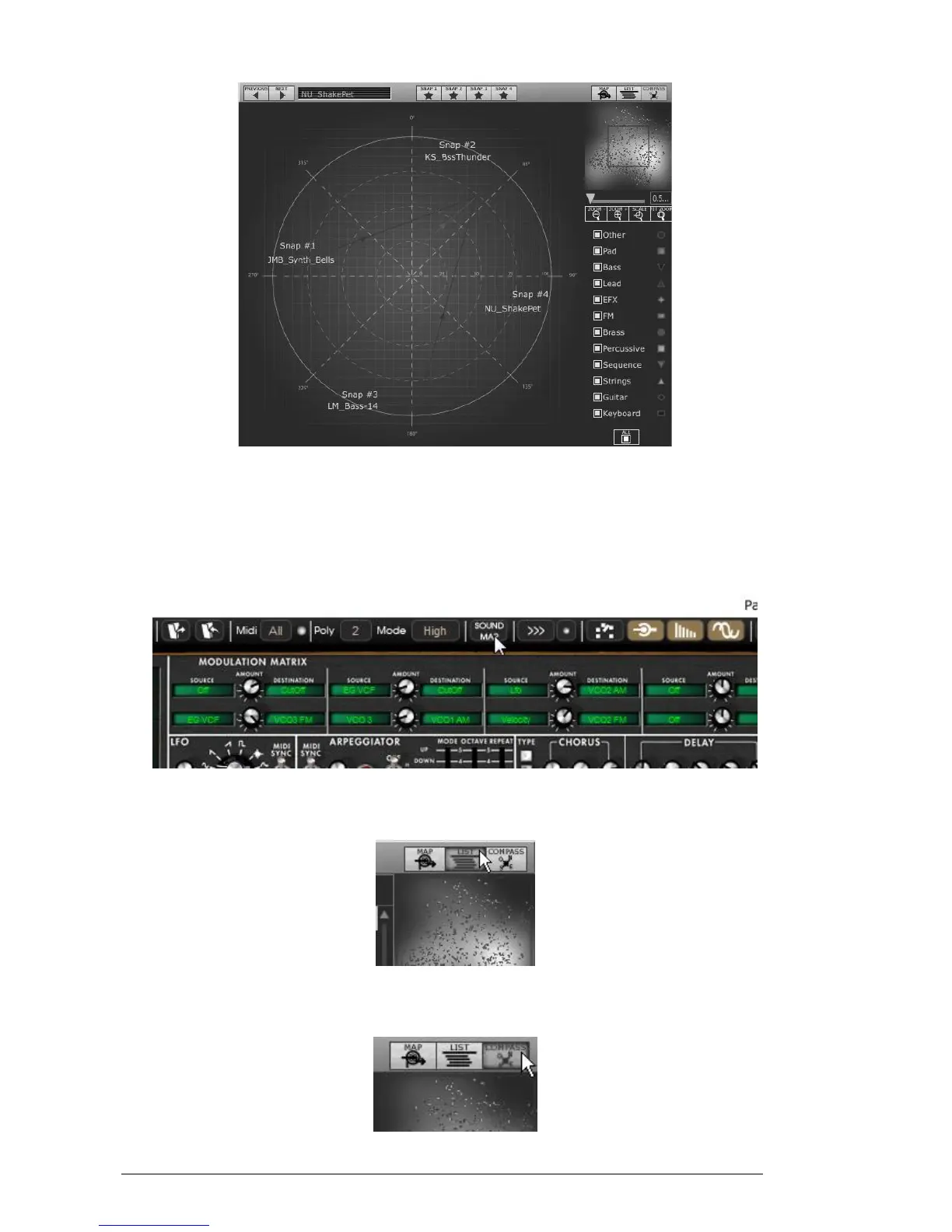
The Morphing interface
Let’s go more deeply into the different sound map interfaces…
4.2.1 Opening the sound map
To open the main Sound Map interface, click on the “SOUND MAP” button located
on the tool bar. A new window appears over the Mini V main interface.
Open the main Sound Map interface
To open the preset list page, click on the “LIST” button, on the top right of the
sound map interface
Open the List interface
To open the preset morphing page, click on the “COMPASS” button.












 To Next Page