The “Play” switch triggers the arpeggiator which, when a note is played, activates the
notes one after the other, and stops when there are no more active notes on the
keyboard.
The three state “Off/Hold/Mem” switch lets you choose the arpeggiator mode: In
“Mem” position, the notes played on the keyboard are memorized. To stop the
memorization, place the switch to “Off” mode.
To stop the chaining of the notes, you must stop the arpeggiator with the “Play” position.
In the “Hold” position, the notes played on the keyboard remain present until a new note
(or group of notes) is played.
As long as a note remains active on the keyboard, all of the notes played are memorized.
The “Mode” selector is used to choose the arpeggio mode: ascending, descending, return,
random, and in the order of appearance of the notes.
The “Octave” selector is used to choose the number of octaves that the arpeggiator cover
for each cycle. The “Repeat” selector is used to choose the number of cycles repeated for
each octave.
5.12 THE CHORUS AND STEREO DELAY
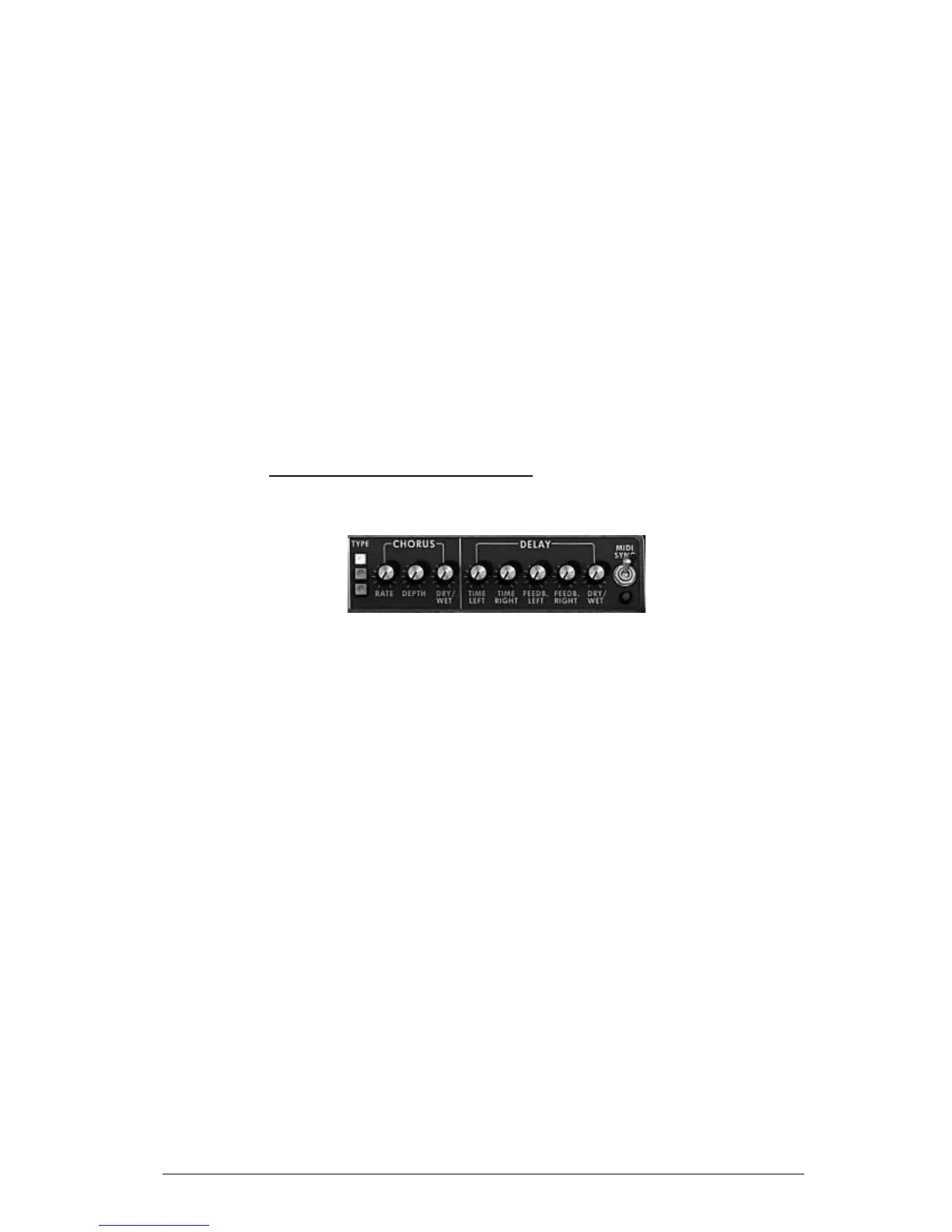
In the Mini V extension panel which appears when it is in open position, we find two
effects, chorus and stereo delay.
Chorus and stereo delay
The chorus has three knobs: “Rate” “Depth” and “Dry/Wet” which respectively set the
speed, the depth and the relationship between the original signal and the modified signal.
The “type” buttons allow the selection of chorus types, from the simplest to the deepest.
The delay contains two knobs “Time Left” and “Time Right”, respectively for setting the
time for the left channel and the right channel, two knobs “FeedB. Left” and “FeedB.
Right” respectively setting the feedback of channels left and right, and finally a
“Dry/Wet” knob which sets the relationship between the original signal and the modified
signal.
The “Midi Sync” switch lets you synchronize delay return time to the tempo of the host
application.












 To Next Page