“clicks” marking the oscillation cycle), it will be used to modulate the filter cut-off
frequency.
Now, click on the Filter Modulation to activate the filter cut-off frequency modulation
by oscillator3.
Finally, increase the value of the modulation wheel to set the rate of modulation on
the frequency of modulation.
By varying the force of playing on the keys of your MIDI keyboard (velocity), the filter
cut-off frequency is varied with each note.
The 3 examples that we have just seen will give you the basics necessary in order to delve a
little deeper. Try other settings. The possibilities for synthesis are numerous.
7.2.1 Using the arpeggiator
Now let’s see how to program and play the arpeggiator by using the lead sound from the
previous section 8.1.2.
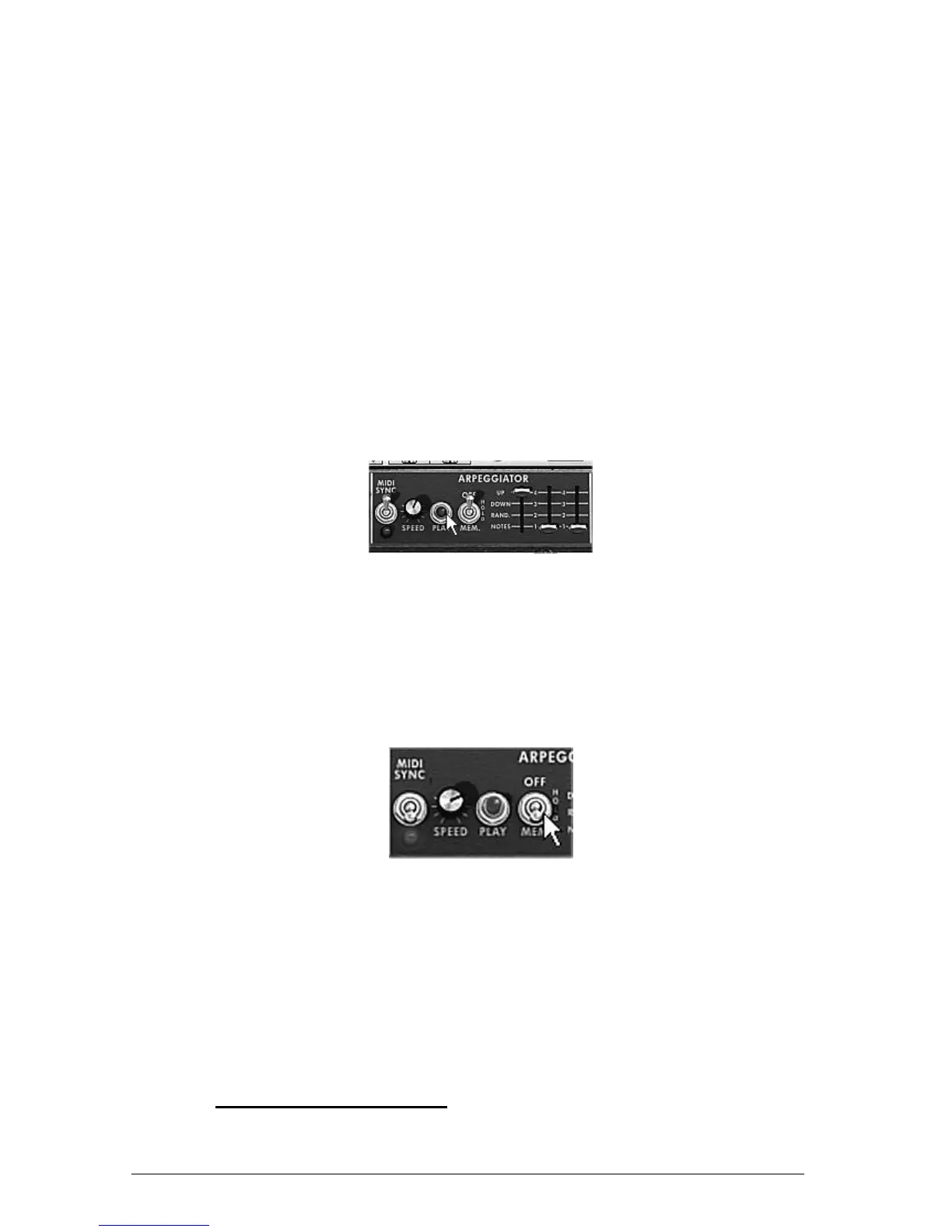
Click on the arpeggiator “Play” button.
Click on the “Play” button
Play a chord between C4 and C6, the notes will be played one after the other in the
order in which you have placed them. (it is possible to changing the playing order by
clicking on the linear “mode” knob)
If you want, it is possible to keep the chord continuous by clicking on the “Hold”
switch. Two types of playing are available in this mode: “Hold” (central position) lets
you add notes to an existing chord and “Memory” (low position) allows the change of
chord type freely.
The “Memory” position
To remove one or several notes or add notes without keeping them in the arpeggio,
click again on the “Hold” switch to set it to “Off” position (to the top) and play the
note to be removed.
To remove one or several notes, click again on the “Hold” and play the note to be
removed.
It is now possible to simultaneously play (or record) a bass part on the first octave of your
keyboard, accompaniments on the 2 following octaves all while having an arpeggio which
develops on the latter two.
7.3 THE EFFECTS OF THE MINI V












 To Next Page