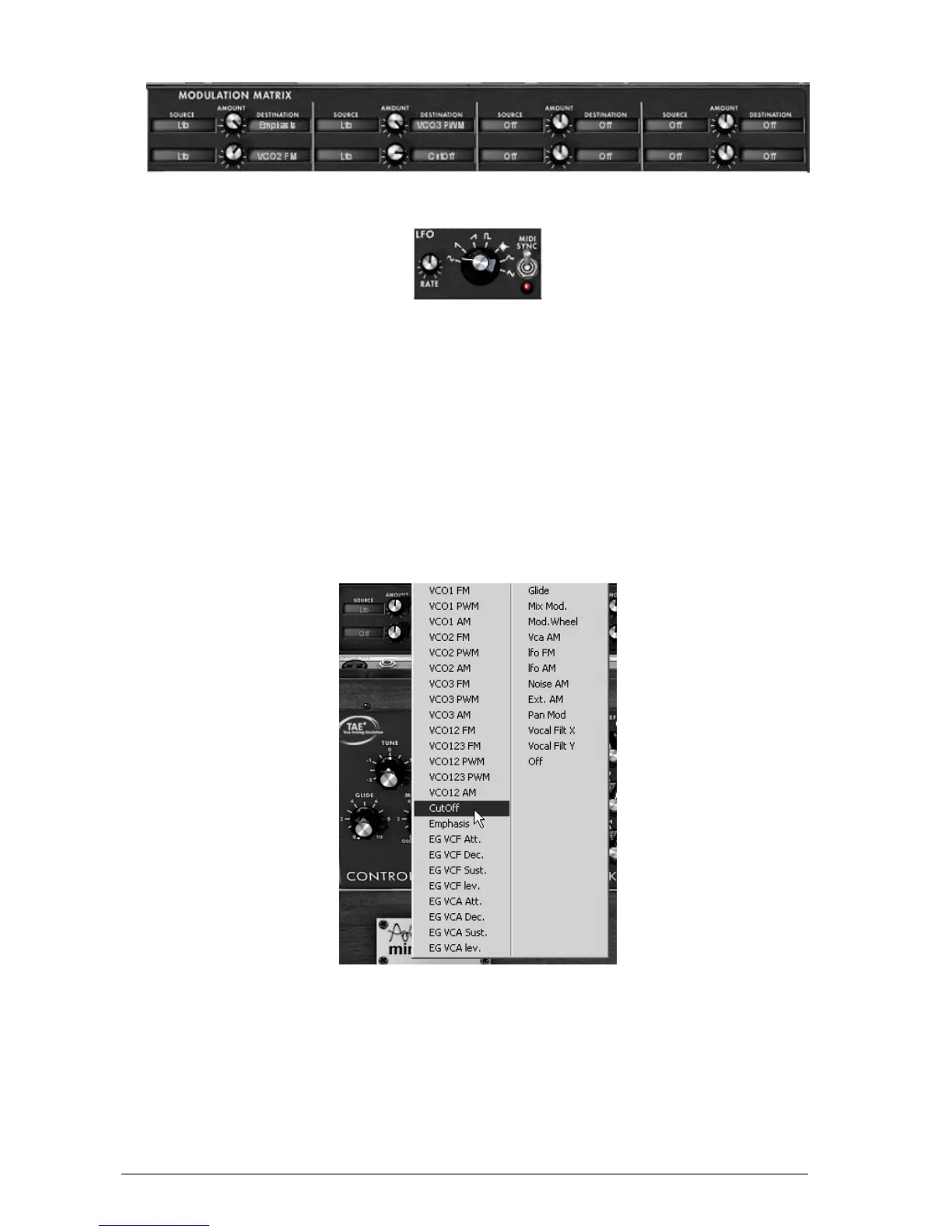
The modulation matrix
3.4.2 The LFO
On the original synthesizer (equivalent to the “Classic” mode), oscillator3 can be set to the low
frequency (“Lo” position in the range) to be used in LFO mode. This removed the possibility of
using 3 simultaneous oscillators as well as a slow modulation on the filter cut-off frequency for
example.
With the added LFO module added in the panel of the “Extended” mode, you can keep the 3
rd
oscillator as a base for sound and add an additional source of modulation to be used on one of
the 35 available locations.
Let’s apply 2 additional types of modulation to the “1_Osc” preset:
Among the modulation sources, choose the low frequency oscillator (“LFO”).
Choose the filter cutoff frequency among the destinations. Turn down the frequency so
that you can hear the result. The cutoff frequency will vary in a cyclic way, following the
LFO oscillations.
Modulation of the filter cutoff frequency by the LFO
Between the LCD displays can be found the “Amount” knob. You can set the modulation
level by applying positive (turn to the right) or negative (turn to the left) values. For this
example, take a value of 0.0480.












 To Next Page