When you click on this button, a window will appear allowing you to choose the preset
bank file for the Mini V (“.minibank” extension). Choose the file that you want to import,
and click on “Open”. The new bank of presets will automatically appear among the
available banks.
The Mini V equally offers the possibility to export your own sounds to save them, to use
them on another machine, or to make them available to other users.
It is possible to export a preset, a sub-bank, or a complete bank.
To export the current bank, sub-bank, or preset, click on preset bank export button in
the tool bar of the program:
T
Current preset bank export button in the tool bar
Select the type of export that you want to perform (bank, sub-bank or preset) and a
window will appear, giving you access to a choice of destination folder and file name for
the bank that you are exporting.
4.2 THE SOUND MAP
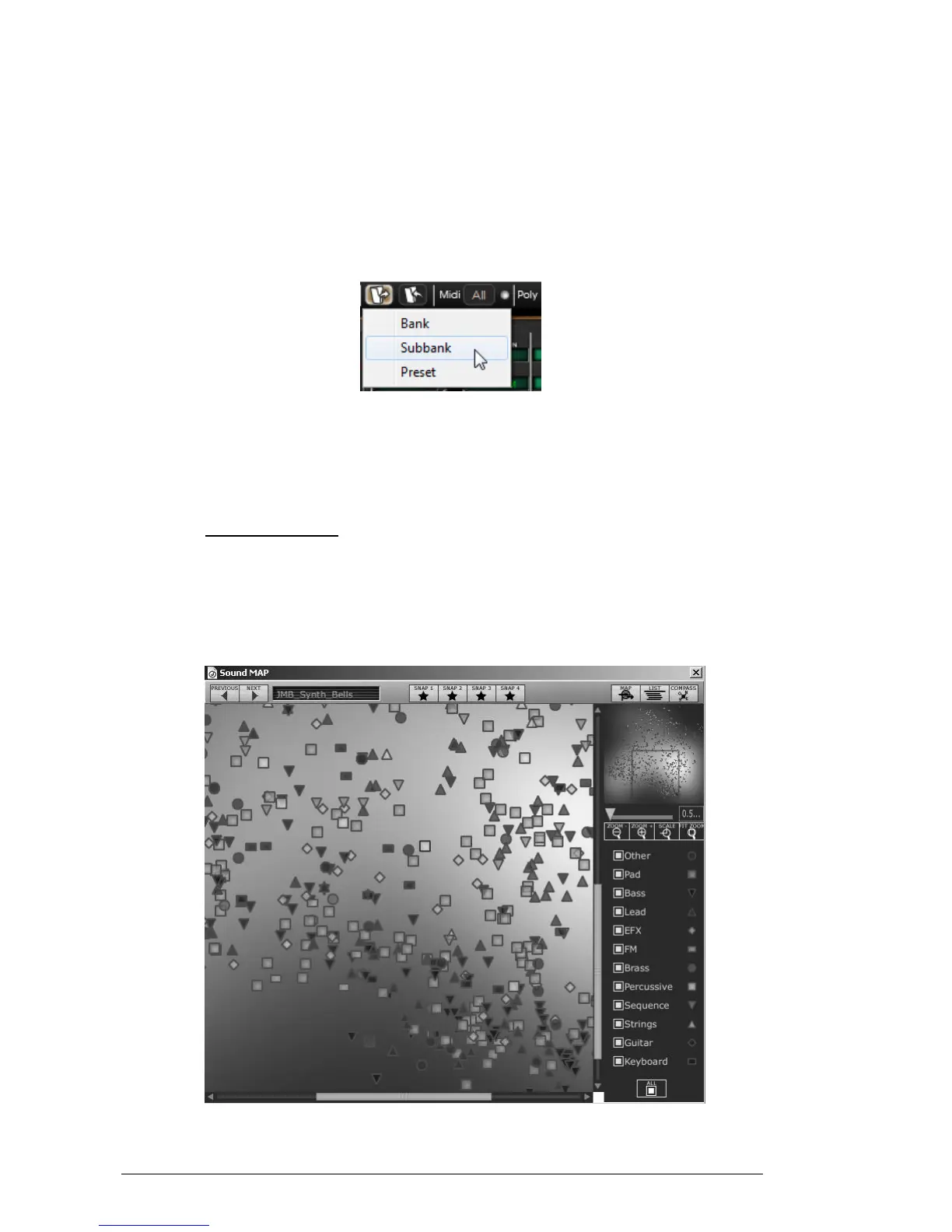
The sound map is an innovative preset explorer which offers an easy and funky way to
locate and choose a preset on a map area to simplify the preset management and to
quickly find the appropriate sounds.
The sound map also offers brand new interface for creating new sounds thanks to a
morphing feature between four presets.
The main interface of the Sound map












 To Next Page