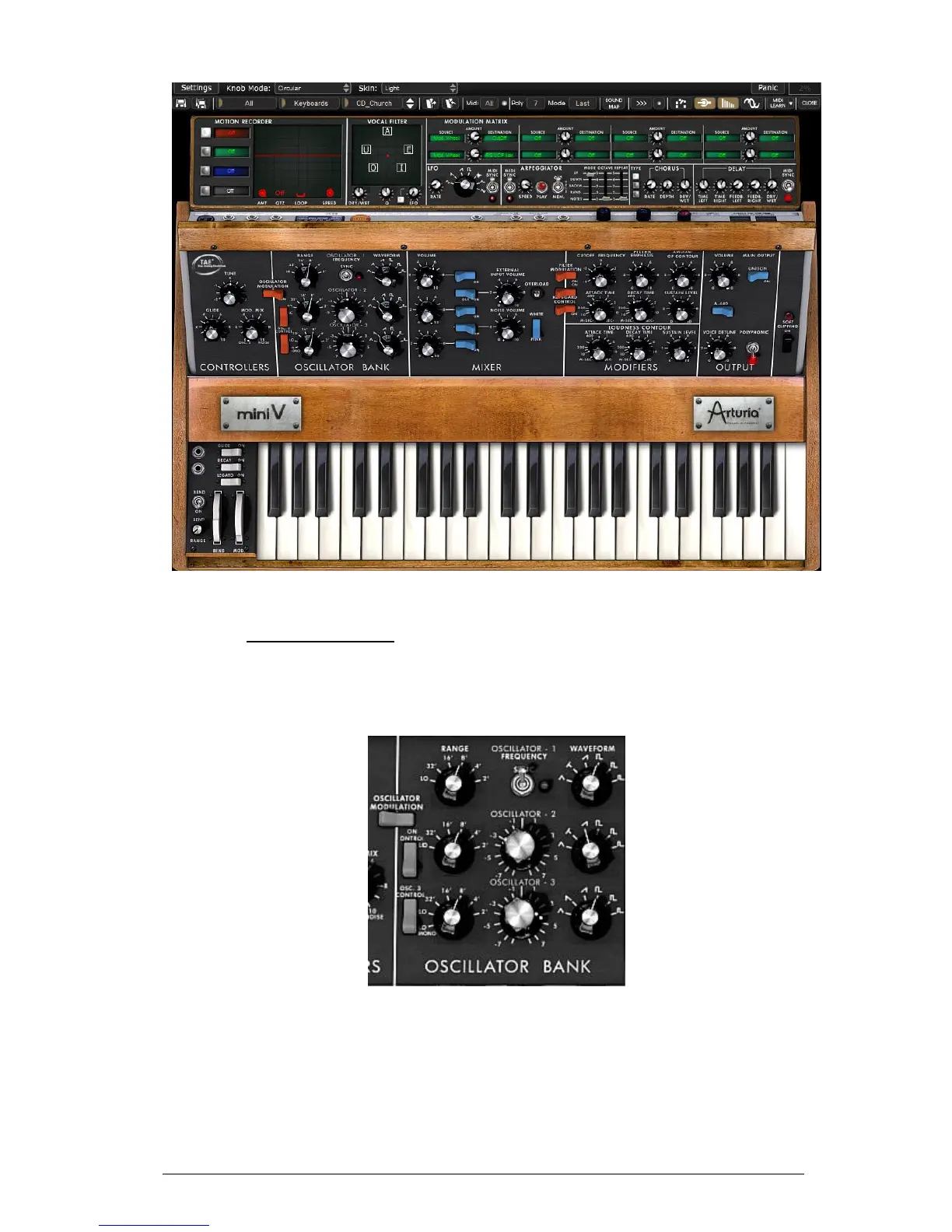
View of the Mini V in “Extended” mode
5.1 THE OSCILLATORS
The Mini V has three independent oscillators which can be found in the “Oscillator Bank”
section in the synthesis panel.
Oscillators
Each of these oscillators can produce different waveforms which are selected using the
knob on the right. The first two generate, from left to right, a triangle, an asymmetric
triangle, an ascending sawtooth, a square, asymmetric square and impulse. The third
oscillator replaces the asymmetric triangle with a descending sawtooth. By right clicking
on these selectors, it is possible to adjust the impulse width of certain waveforms:
square, rectangular, impulse, triangle and asymmetric triangle. If the waveform is again
modified, the impulse width will go back to its default value.












 To Next Page