8 MODES OF OPERATION
8.1 STANDALONE
Mini V can be used as an instrument independently from a sequencer software (Standalone
mode).
This allows you launch the application as a single instrument, and to play it using an
external MIDI keyboard.
8.1.1 Launch the application
To launch the Mini V application,
on Windows, go to the menu Start > Programs > Arturia > Mini V, and choose “Mini
V”.
on Macintosh, open the finder > Applications > Arturia and double-click on the Mini V
application icon.
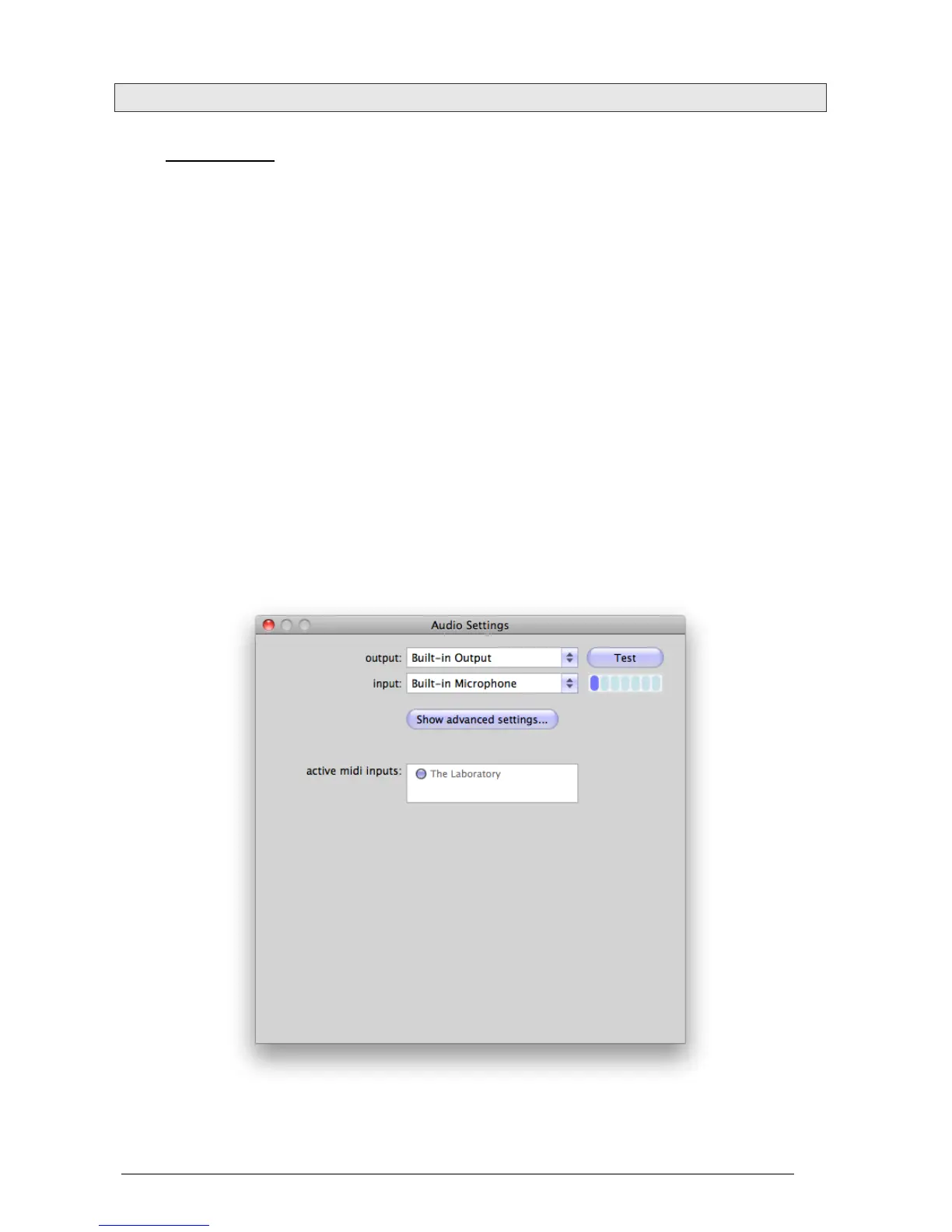
8.1.2 Configuration of the instrument
Click on the “Settings” button on the Mini V toolbar. It will show the following “Audio MIDI
Settings” dialog box.
In this option menu you can:












 To Next Page