The notes played on the keyboard directly command the frequency of the oscillators.
Nevertheless it is possible or this frequency to move slowly from one note to the next.
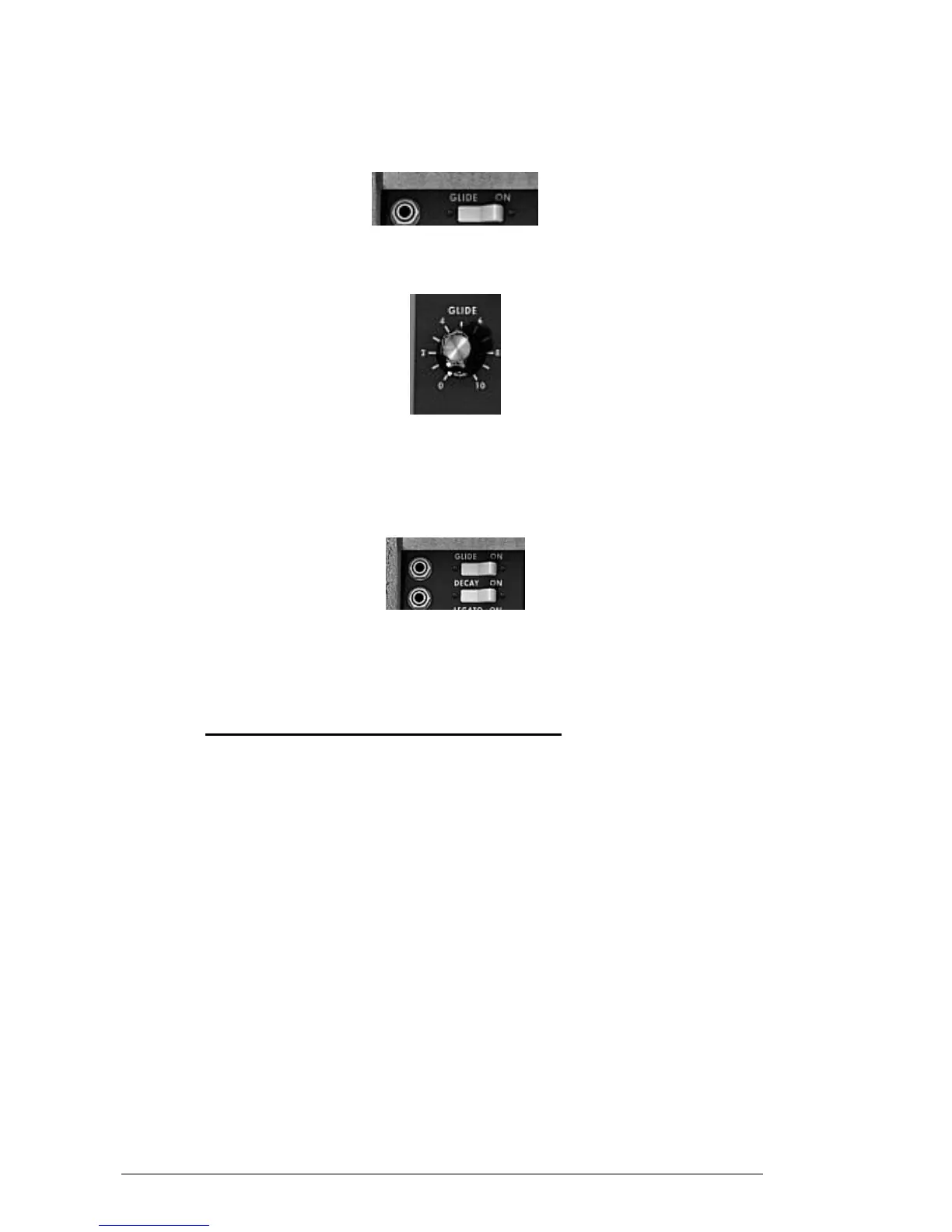
This function, called portamento, is activated with the “Glide” switch on the left of the
keyboard.
Activation of the portamento
The “Glide” knob: sets the time taken to reach the note played.
Setting the portamento time
The “Glide” switch: activates or deactivates the glide. It can be controlled by a foot
switch pedal. In this case you must click on the jack on the left.
The same is true for the “Decay” switch activating the time for the return to zero of the
envelopes.
Activating the portamento and return to zero of the envelopes by pedal
When none of the jacks are connected, eventual pedal commands act on the notes
sustain.
5.6 THE PITCH BEND AND MODULATION WHEELS
On the left of the keyboard we find two wheels, one for modifying the oscillator
frequency, the other for varying the amplitude of the modulation brought by the third
oscillator, either on the oscillator frequency, or the filter cut-off frequency.
When the modulation wheel is at zero, the window displays “no modulation”. This means
that it is not possible to modulate the value given by this wheel with the modulation
matrix (see underneath).
On the left of the bend wheel we find a “BEND” switch and a “RANGE” potentiometer.
The “BEND” switch is used to disconnect the bend wheel from the frequency of the
oscillators. We can thus, through the modulation matrix, use the bend wheel to modify a
parameter of synthesis, without modifying the frequency of the oscillator.
The “RANGE” potentiometer sets the amplitude of the bend wheel, more or less four
octaves per semi-tone.












 To Next Page