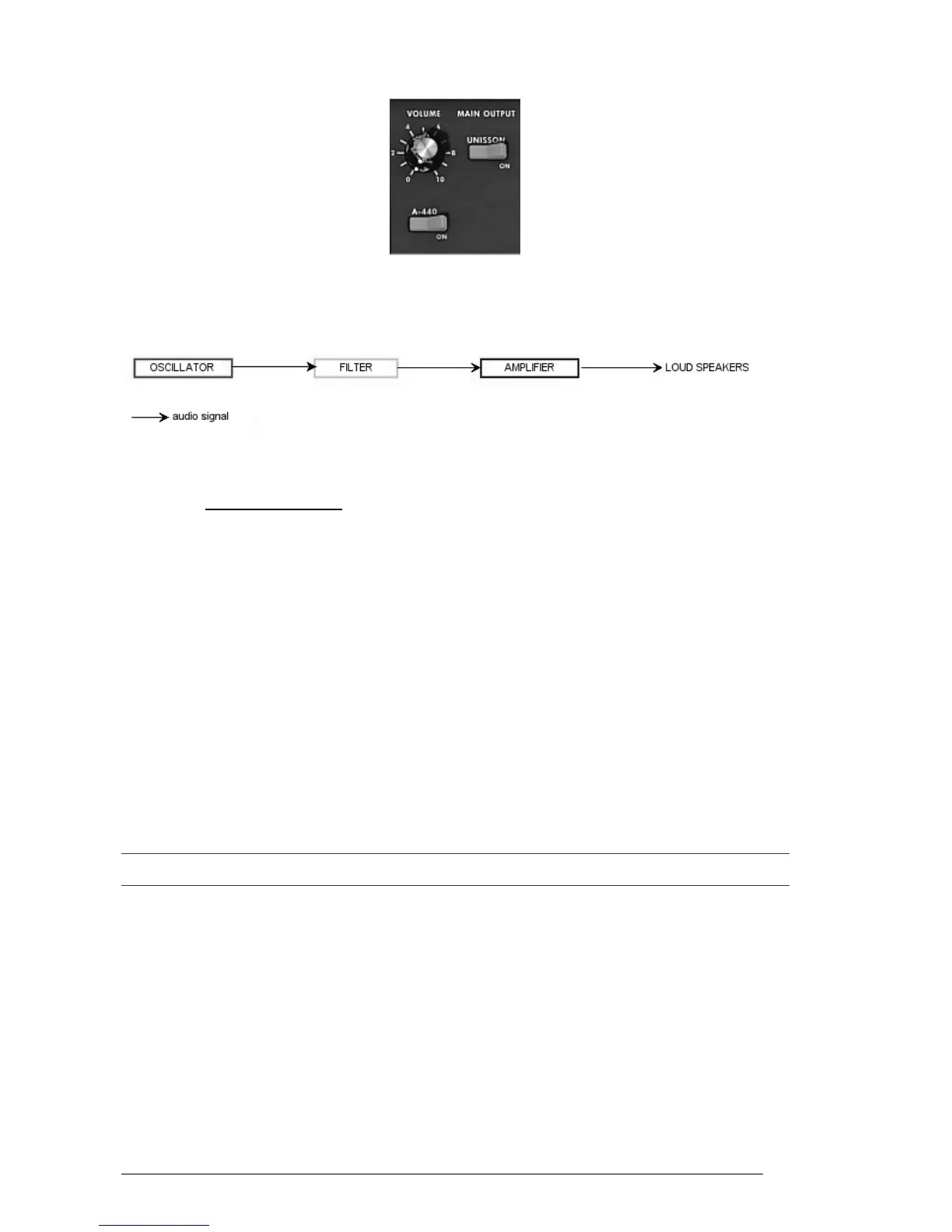
The Mini V VCA
In conclusion, here is a diagram that should help you to understand the composition of a
basic sound:
Basic audio path in analog synthesis
6.2 OTHER MODULES
6.2.1 The keyboard
If we stop here, the sound that you will obtain will be uniform, without life and without
an end!! The oscillator delivers a sound signal (the audio output of a waveform) of a
fixed pitch in a continuous manner. In the diagram above, the only way to stop this
quickly unpleasant sound is to lower the filter cut-off frequency so that it becomes more
and more damp until it finally disappears; or simpler yet, lower the volume of the
amplifier!
To start and stop the sound, and this at the tone that we require, we use a
keyboard that is connected both to the VCA through a gate and to the frequency
of the oscillators. This will “play” the sound as soon as a key is pressed, and mute
it when released. Of course, this connection is made through MIDI (it replaces the
“gate” type of connections on analog synthesizers, which trigger the note when a
key is pressed and stop it when released).
The key position provides a control voltage that tells the oscillator what pitch level
to play when the gate opens.
If you don’t have a MIDI keyboard, you can also play on the virtual keyboard of the Mini V to audition sounds
while editing voices on your computer.
6.2.2 The envelope generator
The envelope generator, connected to the amplifier, is used to “sculpt” the volume of the
sound when we press a key on the keyboard and ends after the note is released.
The most common modules developed use 4 settings that we can vary:
The Attack is the sound that the sound will take to reach its maximum volume once we
have pressed a key on the keyboard.
The Decay (fall) is the time that the sound will take to diminish after the attack portion
is complete.












 To Next Page