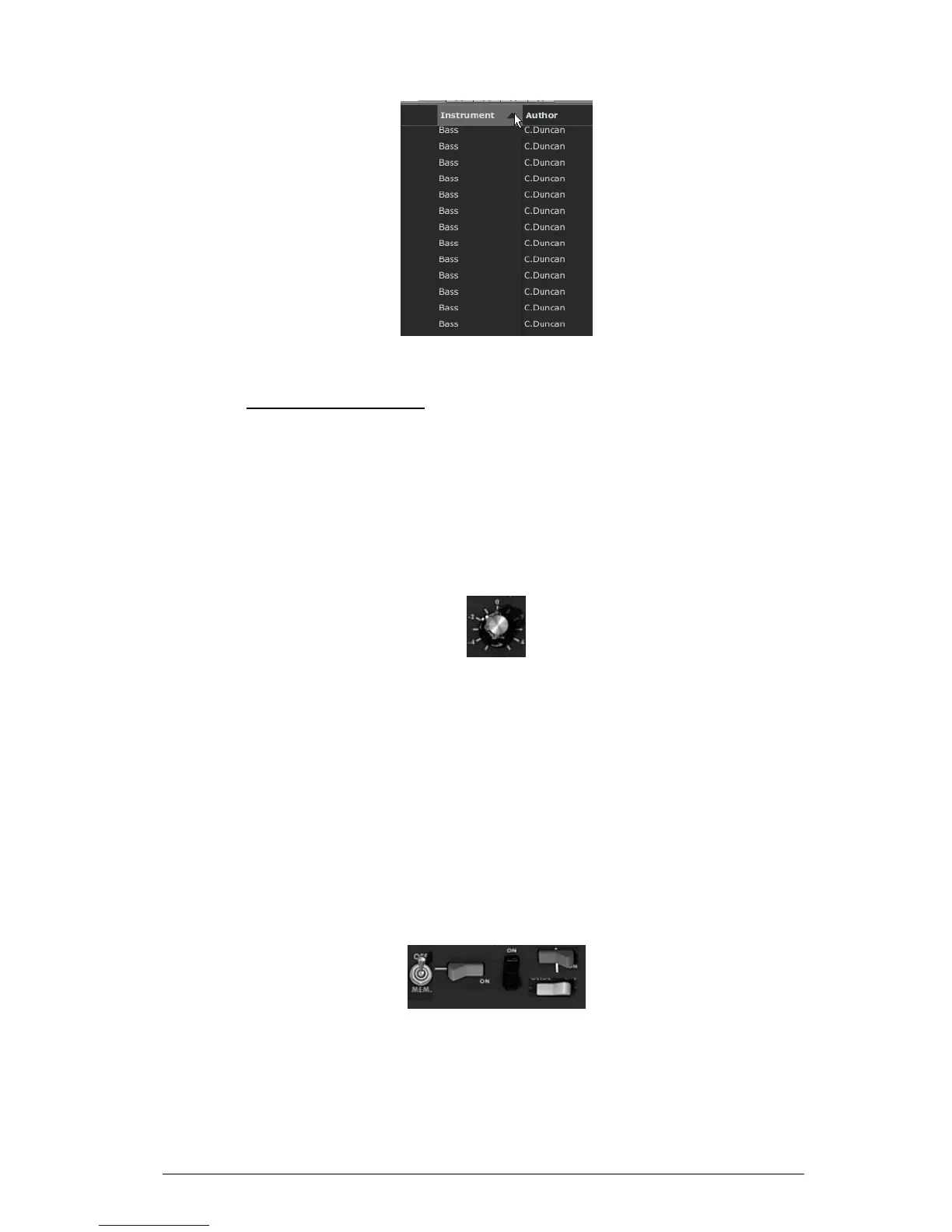
Inverse the order of the instrument types
4.3 USE OF CONTROLLERS
The Mini V uses different types of controllers: potentiometers, switches, wheels, etc.
Let’s take a look on those different types of controllers:
4.3.1 Potentiometers
Generally the sequencers offer several potentiometers control modes.
The default mode of control for knobs with the mouse is the circular mode: click on the
knob and turn around it in order to change the value of the controller. The circular mode
gives high precision in the manipulation of controls: The further the mouse goes from the
knob, the higher the precision of the setting.
Potentiometer
In linear mode, the knob can be set only by vertically moving the mouse, not going
around it. Like the sliders, it is possible to obtain a higher precision by right clicking or
Shift+Click on the knob concerned.
The linear mode can sometimes be simpler to use than the circular mode, although we
can lose in precision (the precision is limited by the number of vertical pixels on the
screen on which the mouse movements are being evaluated). Movement to linear mode
is available in the options of your sequencer. In Cubase
tm
, for example, this choice can be
found via the “Edit/Preferences” menu, and is found in the “General” tab of the window.
4.3.2 Switches
The Mini V has several types of switches. Simply click on these switches to change their
state.
Switches
4.3.3 Pitch Bend wheel
The pitch bend wheel is used to change the pitch of the oscillators. Just click on the
wheel and move the mouse up or down to change the pitch of your sound. The wheel
goes back at the center position when the mouse is up.












 To Next Page