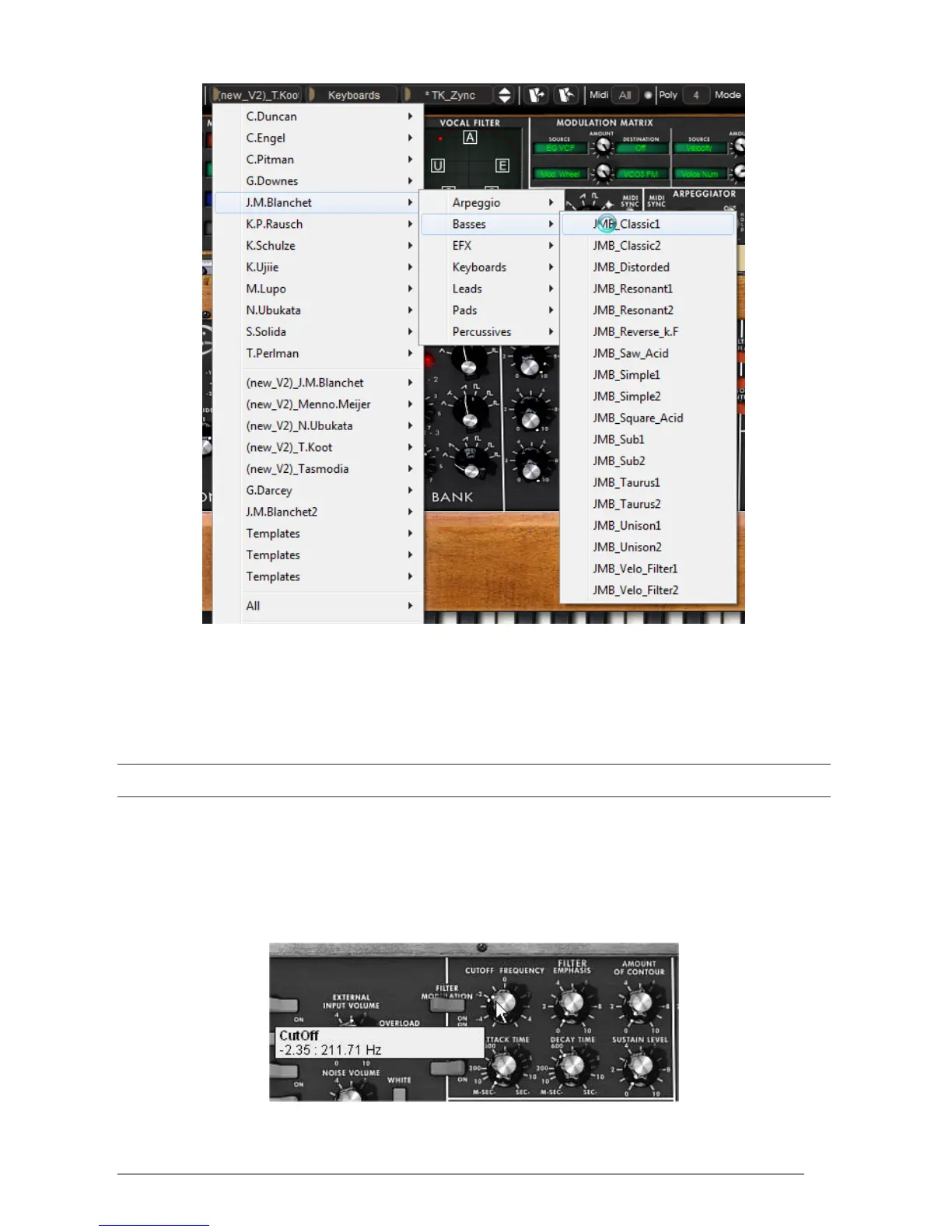
Select the preset JMB_Classic1
The Mini V comes with 400 presets, which will familiarize you with the sounds of the
synthesizer. A bank called “Templates” offers a selection of presets with a basic configuration
(or template) to start programming a sound.
The sound “1_Osc”, for example, comes with: an oscillator directed to the low-pass filter, with
the signal then routed to the VCA.
It is also possible to see all of the presets corresponding to a given type of sub-bank by choosing the “All” option in the
bank. For example, to see all of the bass presets click on “All” in the bank selection and then on “Basses”.
3.1.1 Modifying this preset
For this, we will start with a very simple manipulation.
Modify the brightness of the “JMB_Classic1” sound using the “Cutoff Frequency”
potentiometer of the filter. Turn this potentiometer and you will hear the tone of the
sound becoming more or less “brilliant”. Set this potentiometer to your convenience.
Change the brightness of the sound












 To Next Page