7 A FEW ELEMENTS IN SOUND DESIGN
Here is a series of examples designed to guide you through the creation of a sound and a
sequence. They are classed in order of difficulty going from the easiest to the most difficult
and are organized into 3 parts:
The first part will help you to grasp subtractive sound synthesis. You will start with the
most basic patch (make a VCO oscillator “sound” in an output VCA amp), to finish by
touching on the programming of a more rich sound (several oscillators, the filter, the
frequency modulation of the filter and oscillators).
The second will help you to use the modulation matrix
Finally, the third part will teach you to use the arpeggiator and the effects.
7.1 SUBTRACTIVE SYNTHESIS
7.1.1 A simple bass sound
To begin we will see how to program a bass sound. As we saw in chapter 3 (Quick Start), the
Mini V uses 3 oscillators. We will only use the first for this example. It will be composed of:
An oscillator
A low pass filter (Filter)
An output VCA (Output)
The envelope corresponding to the filter
The envelope corresponding to the output amplifier (Loudness Contour)
You will thus obtain a base patch for subtractive synthesis.
Choose the preset “Temp_Blank” in the “Templates” bank, sub-bank “Temp_Synth”.
This preset does not produce sound yet! Don’t worry, this is normal.
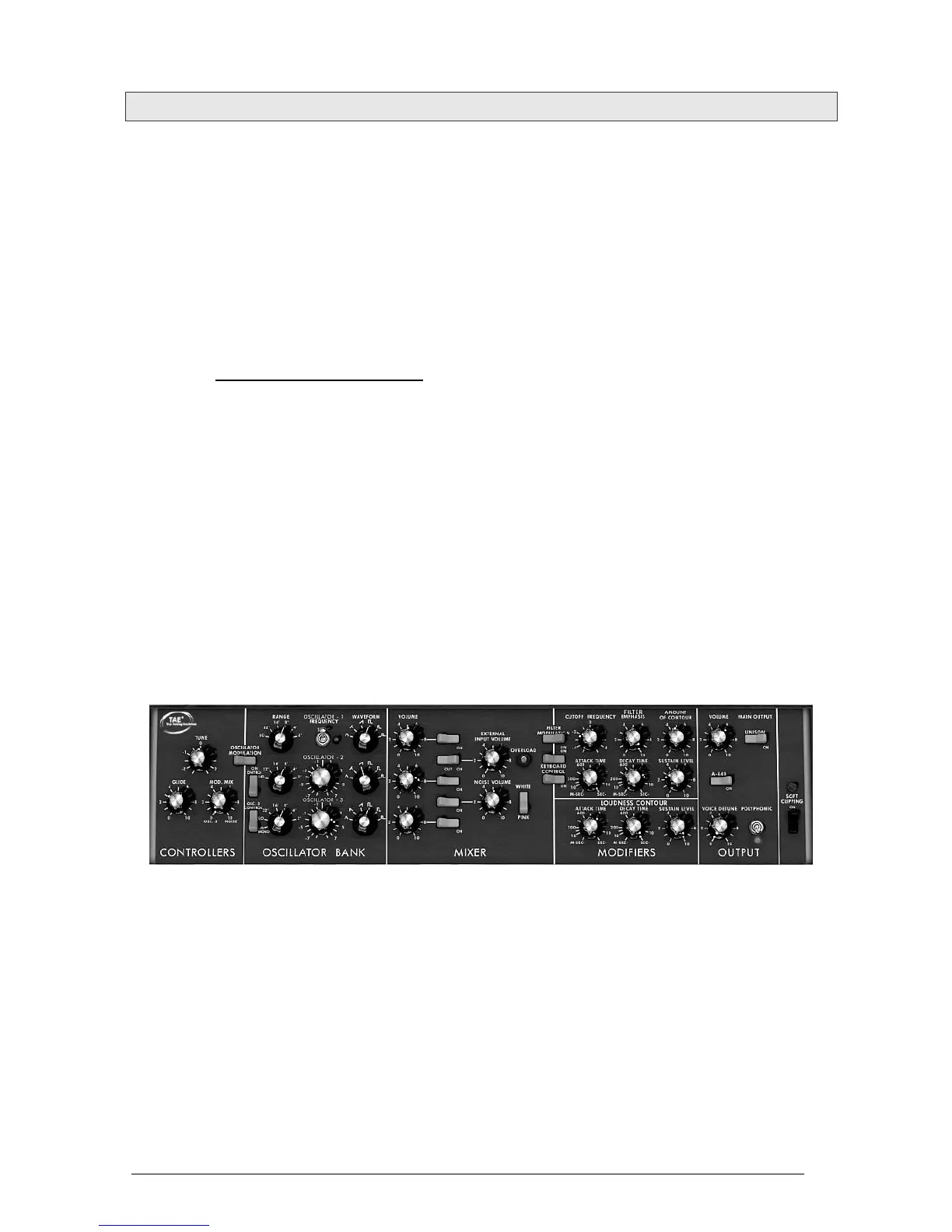
The following image shows the different knob positions:
So as to hear the sound, click on the first of the 5 blue “Mixer” switches. This activates
the signal coming from the first oscillator.












 To Next Page