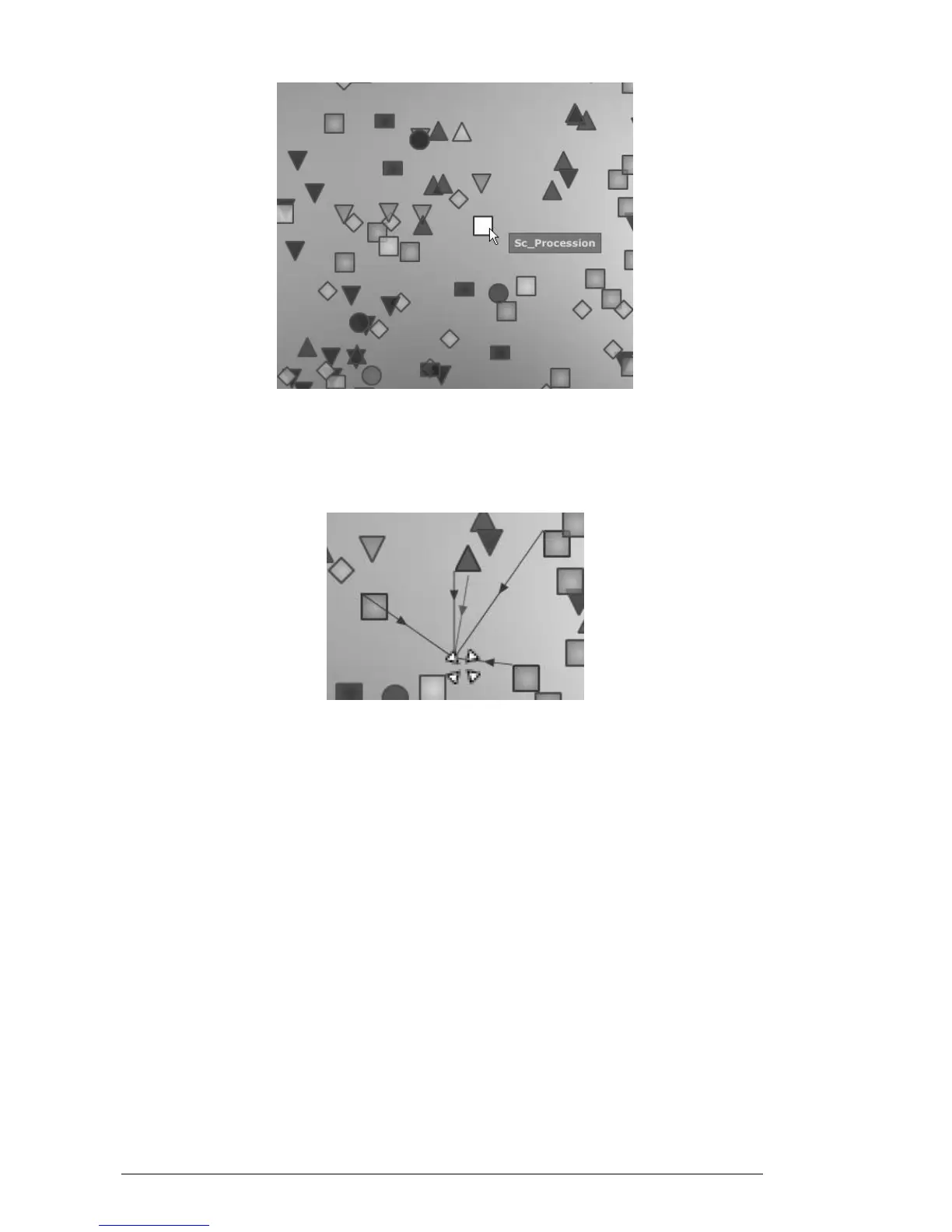
Select a preset
You can create new presets thanks to an exclusive real time morphing feature:
Click between a group of presets and hold the left button of the mouse on this
point. Four red arrows drawing a cross appear linking the group of four presets.
Morphing between a group of presets
You can now drag your mouse between those presets. The green arrow shows you
the starting point of your motion.
When you release the left mouse button, you can play the resulted sound and, if
you wish, you can save it on a User bank of the Mini V memory.
By this way it is very easy to quickly get some new and exiting sounds without
programming anything on the synthesizer interface.
4.2.2.2 The Sound Map overview
On the top right of the Sound Map main interface, you can see an overview of this map.
You can use the map overview for navigating into the map and to zoom in or out inside
of the map area.












 To Next Page