Create a new sound
If you wish, you can save it on a User bank of the Mini V memory.
4.2.2.6 The list preset manager
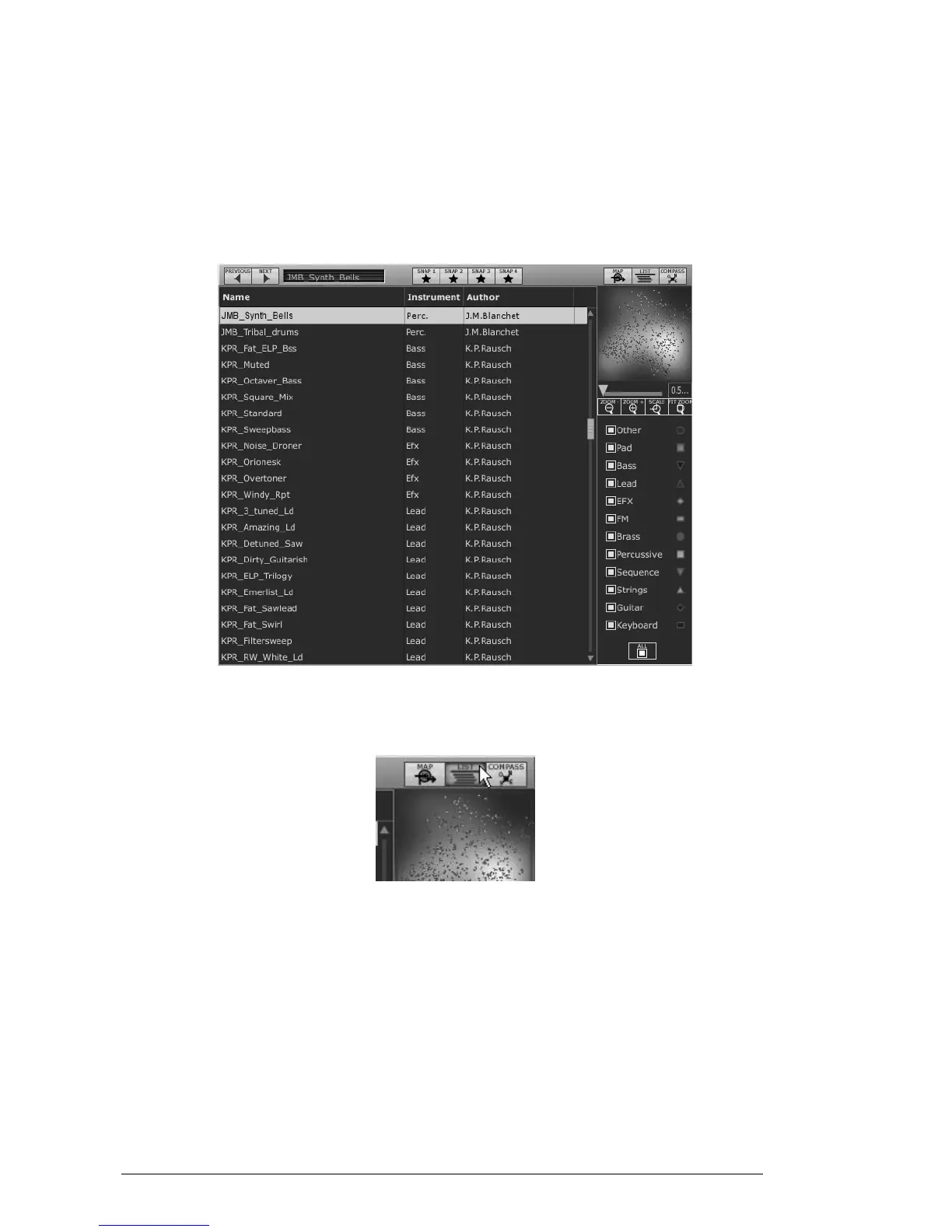
The list preset manager offers a more classical way to explore the presets using a list
interface in which the Presets are classified and filtered in order to simplify preset
management.
Preset list interface
To open the list interface, click on the “List” button, situated on the toolbar of the
Sound map.
Click on the “List” button
The list preset interface is very simple: you can see three columns showing, from left to
right:
The preset names
The instrument type
The name of the sound designers
All those data are classified by alphabetical order.
To select a preset, simply browse the list and click on the name of a desired
preset.
You can inverse the order (from A to Z or from Z to A) by clicking on the column
title: an ascendant or descendant arrow shows you the order type.












 To Next Page