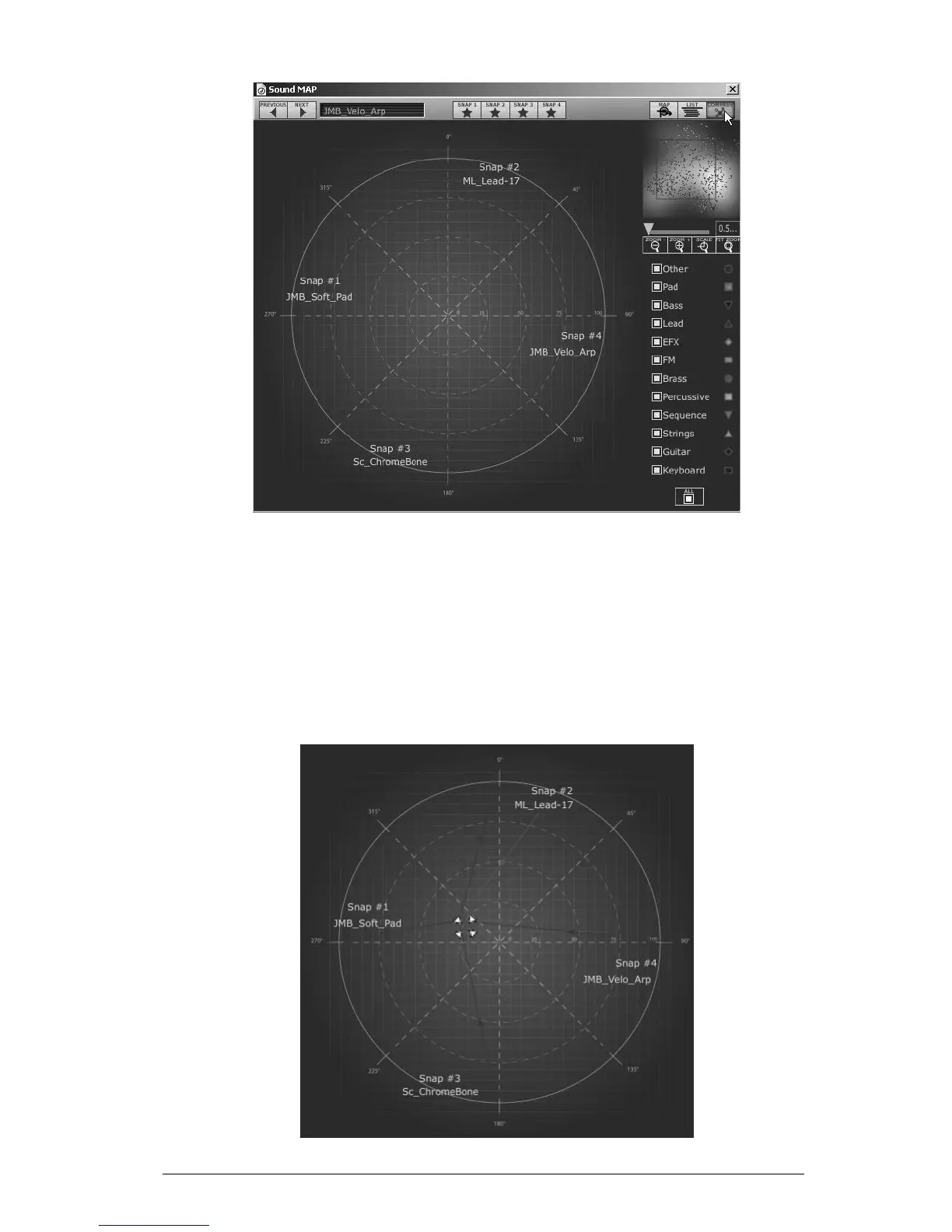
The Morphing interface
To open the “Morphing” page, click on the “COMPASS” button, situated on the
toolbar of the Sound map.
To create a new morphed sound from those presets:
Click everywhere on the center of the compass area (four red arrows appear
converging to the group of presets)
Hold the left button of your mouse and drag the convergence point until having
the good sound.
The green arrow shows you the starting point of your motion.












 To Next Page