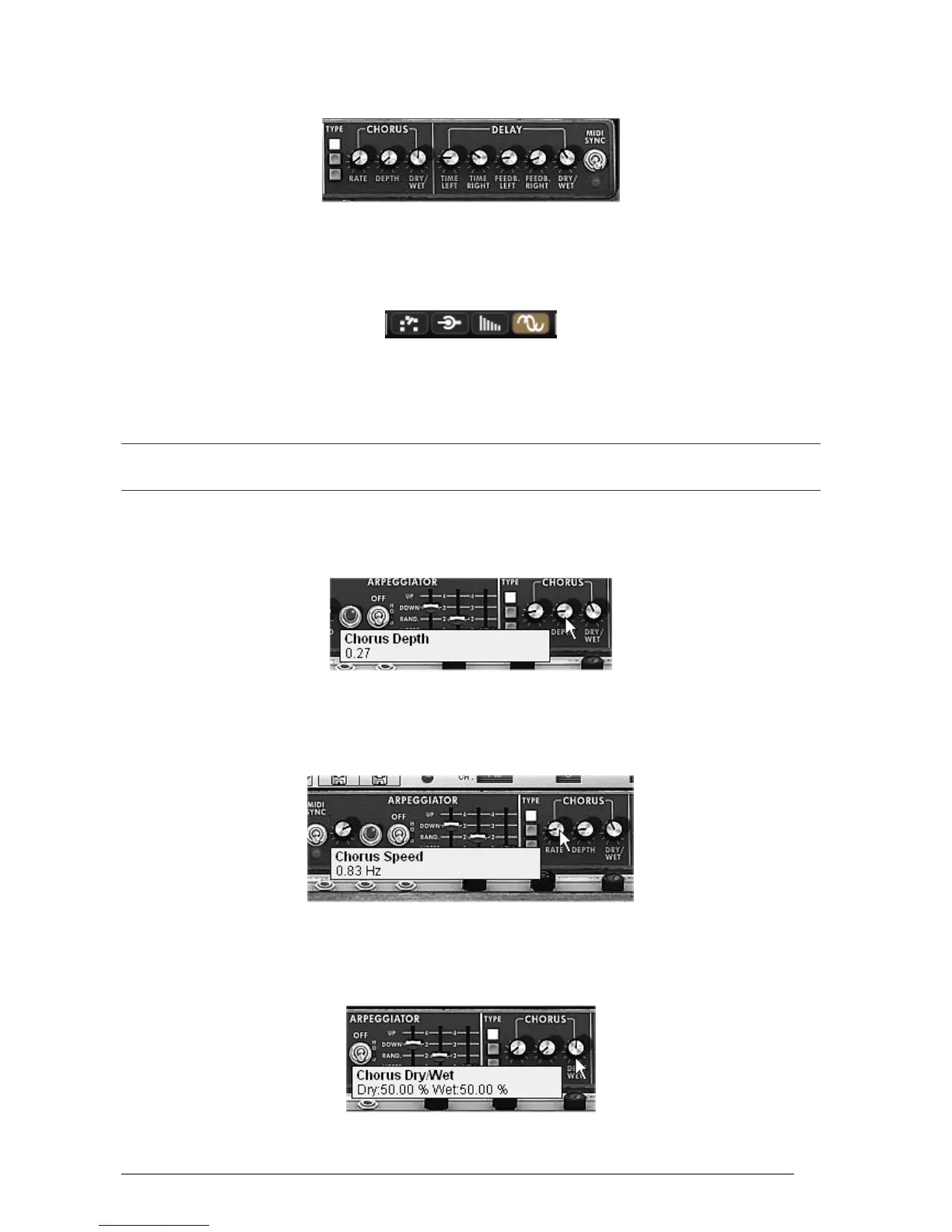
The Mini V offers two additional effects letting you add another color and more space to your
sound.
The Chorus and Delay effects
7.3.1 The stereo chorus
For this example, take the sound of the accompaniments from the previous paragraph
8.1.3. Add chorus by clicking on the “Chorus” button on the right of the toolbar.
Add chorus
Chorus is used to create an effect of doubling the sound, which gives more width and
“thickness”. If you accentuate the intensity of the effect you will obtain a very detuned
sound.
The speed of modulation can be set with the “Rate” knob, the amplitude with the “Depth” knob and the mixing
between the initial sound and the effect with the “Dry/Wet” knob.
The 3 “Type” buttons choose between the 3 types of chorus: simple, medium, complex.
► To clearly hear the different depths of modulation, simply increase the value of the “Depth”
knob. The higher the value, the more detuned the sound becomes! For a classic chorus, use
minimal values (around 0.16)
The “Depth” parameter
► Set the modulation speed by turning the “Rate” knob. The faster the speed, the faster the
detuning. Here again, use values situated around 0.50 Hz if you wish to have a slight
detuning.
The “Chorus Rate” knob
Place the “Dry/Wet” knob to the center (Dry:50.00%, Wet: 50.00%) to obtain a
balance between the gain applied to the signal without effect (“Dry”) and the setting
of the gain applied to the treated signal (“Wet”).
The “Dry/Wet” knob












 To Next Page