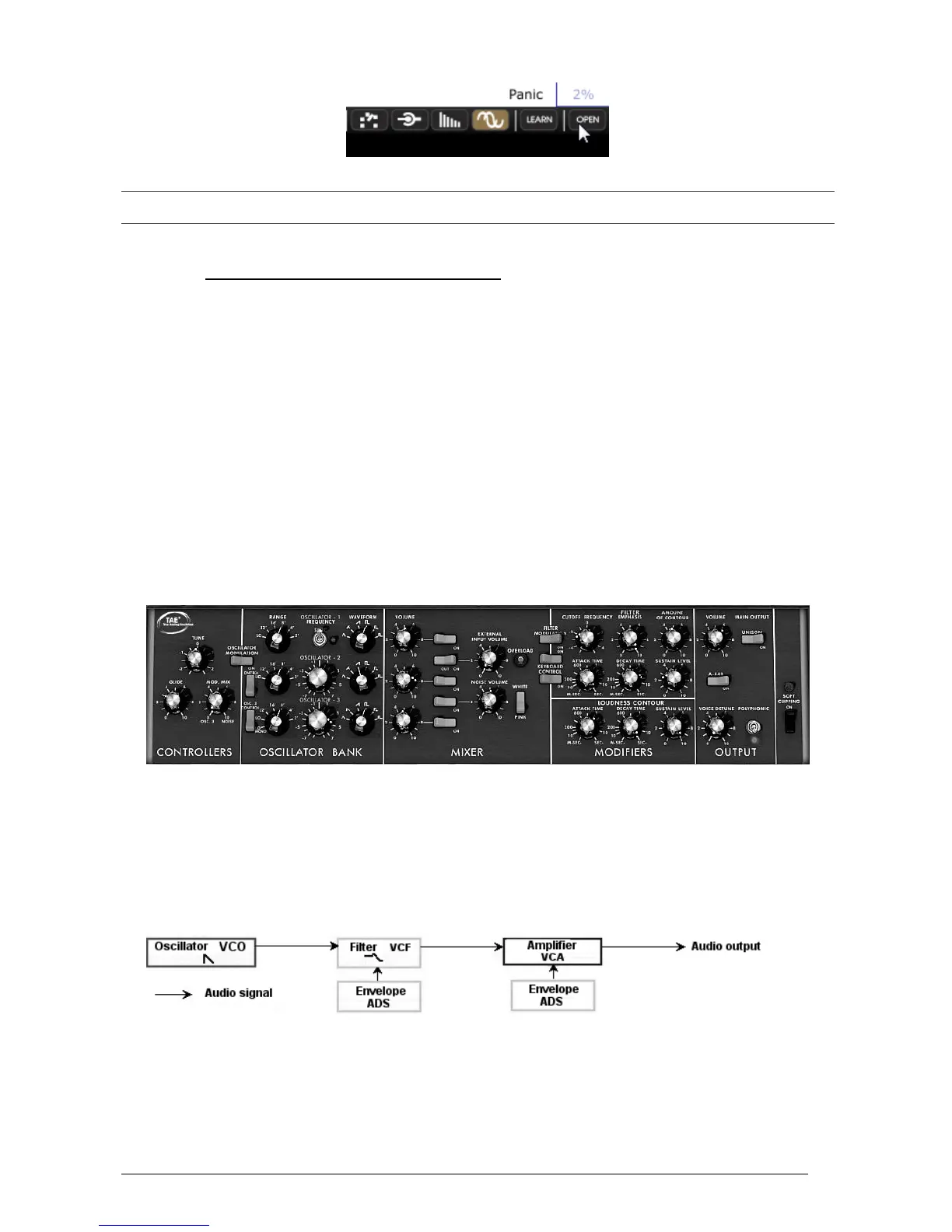
Opening the extension panel
To use the Mini V exactly like the original model, you must also deactivate the chorus and delay effects on the toolbar
and switch off the polyphony toggle in the output section.
3.3 OVERVIEW OF THE “CLASSIC” MODE
The “Classic” mode holds 50 synthesis settings, which will allow you to conceive an infinite
variety of sounds. The knobs and switches associated to these parameters are found regrouped
on the panel above the keyboard.
These parameters are composed of:
3 oscillators (VCO) which deliver the base audio signal thanks to 6 wave forms (triangle,
sawtooth 1 and 2, square, rectangle 1 and 2) and manage the height of the sound (the
frequency). The third can also be used as a modulator when its signal is directed to the filter or
oscillators.
A Mixer allows you to mix the signals coming from the oscillators or the noise module.
A low-pass 24dB resonant filter
An ADS envelope modulating the low-pass filters
1 amplifier (VCA) allowing the amplification of the signal coming from the filter to direct it to
the stereo output.
An ADS envelope modulating the signal going through the amplifier.
The synthesis parameters
Let’s see how to quickly create a progressive lead:
To correctly understand the logic in programming the Mini V, let’s use a very simple
sound. Select the preset “1_Osc” (in the “Templates” sub-bank). The structure of
synthesis of this sound is very basic: the sawtooth waveform of oscillator1 is active and
the signal is routed through the low-pass filter, and then through the output amplifier.
The routing of the sound of preset “1_Osc”
Start by lowering the cut-off frequency of the low-pass filter (LPF). This will make the
sound more and more dampened.












 To Next Page