It is possible to remove a configuration by loading on and click on “Remove”.
4.3.5.4 Minimum and maximum bounds
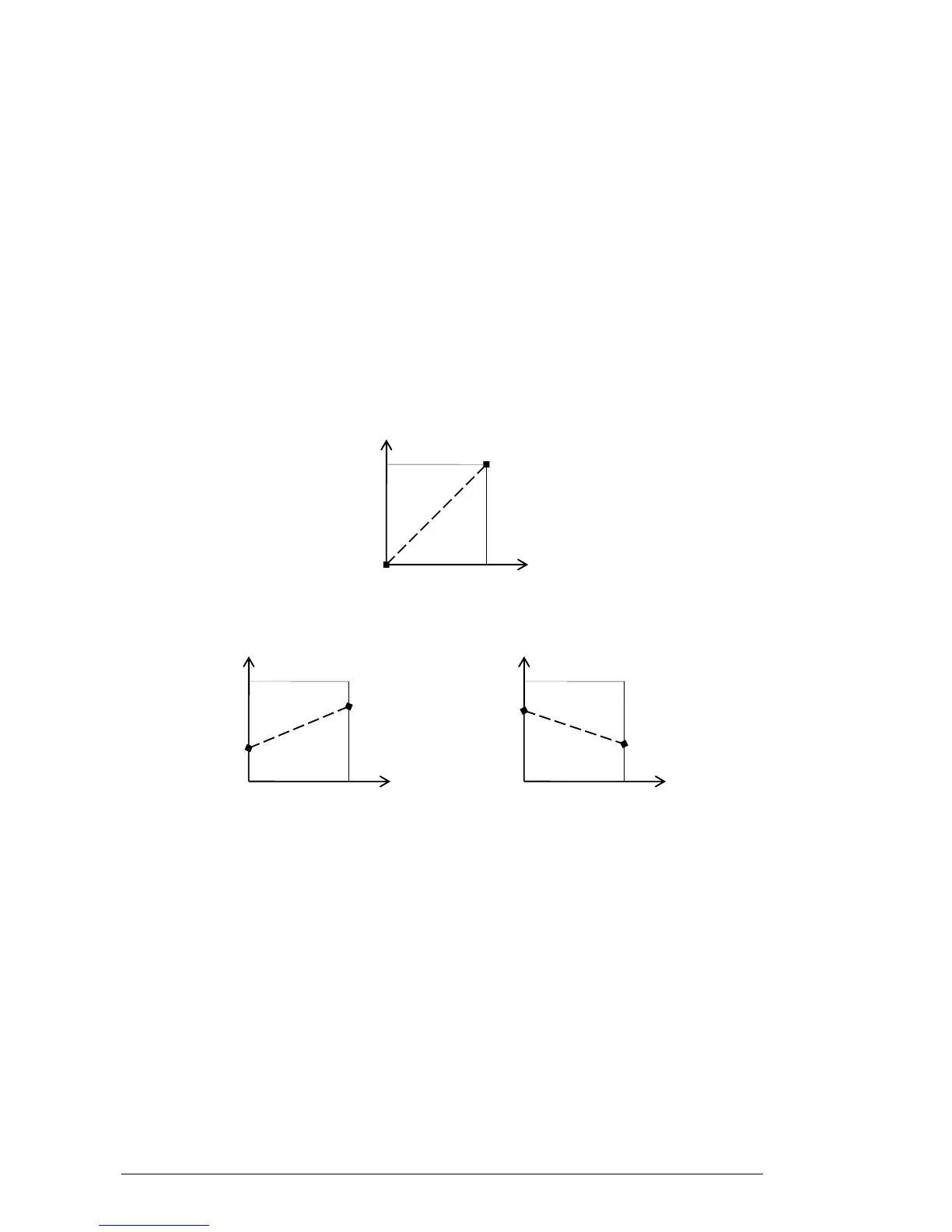
For each assignment, a minimum bound value and a maximum bound value can be set.
This means that:
Assigned parameter will have the configured minimum value when the controller
will be at its lowest position
Assigned parameter will have the configured maximum value when the controller
will be at its highest position
You can invert Min and Max so that parameter will have minimum value when
control has the highest value, and parameter will have maximum value when
control has the lowest value
parameter_value = MIN + (MAX – MIN) * control_value
4.3.5.5 Multiple assigned parameter
It is possible to assign and setup assignment for multiple parameters to a single control.
Activate “Learn” mode, select a parameter (GUI control)
Tweak control to assign it (optionally setup minimum and maximum)
Select a second parameter
And tweak the same control
Deactivate “Learn” mode
Tweaking assigned control should modify both parameters with regards to assignment
setup (Min, Max).












 To Next Page