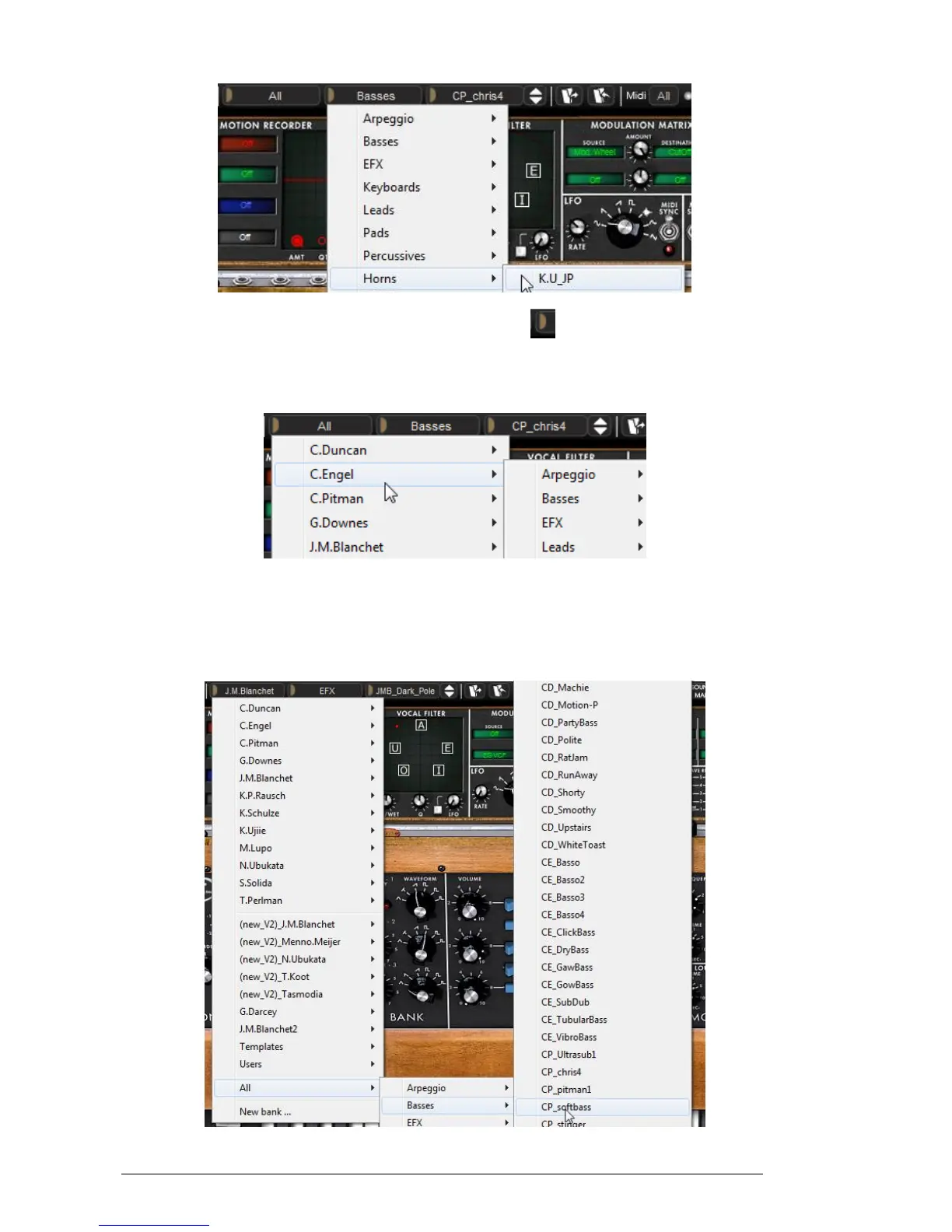
Choice of a preset in another sub-bank
To choose a preset in another main bank, click on the button at the left. A dropdown
menu appears with a list of the main banks available with the sub-banks corresponding
to the sub-banks defined in each main bank and to the presets contained in each sub-
bank. You can thus freely choose a preset by clicking on its name.
Choice of a preset in another main bank
In the “BANK” dropdown menu, the “All” option allows you to open a sub-list with all of
the sub-banks available in all of the banks. This gives you access directly to all of the
presets of a given type, for example all of the basses, no matter which bank they are in.
This function is particularly useful to quickly see all of the presets of the same type.
Choice of preset regardless of bank












 To Next Page