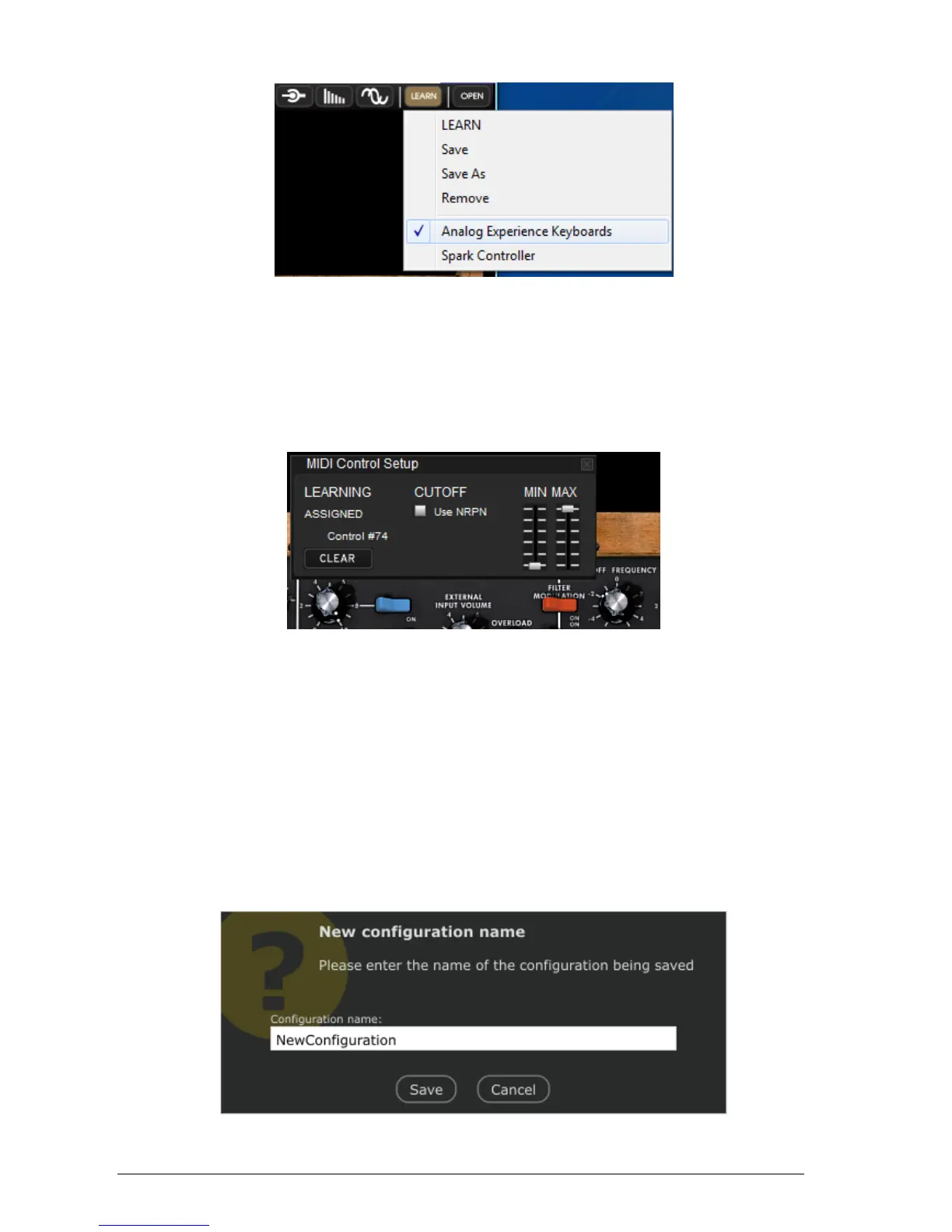
“Learn” menu in toolbar
Select LEARN entry, Learn mode is then activated
Click on the Cutoff Frequency Knob on the GUI
MIDI assignment popup
A MIDI assignment popup opens, and then just move the control that you want to be assigned.
The control is automatically assigned to Cutoff frequency (you can check MIDI control message
value).
Tweak MIN and MAX sliders to adjust bounds for that control.
Repeat this operation for other controls. Notice that you can assign multiple GUI
controls to a single hardware control.
Click button Learn and select LEARN entry to switch off Learn mode.
Click button Learn and select Save As to save your configuration
Save As popup












 To Next Page