8.9 USING IN LOGIC, MAC OS X (AU)
Make sure the plug-in has been tested OK in the Logic Audio Units Manager. To launch it,
click on the menu “Preferences > Start Logic AU Manager”.
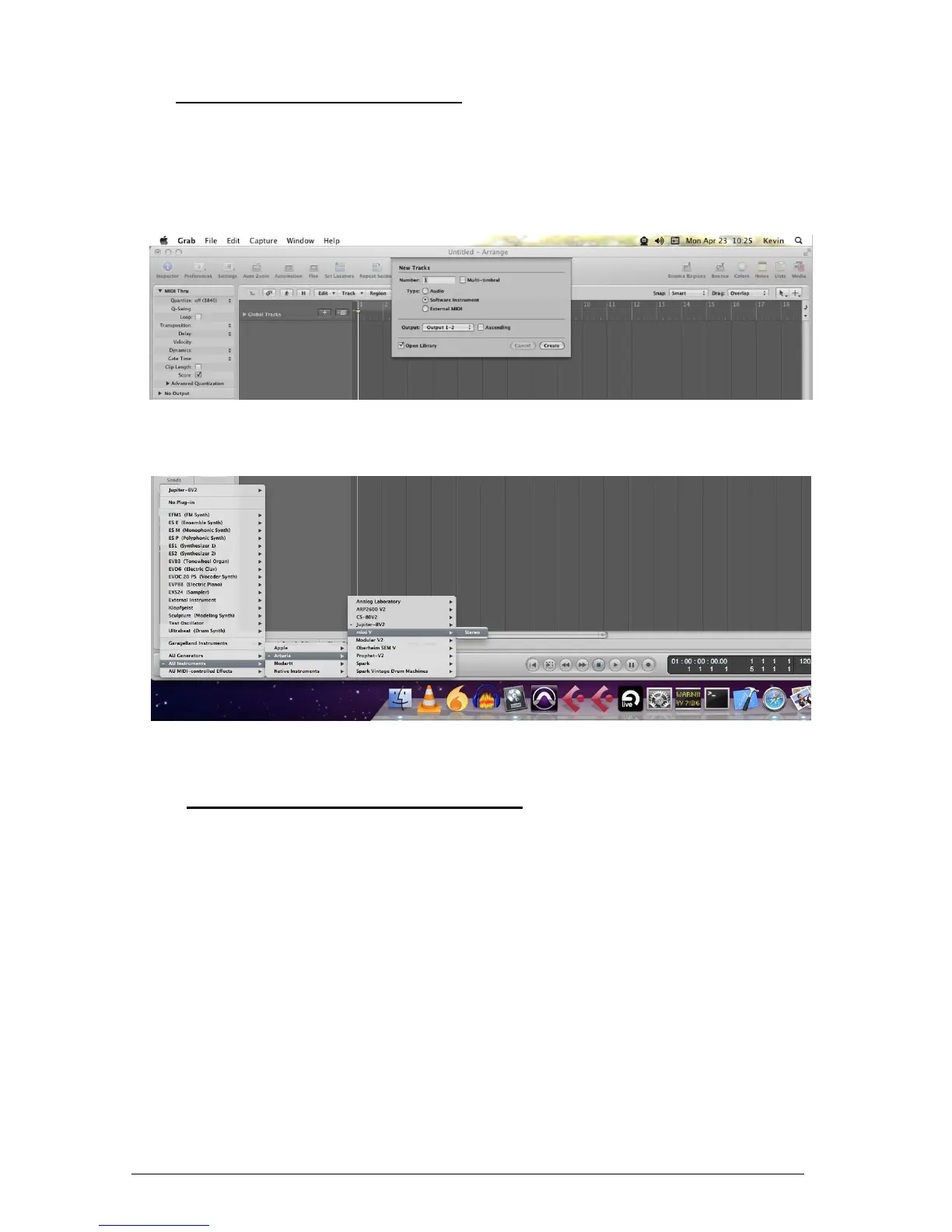
Create a new Software Instrument track.
On the channel of the mixer corresponding to the selected track, click on the button “I/O”
to list the available plug-ins, then select “AU Instruments > Arturia > Mini V > Stereo”.
8.10 USING IN ABLETON LIVE (AU AND VST)
From the plug-ins tab, simply double click on the Mini V VST or AU icon, or drag-and-drop
the plug-in into a MIDI track:












 To Next Page