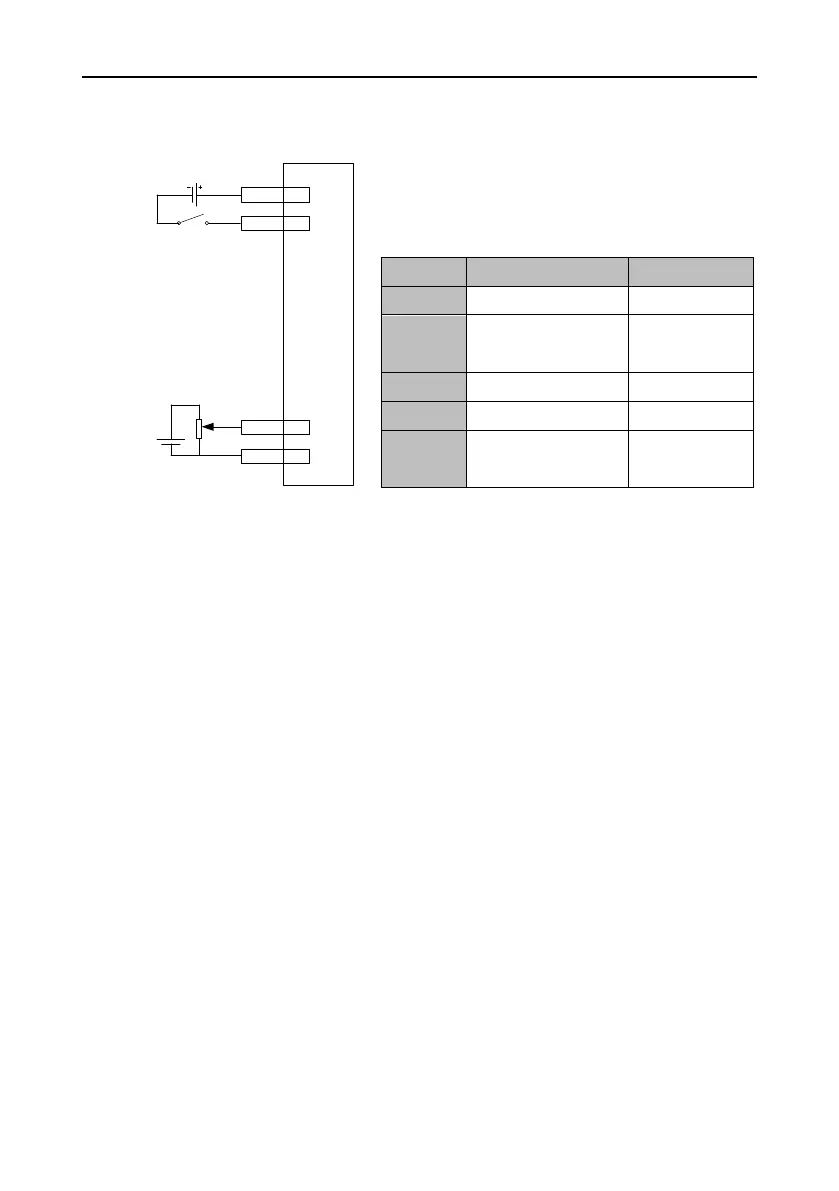
Procedure
1. Complete the connect between the servo drive and servo motor.
2. Set P0.03 to 1, which indicates the speed control mode.
3. Switch off and re-switch on the control power for the setting of P0.03 to take effect.
4. Set P0.40 to 1, which indicates that the speed command source is external analog.
5. Set P3.26 to 3, which indicates that analog input 1 is a speed command.
6. Set P0.42 as required. See the description for P0.42 for details.
7. Connect the plug terminals for CN1.
8. Connect the plug of CN1 to the drive, switch on the power, and ensure that SON and COM- are
connected. The servo enters the locking state.
9. The motor shaft may rotate at a low speed if there is no upper command voltage. It is necessary
to adjust P3.20. See the description for P3.20 for details.


 To Next Page