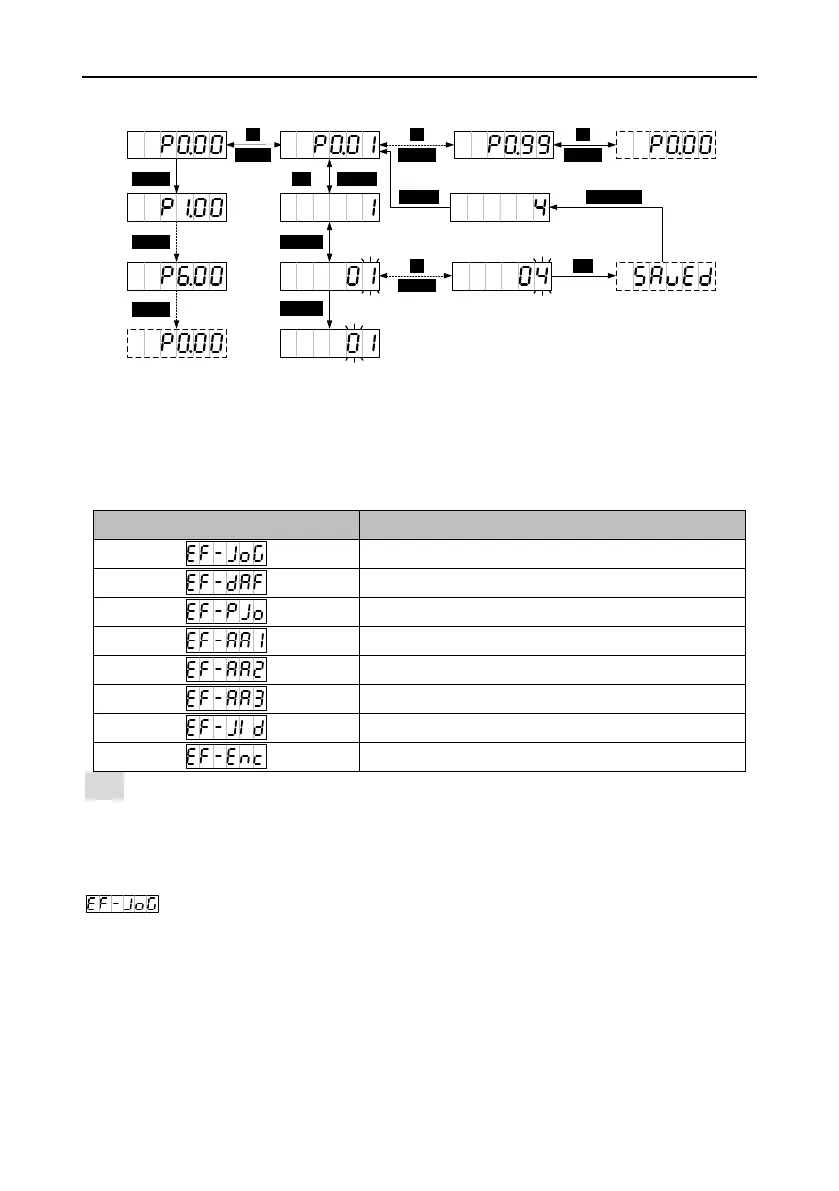
5.2.5 Auxiliary function mode
5.2.5.1 Functions
You can press MODE to enter the auxiliary function mode and press UP/DOWN to select auxiliary
functions.
Note: All auxiliary functions can be executed only when the servo is disabled. The auxiliary function
menu is inaccessible when the servo is enabled.
5.2.5.2 Jogging test
You can press MODE to switch to the auxiliary function mode. You can press UP/DOWN to enter the
menu and press SET to enter the jogging test screen, displaying the current rotation
speed of the motor. If you press and hold UP, the motor rotates at the specified speed
counterclockwise. It stops if you releases the key. If you press and hold DOWN, the motor rotates at
the specified speed clockwise. It stops if you releases the key.


 To Next Page