8.5 Upper computer software
8.5.1 Astraada DRIVE Studio
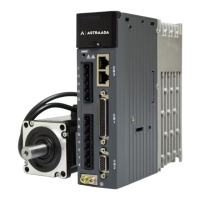
Astraada DRIVE Studio is the upper computer software for monitoring and commissioning AS64 servo
drive. It can:
⚫ Monitor drive status parameters in real time.
⚫ Modify drive parameters online.
⚫ Support USB communication, and monitor the waveforms through four channels in real time with a
minimum resolution of 0.125ms.
⚫ Save parameters to files in batches and download them to the servo drive in batches.
⚫ Display and read faults.
⚫ Provide independent function application interfaces (such as for frequency feature testing, inertia
identifying, jogging, and electronic cams).
8.5.2 Hardware
Windows XP, Vista, Windows7, Windows10
8.5.4 Communication connection
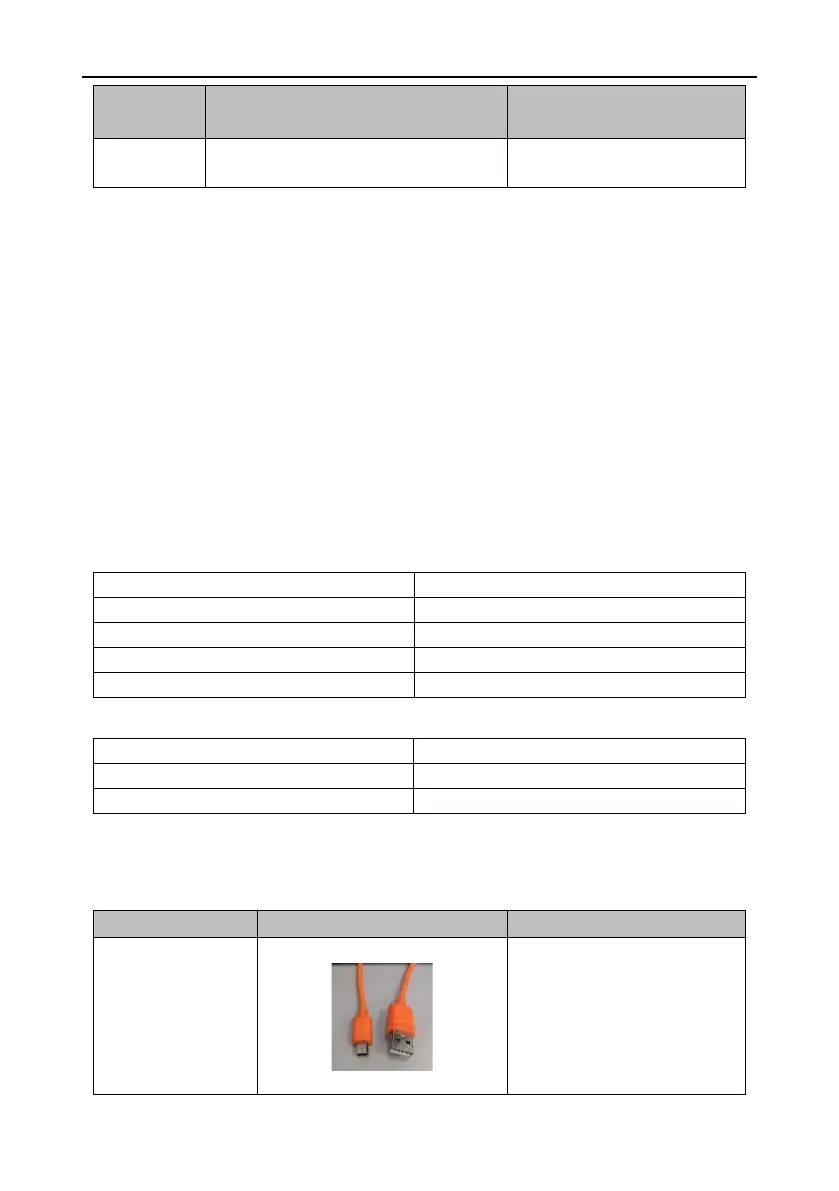
The servo drive can connect to a computer through the USB interface. See the following for the
connection.
After the servo drive is powered
on, you can connect the servo
drive to the computer through the
USB cable and install the
designated the USB drive
program.


 To Next Page