Conguring Client Settings
Conguring Network Settings
91
4.5.2 Available Settings at a Glance
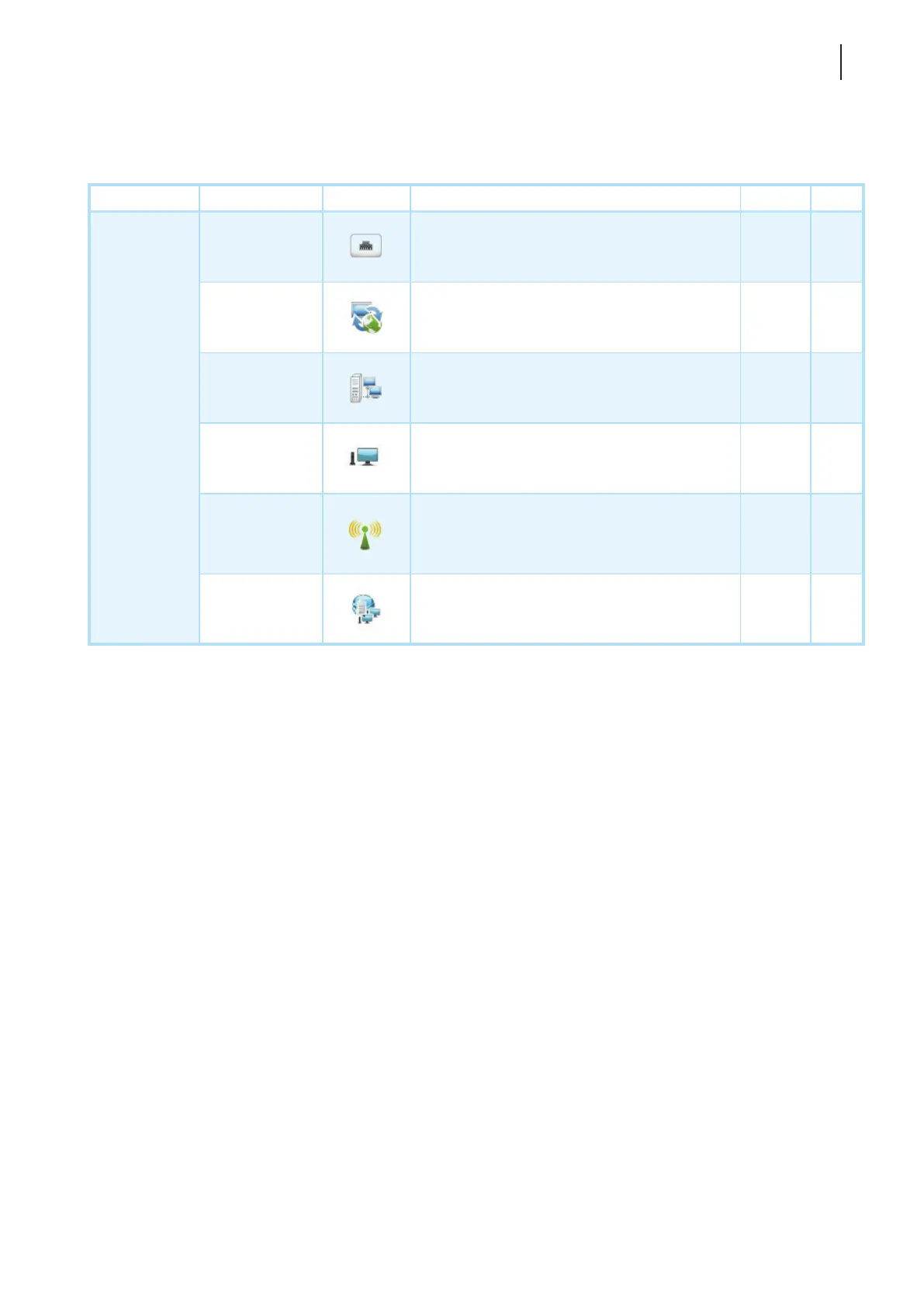
Tab Setting Icon Description Section Page
Network
Ethernet
Click to congure wired network settings.
4.5.3
4.5.4
92
95
VPN
Click to congure VPN (Virtual Private Network)
connection settings and create a VPN connection.
4.5.5
4.5.6
96
100
Hosts
Click to create the mapping of IP addresses to
the names of host servers and create the Failover
Cluster list.
4.5.7
4.5.8
101
103
Host Name
Click to change the host name of your thin client. 4.5.9 105
Wireless
Click to congure wireless network settings and
create a wireless connection.
4.5.10
4.5.11
4.5.12
4.5.13
106
107
108
111
Proxy
Click to congure proxy settings for Web-based
access to services.
4.5.14 112



 To Next Page