Conguring Client Settings
Conguring System Settings
68
4.2.15 Enabling or Disabling Auto Registration
Auto Registration allows that thin clients automatically register with Atrust Device Manager when they are online
and then become managed by Atrust Device Manager.
NOTE
• For this feature to work, Auto Registration must be enabled on both sides: thin
clients and target Atrust Device Manager. In addition, some congurations on
DHCP or DNS server over your network are required. For details, please refer to the
User’s Manual for Atrust Device Manager.
• By default, Auto Registration is enabled on thin client side, disabled Atrust
Device Manger.
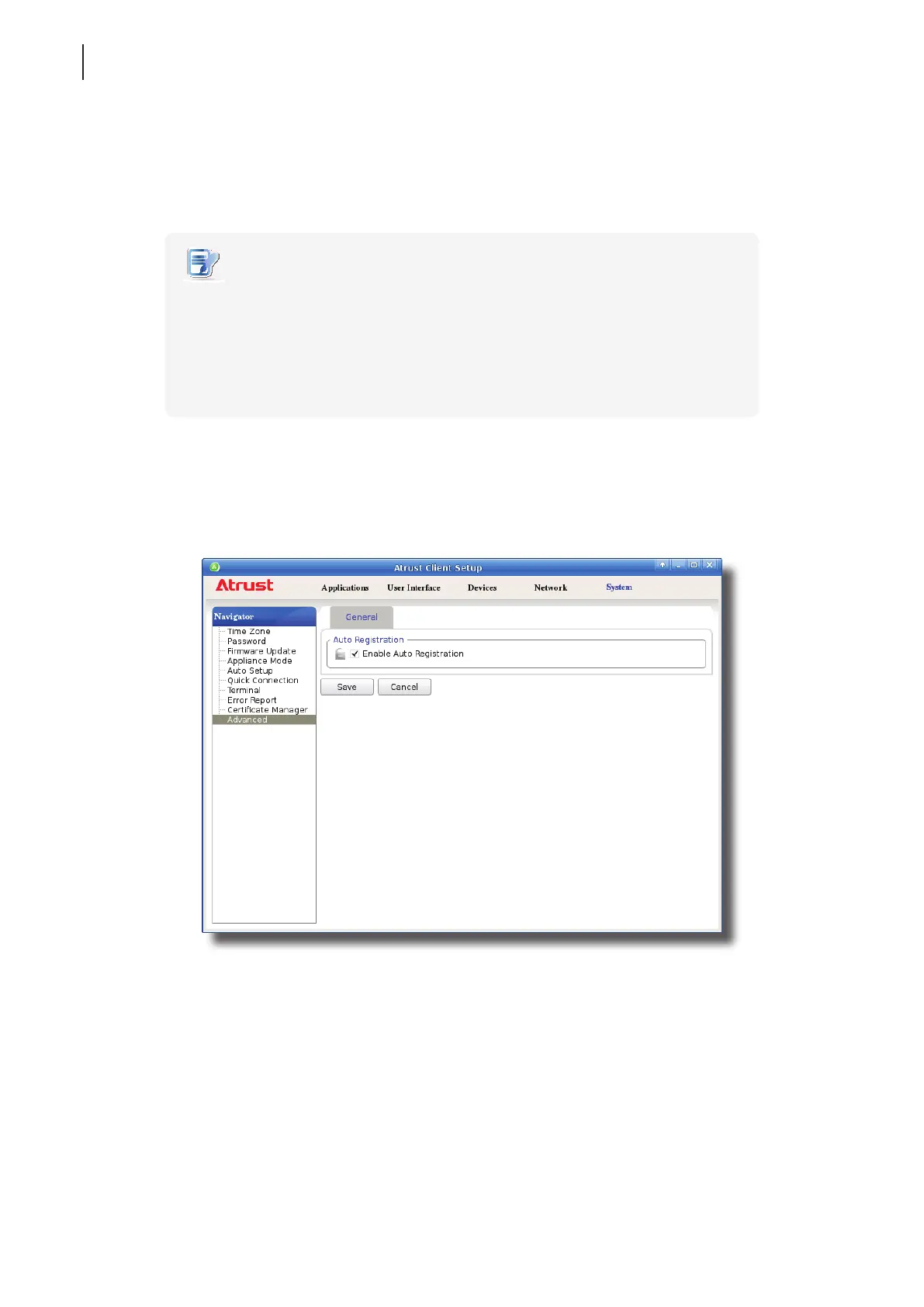
To enable or disable Auto Registration on your thin client, please do the following:
1. On Atrust Client Setup, click System > Advanced.
2. Check / Uncheck to Enable Auto Registration to enable / disable Auto Registration.
3. Click Save to apply.



 To Next Page